23
3-3 VOLUME CONTROL
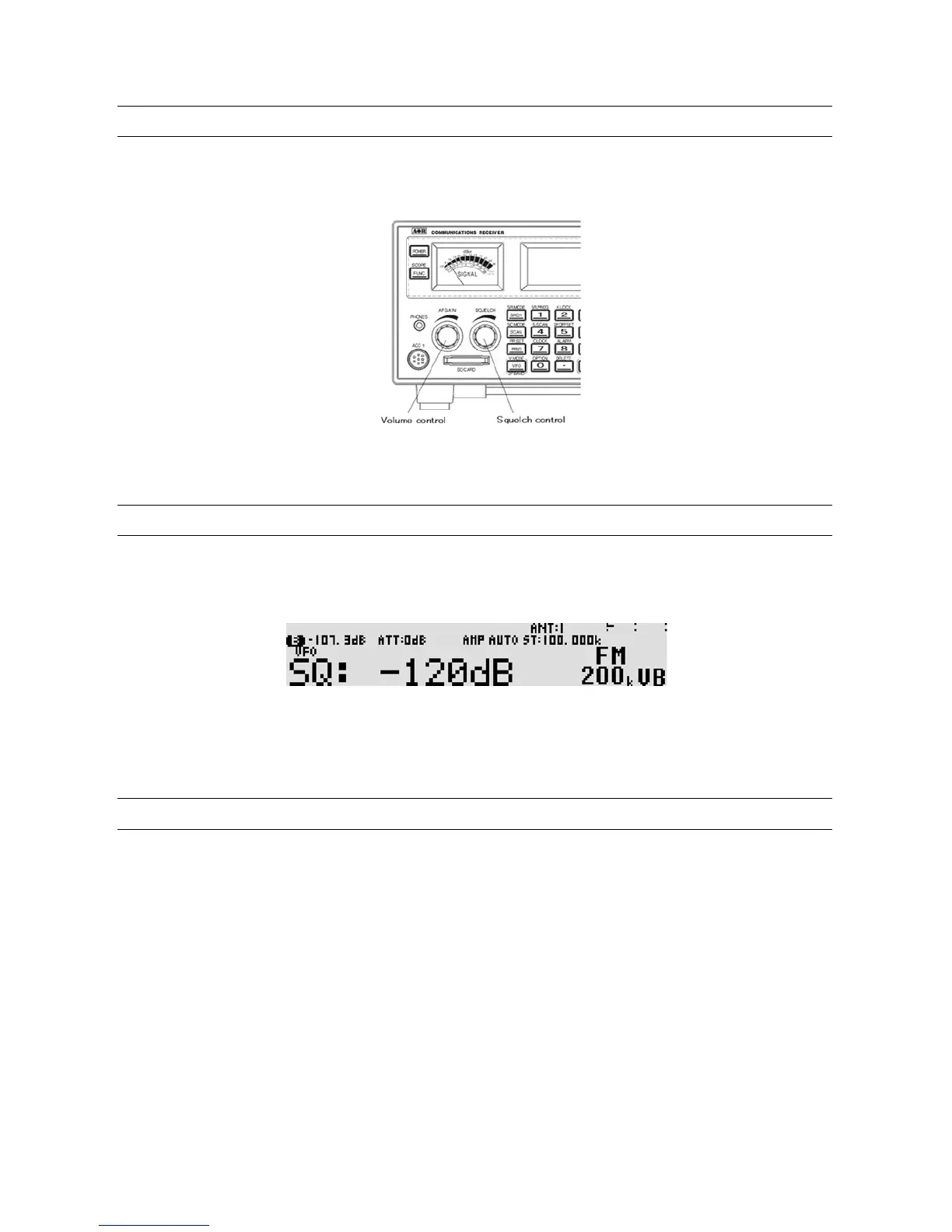
To change the volume (audio) level, rotate the volume control (AF gain) clockwise to increase, and
counterclockwise to decrease.
The audio level bar will be indicated on the LCD.
3-4 SQUELCH CONTROL
To change the squelch level, rota te the squelch control clock wise to increase, and counterclockwise to
decrease. The squelch level will be ind icated on the LCD.
After setting the squelch level, the LCD will return to original display.
While squelch opens, “B” (busy) will appear in reverse contrast on the top left of the LCD.
3-5 VFO SELECTION
The AR5001D has five (5) VFOs identified as “VA” through “VE” on the right bottom of the L CD.
The term VFO historically means ‘Variable Frequency Oscillator’ and today refers to a tunable data
storage which contains frequency, step, step-adjust, attenuator etc. Pressing the [VFO] key each time
will select the one VFO out of five.



 To Next Page