62
9-1 CONFIGURE LAMP
The AR5001D is equipped with high intensity green LEDs to illuminate the LCD when operating in areas
of low level lighting.
The lamp may be configured in two ways:
ON This is default setting. The lamp will continuously illuminate the LCD.
OFF The lamp remains permanently extinguished. This is useful when used in areas of high light levels.
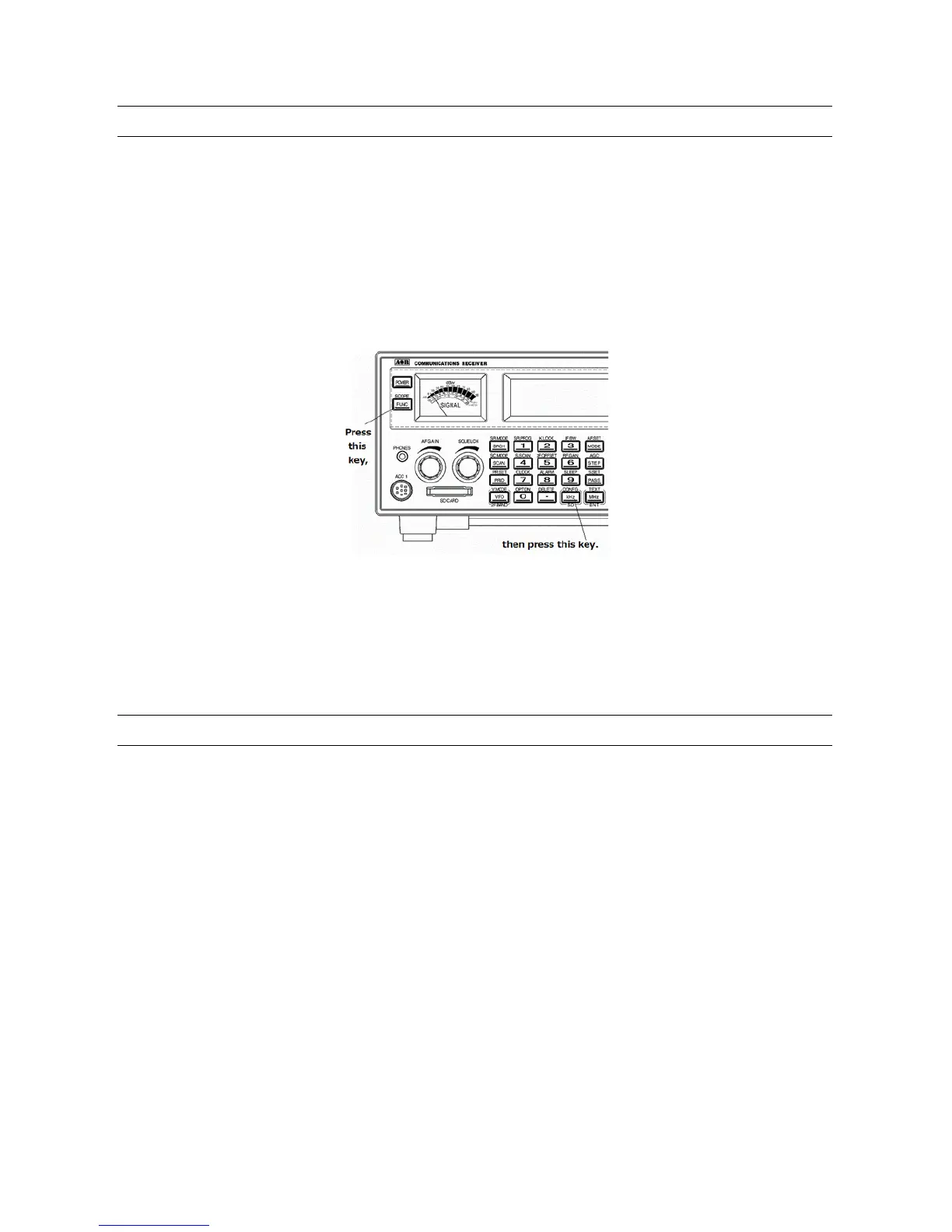
To access the configuration menu, press the [FUNC] key, and then press the [kHz] key.
When the “LAMP” is displayed in reverse contrast, rotate the sub dial to toggle the lamp on or off.
Press the [MHz] key to accept the entry and return to a standard display.
Alternatively, press the [CLR] key to abort entry.
Or, press the [DOWN] key to move to the next item on the configuration menu.
9-2 CONFIGURE BEEP
The AR5001D emits confirmation ‘beeps’ while t he keypad is used. A ‘HIGH’ p itched beep ind ic ates
correct operation while a ‘LOW’ pitched beep indicates that an error or unexpected entry has taken
place. The volume of the beep is independent of the main volume control and can be separately
defined. It is recommended that the beep function be enabled, especially while learning operation
of the receiver.
To access the configuration menu, press the [FUNC] key, and then press the [kHz] key.
Press the [DOWN] key to select “BEEP” in reverse contrast. Rotate the sub dial to select the desired
beep level between the range of 0 (off) to 7 (loudest).
Press the [MHz] key to accept the entry and return to a standard display.
Alternatively, press the [CLR] key to abort entry.
Or, press the [DOWN] key to move to the next item on the configuration menu.



 To Next Page