85
5. Press the [
DOWN
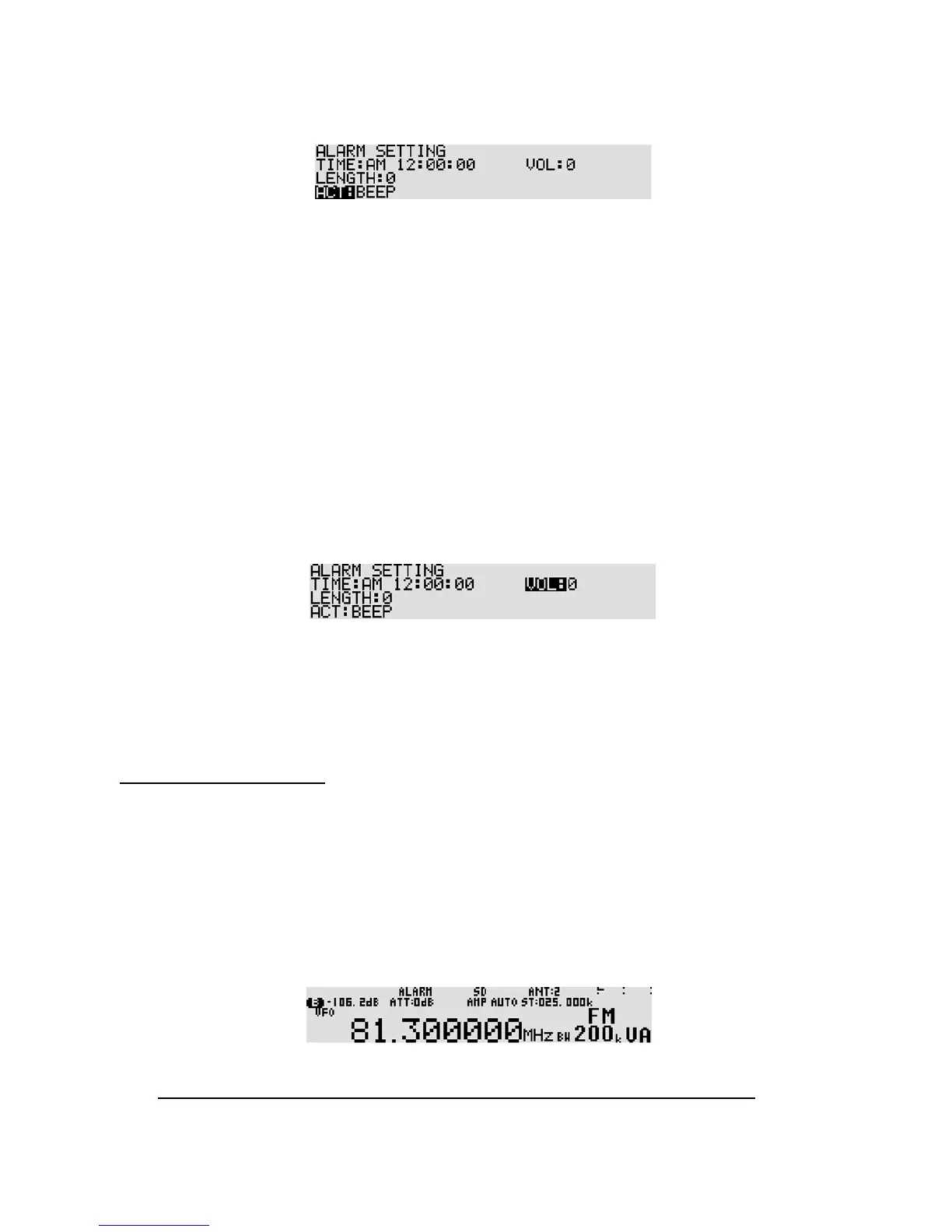
] key to select “ACT” in reverse contrast.
6. Rotate the sub dial to select from “BEEP”, “RADIO”, “RADIO (SD REC, SQL SKIP ON)”, and
“RADIO (SD REC, SQL SKIP OFF).
•
BEEP
Beep sounds for the period set below when clock 1 reaches the time set here.
•
RADIO
Radio will be switched on at the time set here and remain on for the period set below.
•
RADIO (SD REC, SQL SKIP ON)
Radio will be switched on at the time set here and audio signal is recorded on SD card
while squelch opens.
•
RADIO (SD REC, SQL SKIP OFF)
Radio will be switched on at the time set here and audio signal is recorded on SD card even when
squelch is closed.
7. Press the [
DOWN
] key to select “VOL” in reverse contrast.
8. Rotate the sub dial to select the volume level from the range of 0 ~ 255 for beep and radio during
alarm a ctivation.
9. Press the [
MHz
] key to accept the entry and return to a standard display.
Alternatively, press the [
CLR
] key to abort entry.
11-5-4 ALARM ACTIVATION
Once the alarm has been activated, “ALARM” will be displayed on the top middle of the LCD. The
AR5001D will switch on automatically once per day (presuming the receiver had been switched off)
on a daily basis at the defined volume level and for the programmed length time before automatically
switching off again until the same time on the following day.
To activate the alarm function, perform the following steps:
1. Press the [
FUNC
] key, and then press the [
8
] key. ALARM” will be displayed on the top middle of
the LCD.
2. Switch the AR5001D off by pressing the [
POWER
] switch on the front panel.
Note: Do not turn the main power switch off or unplug the power cable from the receiv er.



 To Next Page