60
3. Rotate the sub dial to select the search delay. If “hold” is selected, the receiver will stop searching
when the s ig nal is received until either the [UP] key, [DOWN] key is pressed.
4. To confirm e ntry, press the [MHz] key. To set other parameters, press the [DOWN] key.
8-2-4 VOICE SEARCH
When the voice search function is activated, the search process will stop only on active frequencies
which have modulation (such as voice) present. The AR5001D will not remain on unmodulated
frequencies (such as blank carriers).
The parameter ranges are off, hold and 1 ~ 7.
To set the voice search parameter, perform the following steps:
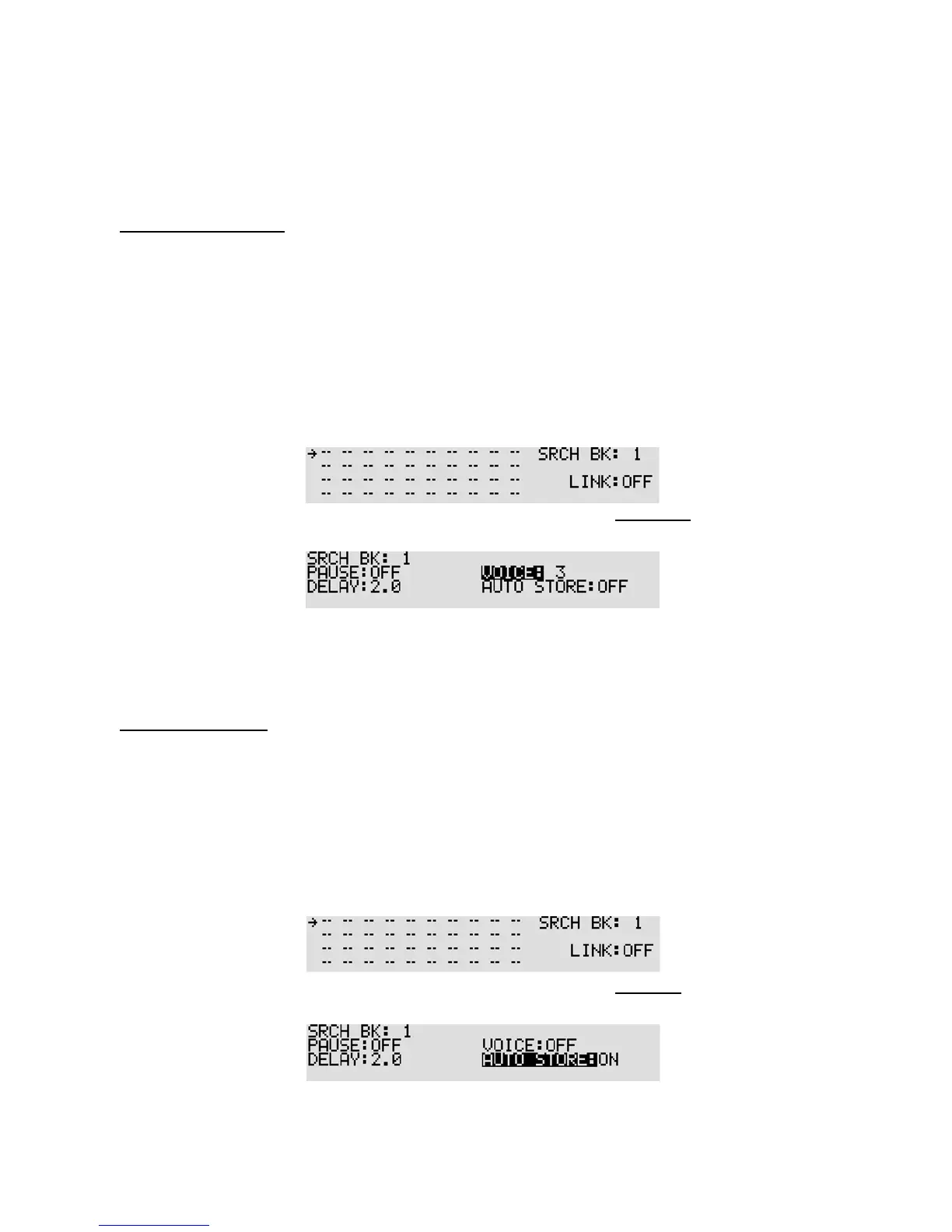
1. Press the [FUNC] key, and then press the [SRCH] key. The search link screen will appear.
2. Select the bank link group number, and then press the [DOWN] key three times.
The voice search screen will appear.
3. Rotate the sub dial to set voice search parameter (b etween 1 ~ 7 or off). To set voice search to off,
press the [PASS] key or enter “0” from the numeric keypad.
4. To confirm entry, press the [MHz] key. To set other parameters, press the [DOWN] key.
8-2-5 AUTO STORE
The auto store function automatically stores the received frequencies into memory. The received
frequencies will be saved on memory bank 39. If there is no space to save frequencies on the bank,
the auto store function will not work. If the received frequencies are already on the bank, it will not
be changed.
To set the auto store function, pe rform the follo wing steps:
1. Press the [FUNC] key, and then press the [SRCH] key. The search link screen will appear.
2. Select the bank link group number, and then press the [DOWN] key four times.
The auto store screen will appear.
3. Rotate the sub dial to set on/off.



 To Next Page