86
3. When the preset time has arrived, either the beep will sound or the radio will automatically switch
on (the receive frequency will be the last one used.)
Press any key to stop alarm when automatic switch on has occurred.
The receiver will remain active for the duration set above.
11-5-5 SLEEP TIMER
Once the sleep timer is activated, the AR5001D will automatically switch off after the sleep time duration
has expired.
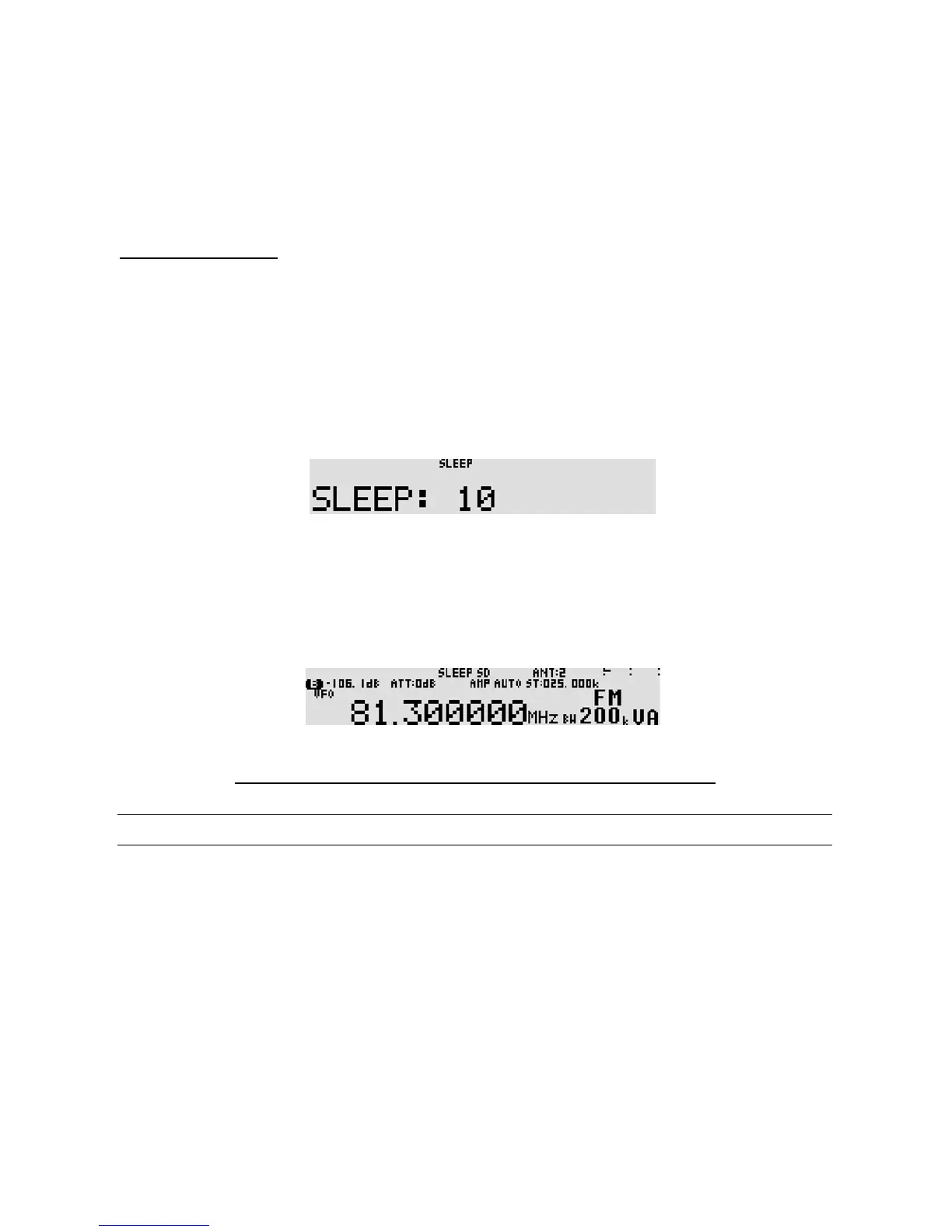
To set sleep timer, perform the following steps:
1. Press the [
FUNC
] key, and then press and hold the [
9
] key for two seconds.
2. On the sleep timer screen, rotate the sub dial to select sleep time from the period from 1 ~ 120
(minutes) in one minute increments.
3. Press the [
MHz
] key to accept the entry and return to a standard display.
Alternatively, press the [
CLR
] key to a bort entry.
To activate the sleep timer, press the [
FUNC
] key, and then press the [
9
] key.
“SLEEP” will be displayed on the top middle of the LCD.
To de-activate the alarm function, press the [
FUNC
] key and then press the [
9
] key.
Note: Do not press the [POWER] key while the sleep timer is activated.
11-6 PRIORITY FUNCTION
The priority function enables you to carry on scanning, searching or monitoring while the AR5001D
checks a selected frequency for activity (taken from one of the 2,000 memory channels periodically).
The priority checking is accomplished by momentarily tuning the receive circuit to the priority frequency
to see if it is
active
. If the activity is found, the AR5001D will remain on the active frequency until
the signal disappears. If no activity is detected, the receiver returns to the VFO frequency, scan channel
or search bank from where it originated.
The priority function has a large number of applications and is particularly useful for keeping an eye on
a distress frequency while scanning or searching another frequency band.



 To Next Page