74
4. Press the [MHz] key to accept the entry and return to a standard display.
Alternatively, press the [CLR] key to abort entry, or press the [DOWN] key to move to the next item
on the configuration menu.
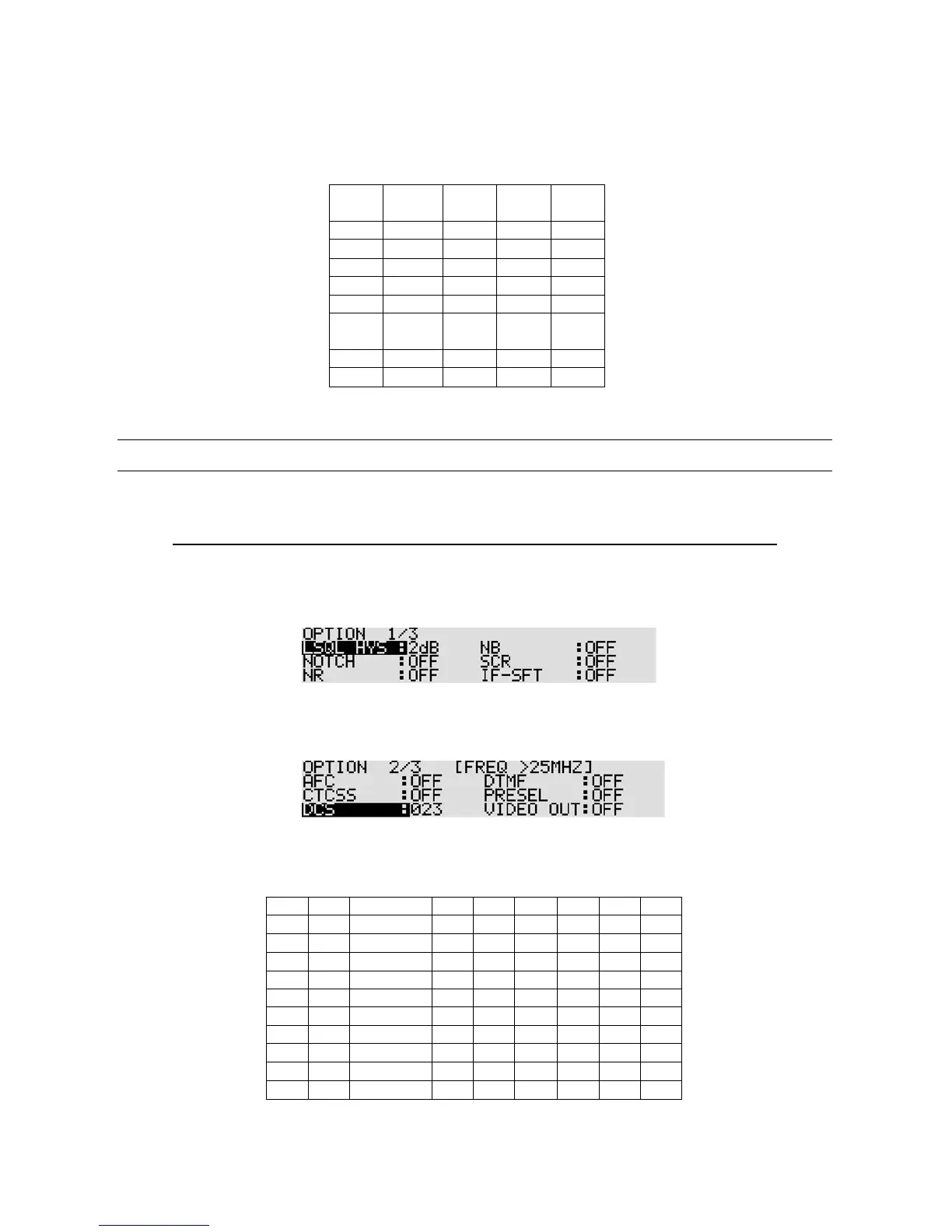
CTCSS frequencies (in Hz)
10-9 DCS (DIGITAL CODED SQUELCH)
DCS function is used to decode a selected digital code that uses 23 bit c ode data sent lower than the
voice frequency. The data speed is 134.3 bit/sec in NRZ (Non-Return-Zero) format FM modulation.
Note: This function operates only in the NFM mode with a frequency of 25 MHz or higher.
To activa te the function, perform the following steps:
1. Press the [FUNC] key, and then press the [0] key.
2. Press the [DOWN] key several times to select “DCS” in reverse contrast.
3. Rotate the sub dial to select the DCS code from the list below.
To set DCS off (ALL), press the [PASS] key.
4. Press the [MHz] key to a ccept the entry and return to a standard display.
Alternatively, press the [CLR] key to abort entry, or press the [DOWN] key to move to the next item
on the configuration menu.
DCS codes



 To Next Page