71
level from the range of 0 ~ 9 dB.
3. Press the [MHz] key to a ccept the entry and return to a standard display.
Alternatively, p ress the [CLR] key to abort entry, or press the [DOWN] key to move to the next item
on the configuration menu.
10-2 NOTCH (AUTO NOTCH)
Auto notch function is effective for cycle noise on the receive signal.
To activa te the function, perform the following steps:
1. Press the [FUNC] key, and then press the [0] key.
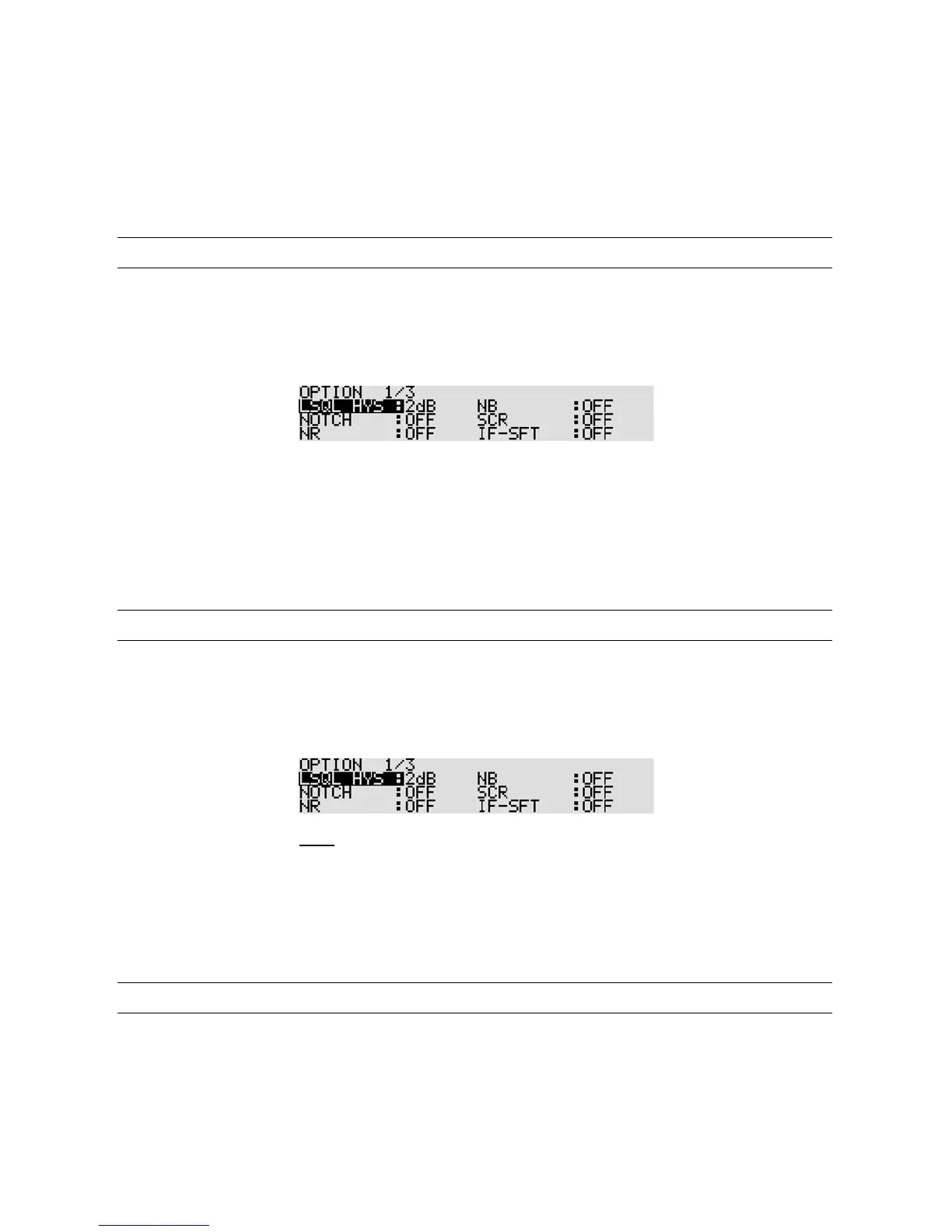
2. Press the [DOWN] key to select “NOTCH” in reverse contrast.
3. Rotate the sub dial to select the level from the choice of OFF, LOW, MID, and HIGH.
4. Press the [MHz] key to a ccept the entry and return to a standard display.
Alternatively, press the [CLR] key to abort entry, or press the [DOWN] key to move to the next item
on the configuration me nu.
10-3 NR (NOISE REDUCTION)
Noise reduction function is effective for random noise on the receive signal.
To activa te the function, perform the following steps:
1. Press the [FUNC] key, and then press the [0] key.
2. Press the [DOWN] key twice to select “NR” in reverse contrast.
3. Rotate the sub dial to select the level from the choice of OFF, LOW, MID, and HIGH.
4. Press the [MHz] key to a ccept the entry and return to a standard display.
Alternatively, press the [CLR] key to abort entry, or press the [DOWN] key to move to the next item
on the configuration menu.
10-4 NB (NOISE BLANKER)
Noise blanker function is effective for pulse noise on the receive signal.
To activa te the function, perform the following steps:



 To Next Page