84
a) Press the [
4
] key. Ro tate the sub dial to select “U”.
b) Press the [
UP
] key to move the cursor to the right.
c) Press the [
4
] key. Rotate the sub dial to select “T”.
d) Press the [
UP
] key.
e) Press the [
3
] key. Ro tate the sub dial to select “C”.
4. Press the [
MHz
] key to adjust calendar.
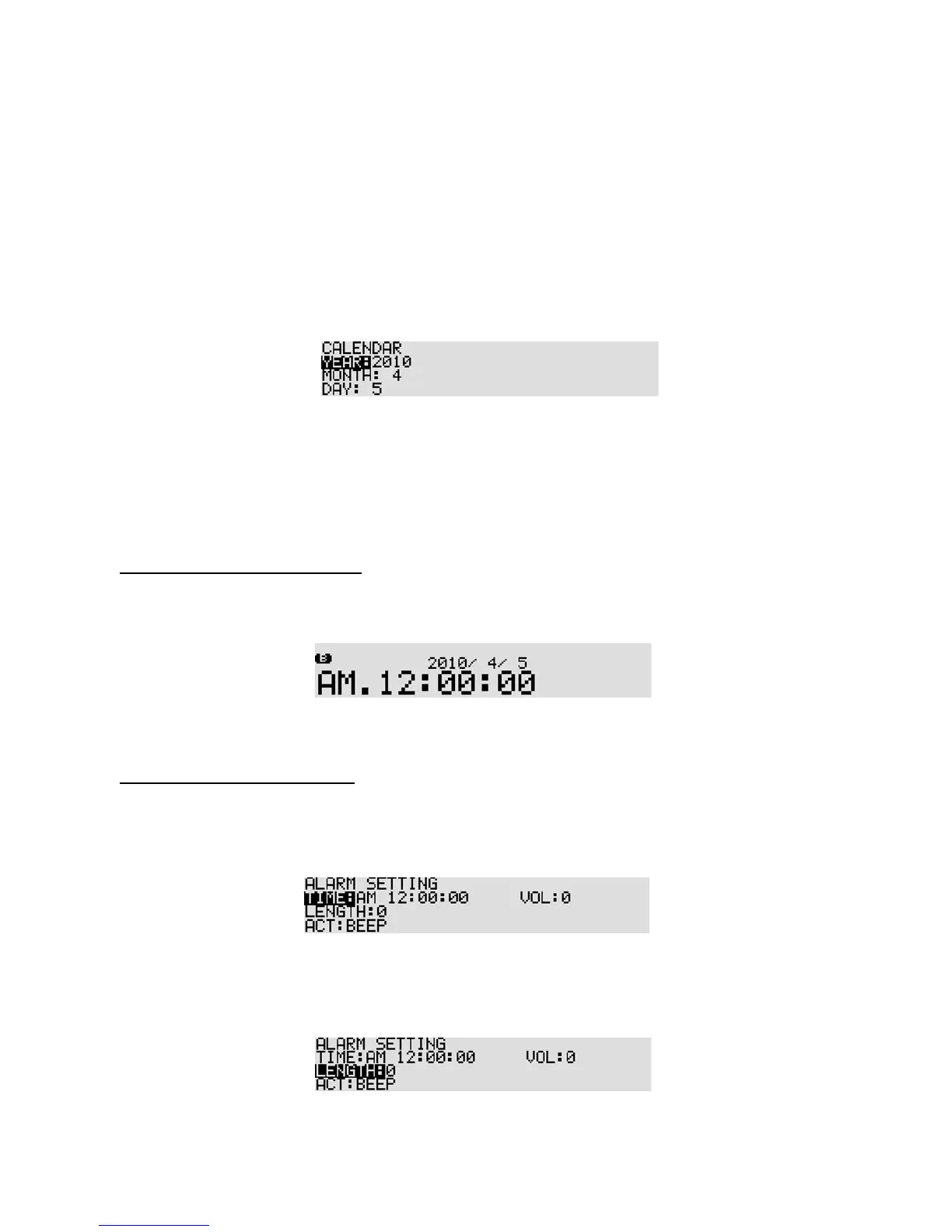
11-5-1-3 CALENDAR
1. Rotate the sub dial to adjust year.
2. Press the [
DOWN
] key.
3. Rotate the sub dial to adjust month.
4. Press the [
DOWN
] key.
5. Rotate the sub dial to adjust day.
6. Press the [
MHz
] key to confirm entry.
11-5-2 DISPLAY ING THE CLOCK
Press the [
FUNC
] key, and then press the [
7
] key.
Rotate the sub dial to toggle between clock 1 and clock 2.
To return to a standard display, press the [
FUNC
] key, and then press the [
7
] key.
11-5-3 ALARM PROGRAMMING
To access the alarm menu, perform the following steps:
1. Press the [
FUNC
] key, and then press and hold the [
8
] key for two seconds.
2. Rotate the main dial to set the hour, and rotate the sub dial to select the minutes for automatic
switch on.
3. Press the [
DOWN
] key to select “LENGTH” in reverse contrast.
4. Rotate the sub dial to select how long (in minutes) the ALARM or RADIO will stay powered-on once
the alarm has activated. The ava ilable time period is from 1 to 120 minutes.



 To Next Page