53
2. When the receiver stops on a busy frequency, you c an resume manual search by rotating the main
dial or pressing the [UP] key or [DOWN] key.
3. While the receiver stops on receive signal, pressing the [PASS] key will register the receive frequency
to the VFO pass frequencies. This frequency will be locked out (passed) after the next search and
not be received.
4. While the receiver stops on receive signal, pressing the [MHz] key will transfer the receive frequency
to the VFO-D and quit searching.
5. To stop the manual search, press the [VFO] key.
8-1-2 PROGRAM SEARCH
The AR5001D has 20 program search ba nks (referred to simply as search banks) which can be
programmed with specific parameters:
LO (lower) start frequency
HI (upper) stop frequency
Receive mode (or set to AUTO MODE)
Text comment
The program search banks are identified by numbers (00 ~ 19). To help with identification, each bank
may be labeled with an alphanumeric text comment.
8-1-2-1 START ING PROGRAM SEARCH
Presuming that data is already stored into a search bank.
Press the [SRCH] key to start the program search process.
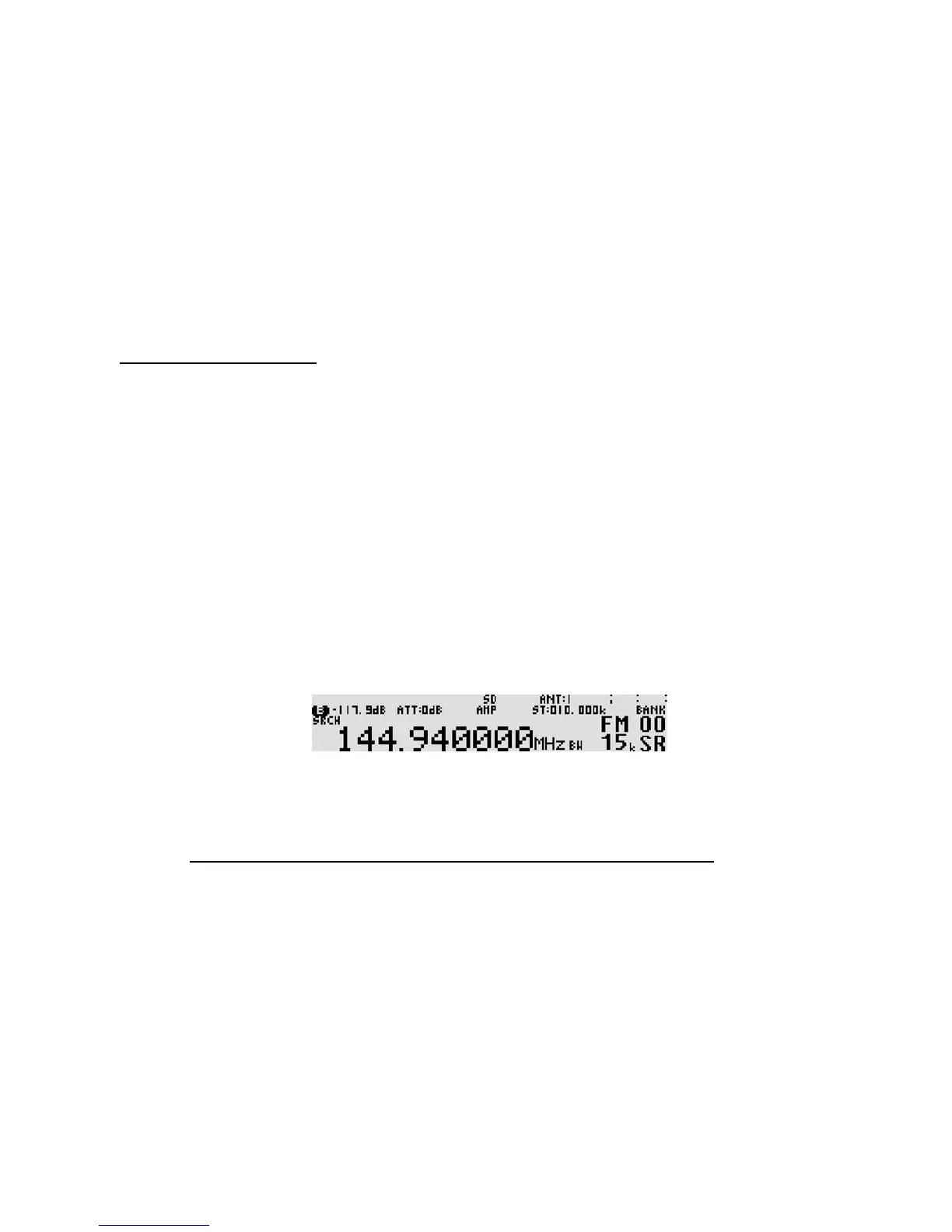
“SR” icon will be displayed on the right bottom of the LCD. As long as the squelch is closed, the
search process will start from the lower frequency limit and will progress toward the upper frequency
limit. When the program limit is reached, the s earch loops around and starts the process again.
Note: If no search banks have been pro grammed, the search will not operate.
8-1-2-2 REVERSING THE SEARCH DIRECTION
To reverse the searc h direction, rotate the main tuning dial or press the [UP] key or [DOWN] key.
This is useful to enable you to search back over an interesting point of the search process.
8-1-2-3 FORCING THE SEARCH TO RESUME
If the AR5001D stops on an unwanted busy frequency, rotate the ma in tuning dial knob or press the
[UP] key or [DOWN] key to force the search process to resume from the current frequency displayed.



 To Next Page