64
Press the [DOWN] key four times to select “SQL SKIP” in reverse contrast.
Rotate the sub dial to select either on or off.
Press the [MHz] key to accept the entry and return to a standard display.
Alternatively, press the [CLR] key to abort entry.
Or, press the [DOWN] key to move to the next item on the configuration menu.
9-6 CONFIGURE UNIT
The AR5001D is capable of displaying antenna input level in dBm o r dBu.
To access the configuration menu, press the [FUNC] key, and then press the [kHz] key.
Press the [DOWN] key five times to select “UNIT” in reverse contrast.
Rotate the sub dial to select either dBm or dBu.
Press the [MHz] key to accept the entry and return to a standard display.
Alternatively, press the [CLR] key to abort entry.
Or, press the [DOWN] key to move to the next item on the configuration menu.
9-7 CONFIGURE ANT PROGRAM
The AR5001D has two ante nna input ports and may be assigned according to the receive frequencies.
Note: 1. When the receiving frequency is below 25 MHz, antenna 2 must be used.
2. When an optional (e xternal) AS5001 antenna relay switch is connected,
up to 4 antennas may be used.
Configuring example: Antenna 1: 25 MHz ~ 100 MHz
Antenna 2: 200 MHz ~ 300 MHz
To configure the antenna program, perform the following steps:
1. Press the [FUNC] key, and then press the [kHz] key.
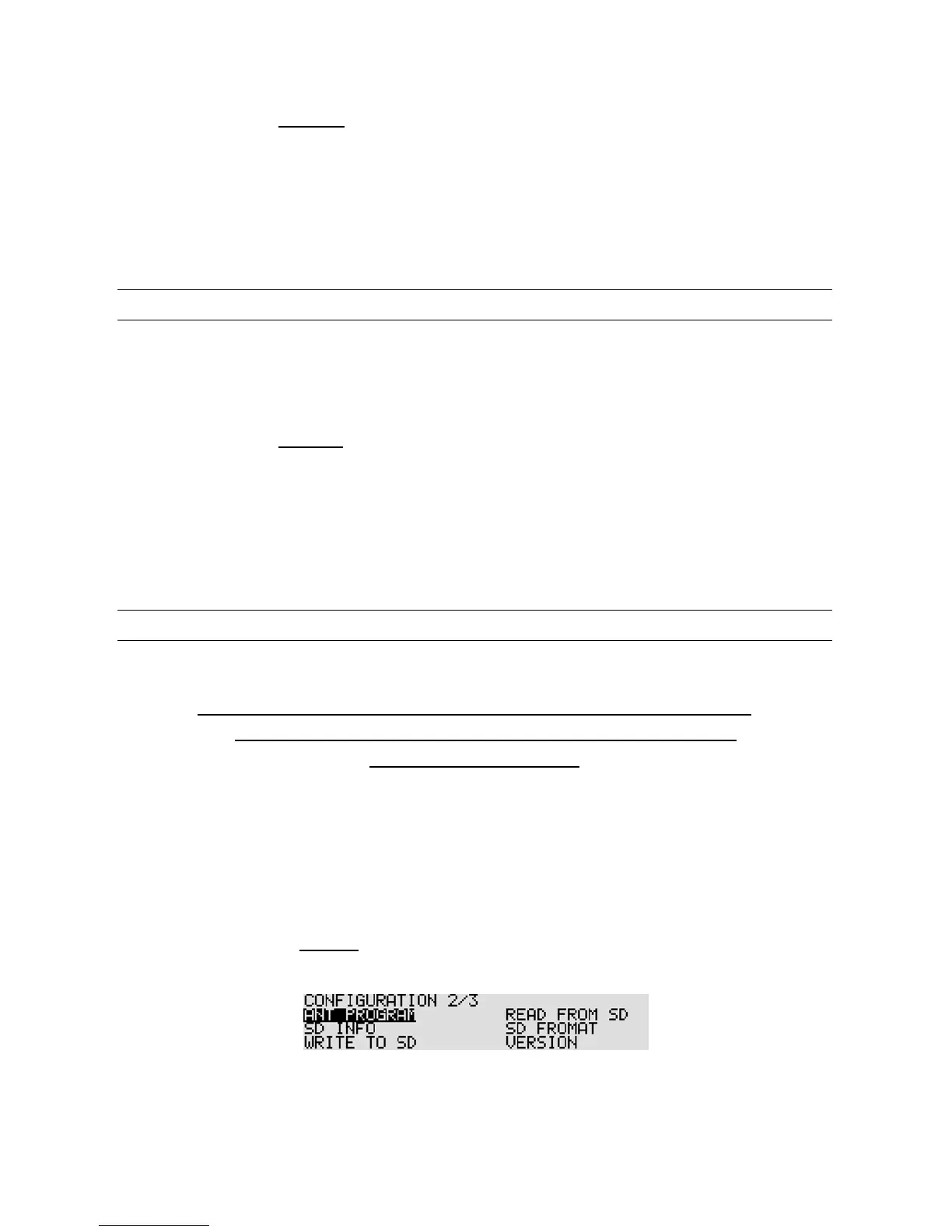
2. Press the [DOWN] key six times to go to “Configuration 2/3” and select “ANT PROGRAM” in
reverse contrast.
3. Press the [MHz] key.



 To Next Page