80
The squelch parameter ranges are off and 1 ~ 7.
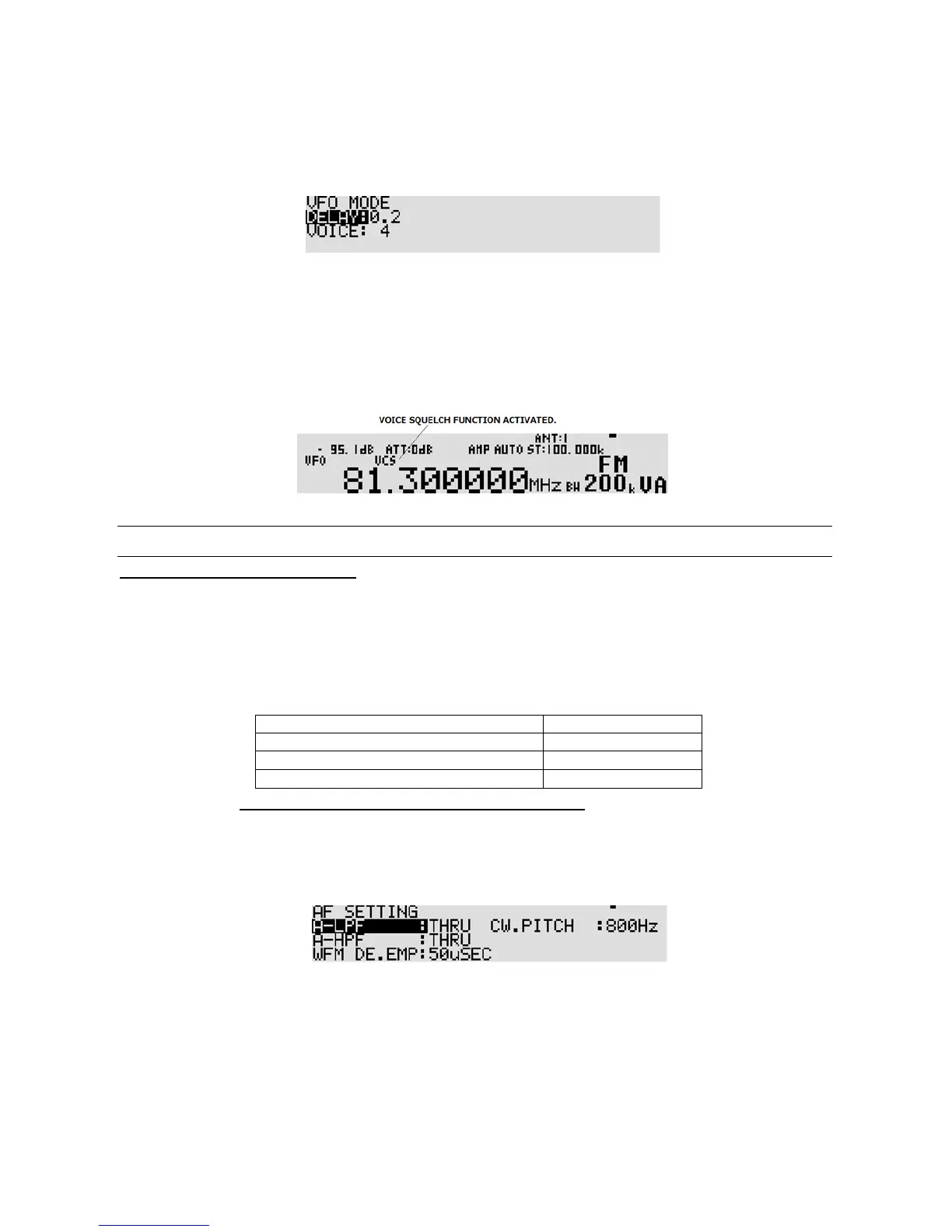
To set the voice squelch parameter, perform the following steps:
1. Press the [
FUNC
] key, and then press the [
VFO
] key.
2. Press the [
DOWN
] key to select “VOICE” in reverse contrast.
3. Rotate the sub dial to set voice squelch parameter (between 1 ~ 7 or off).
To set it to off, press the [
PASS
] key.
4. To confirm entry, press the [
MHz
] key. To set other parameters, press the [
DOWN
] key.
5. While the VFO squelch function is activated, “VCS” will appear on the LCD.
11-4 AUDIO FILTERS
11-4-1 LPF (LOW PASS FILTER)
The audio low pass filter cuts off high tones to improve intelligibility of weak signals close to adjacent
interference and removes hiss. This makes listening for extended periods of time easier on the ea rs.
There are three available selections for cut off frequencies: 3 kHz, 6 kHz, and THROUGH.
The low pass filter is automatically selected according to the IF bandwidth.
IF bandwidth: Less than 3
IF bandwidth: More than 15
Note: Low pass filter is not selectable in CW mode.
To select low pass filter cut off frequency, perform the following steps:
1. Press the [
FUNC
] key, and then press the [
MODE
] key.
2. Rotate the sub dial to select the desired cut off frequency.
3. Press the [
MHz
] key to accept the entry and return to a standard display.
Alternatively, press the [
CLR
] key to abort entry.



 To Next Page