57
8-1-2-9 DELETING PASS CHANNELS
To delete one pass channel, perform the following steps:
1. Press and hold the [PASS] key for two seconds.
2. Rotate the sub dial to select the bank.
3. Press the [DOWN] key.
4. Rotate the sub dial to select the desired channel to delete.
5. Press the [PASS] key.
To delete search pass bank (all channels in a search bank), perform the following steps:
1. Press the [FUNC] key, and then press and hold the [.] key for two seconds.
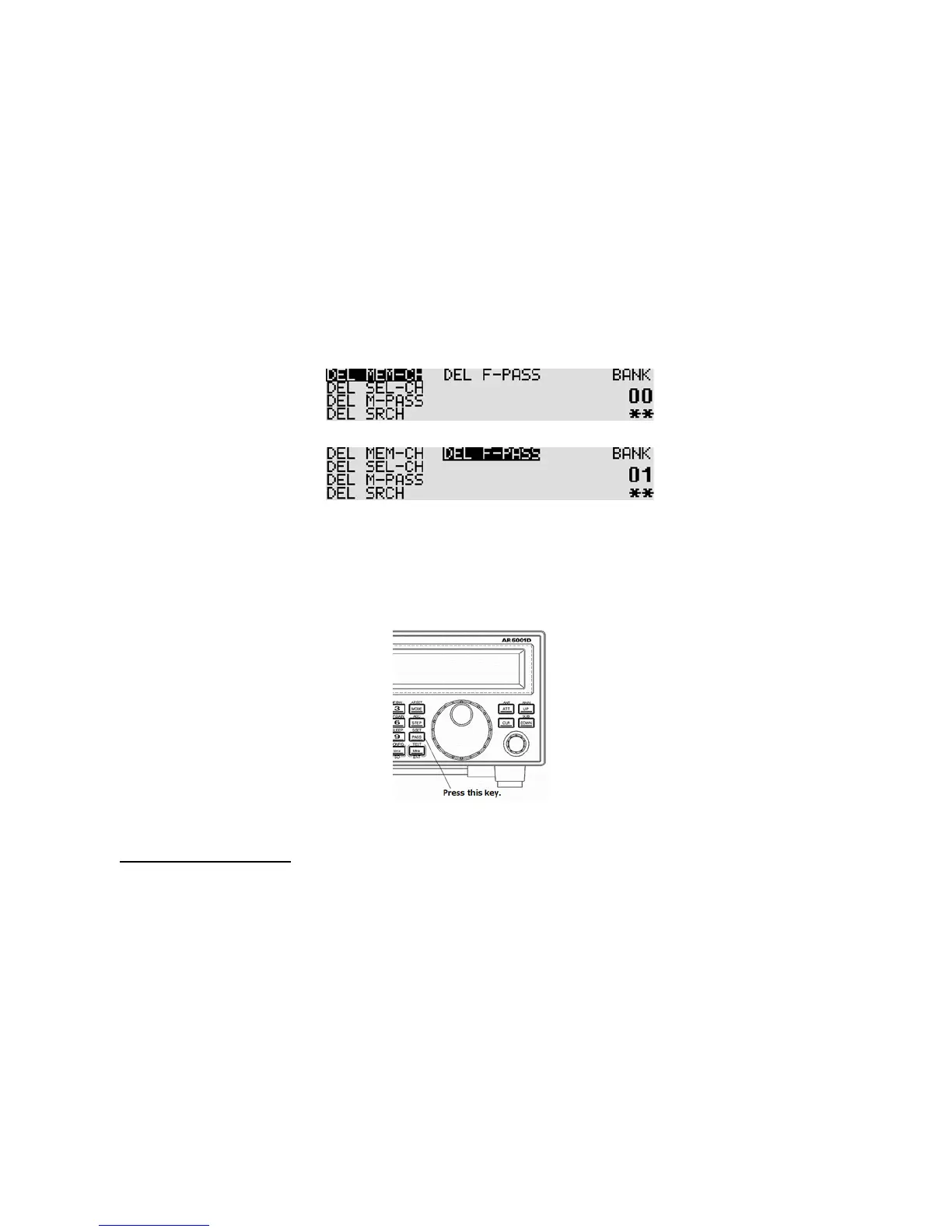
The following delete menu will appear with “DEL MEM-CH” in reverse contrast.
2. Press the [DOWN] key to move the cursor downward. Select “DEL F-PASS” in reverse contrast.
3. Rotate the sub dial to select the search bank. When the search bank has registered frequencies,
“**” will be displayed on the bottom right corner of the LCD. If there is no registered frequency,
“- -“ will appear. When “v” appears on the bank number, it indicates the VFO search pass
frequencies.
4. Press the [PASS] key to delete.
5. Press the [MHz] to exit from this menu.
8-1-3 CYBER SEARCH
A special function has been provided to speed up the search process (which is capable of searching
about 100 channels per second).
Unlike other normal searching processes, the Cyber search automatically searches all frequencies in the
search bank with a signal level above the squelch level and monitors them at the same time.
The search results will be displayed in the signal level order (the strongest signal displays first) not in
frequency order.



 To Next Page