78
11-2 SUB DIAL SETTING
The sub dial can be used to select the receive frequency in three different ways.
•
Same step size as the main dial
•
10 times faster than the main dial
•
One of the step sizes from 0.1 kHz (100 Hz), 0.5 kHz (500 Hz), 1 kHz, 5 kHz, 10 kHz,
50 kHz, 100 kHz, 500 kHz, 1000 kHz (1 MHz)
To se lect the sub dial step frequency, perform the following steps:
1. Press the [
STEP
] key.
2. Press the [
UP
] key.
3. Rotate the sub dial to select the new step frequency.
4. Press the [
MHz
] key to accept the entry and return to a standard display.
Alternatively, press the [
CLR
] key to abort entry.
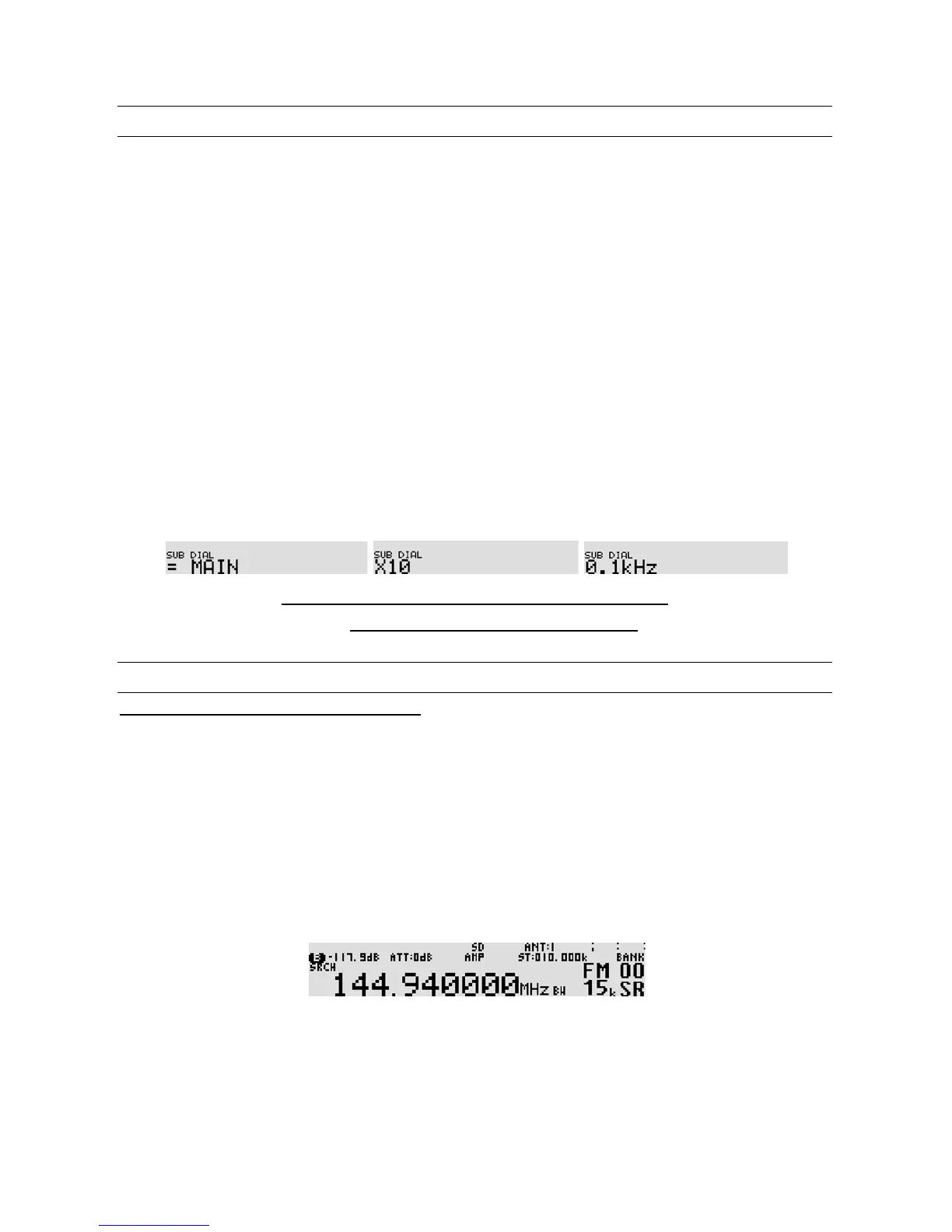
Sub dial step frequency list
MAIN, X10, 0.1 kHz, 0.5 kHz, 1 kHz, 5 kHz, 10 kHz, 50 kHz, 100 kHz, 500 kHz, 1000 kHz
(***Note: MAIN: Same step frequency with the main dial
X10: 10 times faster than the main dial***)
11-3 VFO SETTING
11-3-1 TRANSFER FREQUENCY TO VFO
11-3-1-1 WHILE IN SEARCH MODE
•
While stopping on the busy frequency
Press the [
SRCH
] key or [
MHz
] key. The active frequency will be transferred to VFO-D, and
the AR5001D will switch to VFO-D automatically.
•
While searching
Press the [
SRCH
] key. The active frequency will be transferred to VFO-D, and the AR5001D
will switch to VFO-D automatically.
11-3-1-2 WHILE IN SCAN MODE
•
While stopping on the busy channel or in memory read mode
Press the [
MHz
] key. The active channel will be transferred to VFO-C, and the AR5001D will
switch to VFO-C automatically.



 To Next Page