Disassembly and Replacement Procedures
118
6-3-17. Replacing the Position Detection Board (for the Detection of the Humidity
Chamber Cover)
(1) Remove the humidity chamber cradle from the up-
per section of the main body.
See (1) ~ (3) in “6-3-12. Replacing the Humidity
Chamber Cradle.”
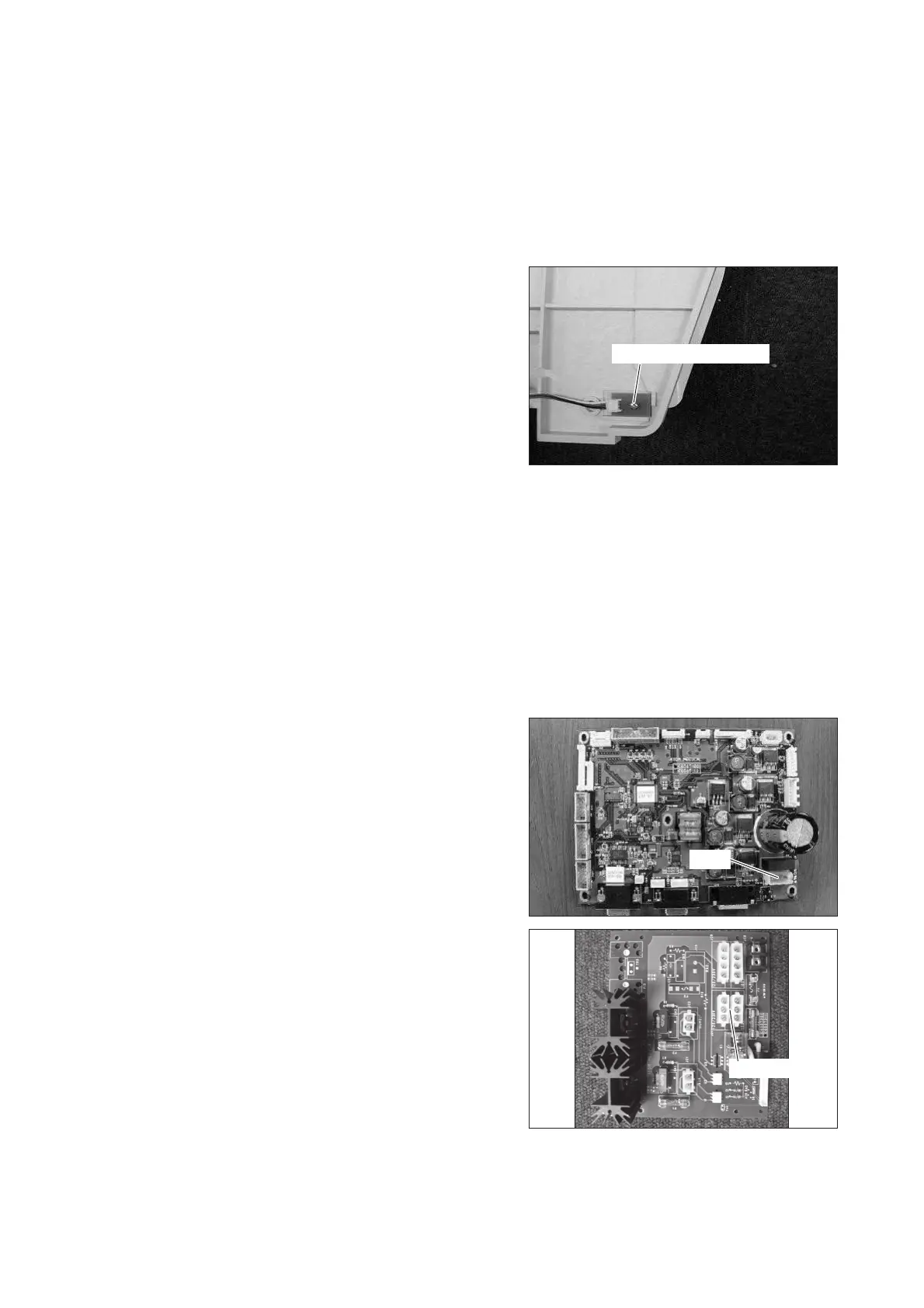
(2) Remove the position detection board.
Remove the tapping screw (M3 x 8) with a Phillips
screwdriver and then remove the connector.
Tapping screw (M3x8)
(3) Reassembly: Reassemble in the reverse order of dis-
assembly.
6-3-18. Replacing the Control Power Transformer
(1) Remove the upper section of the main body from
the main body.
See (1) ~ (5) in “6-3-1. “Removing the Upper Sec-
tion of the Main Body from the Main Body.”
(2) Remove the wire.
Remove the connector (JA16) from the control board
(for the Dual Incu i) and the connector (JC6: 100V
or JC7: 120V/230V) from the heater control board
(for the Incu i). Cut the Tie Wrap fixing the removed
wire.
For details, see “[8] Wiring Diagram.”
JC6 or JC7
JA16


 To Next Page