Parts Identification
20
2-3-3. List of Operations Available on Each Screen
Table 1. List of Setting Operations Available on Each Screen
Pulse
oximeter
screen
쎻
쎻
쎻
쎻
Main
screen
쎻
쎻
쎻
쎻
Menu
screen
쎻
Trend
screen
❋2
쎻
쎻
쎻
쎻
Weight
screen
❋1
쎻
쎻
쎻
쎻
쎻
Setting (measuring)
Operation
Temperature-related
operation (manual/servo)
Setting humidity
Setting oxygen control
Setting SpO2/pulse rate
upper/lower alarm limits
Weighing the infant
❋1
Selecting other advanced
settings
쎻: Setting (measuring) operation available
: Setting operation not available
—: The function not provided
❋1: Optional function ❋2: Types selectable on the menu screen
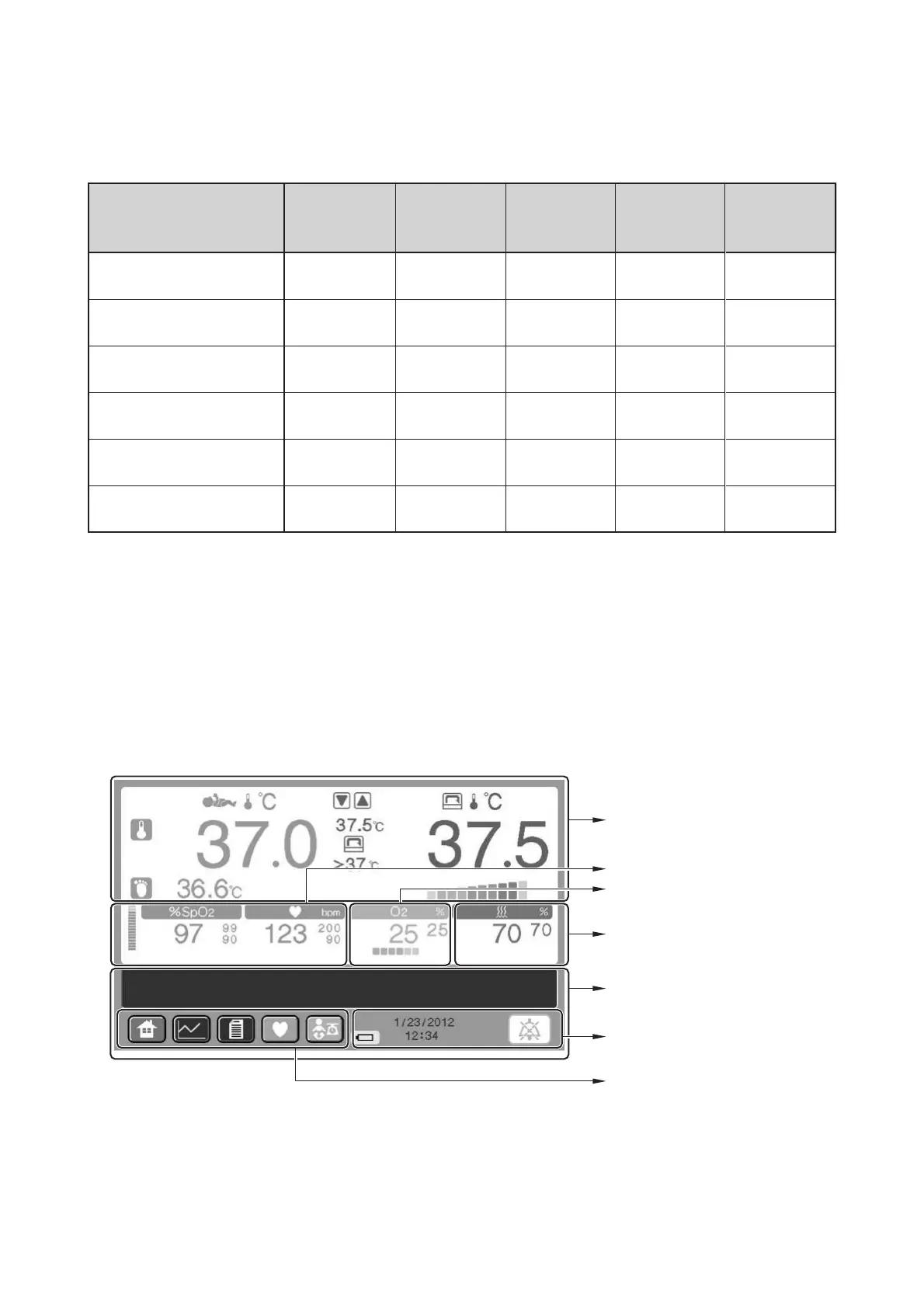
2-3-4. Main screen
Temperature area (See p.28)
Relative humidity area (See p.28)
Message area (See p.30)
Clock and other indicators area
(See p.30)
Oxygen area (See p.28)
Screen display seitch area
(See p.29)
Pulse area (See p.29)



 To Next Page