Parts Identification
18
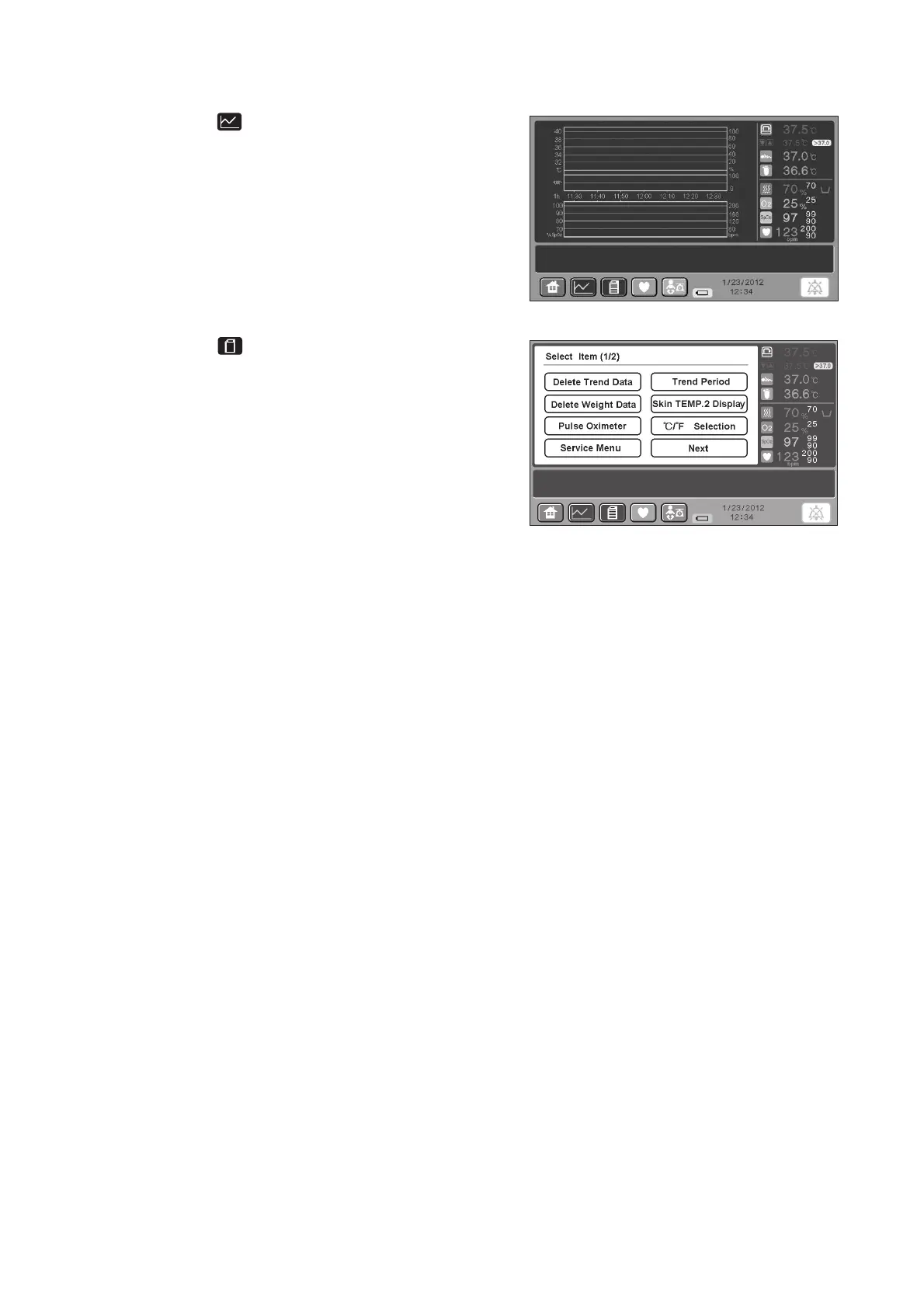
(5) [Trend screen]
Touch the switch on any other screen, and the
trend screen will be displayed.
This screen displays trend graphs.
(6) [Menu screen]
Touch the switch on any other screen, and the
menu screen for advanced settings will be displayed.
Use this screen to select advanced settings. In addi-
tion, the set temperature, the incubator air tempera-
ture, the skin temperature 1, the skin temperature
2, the relative humidity, the oxygen concentration,
SpO2, the pulse rate, etc. are displayed.
When this screen is displayed, you can only select
advanced settings of each menu item or switch the
screen to another.



 To Next Page