4
5. Other symbols
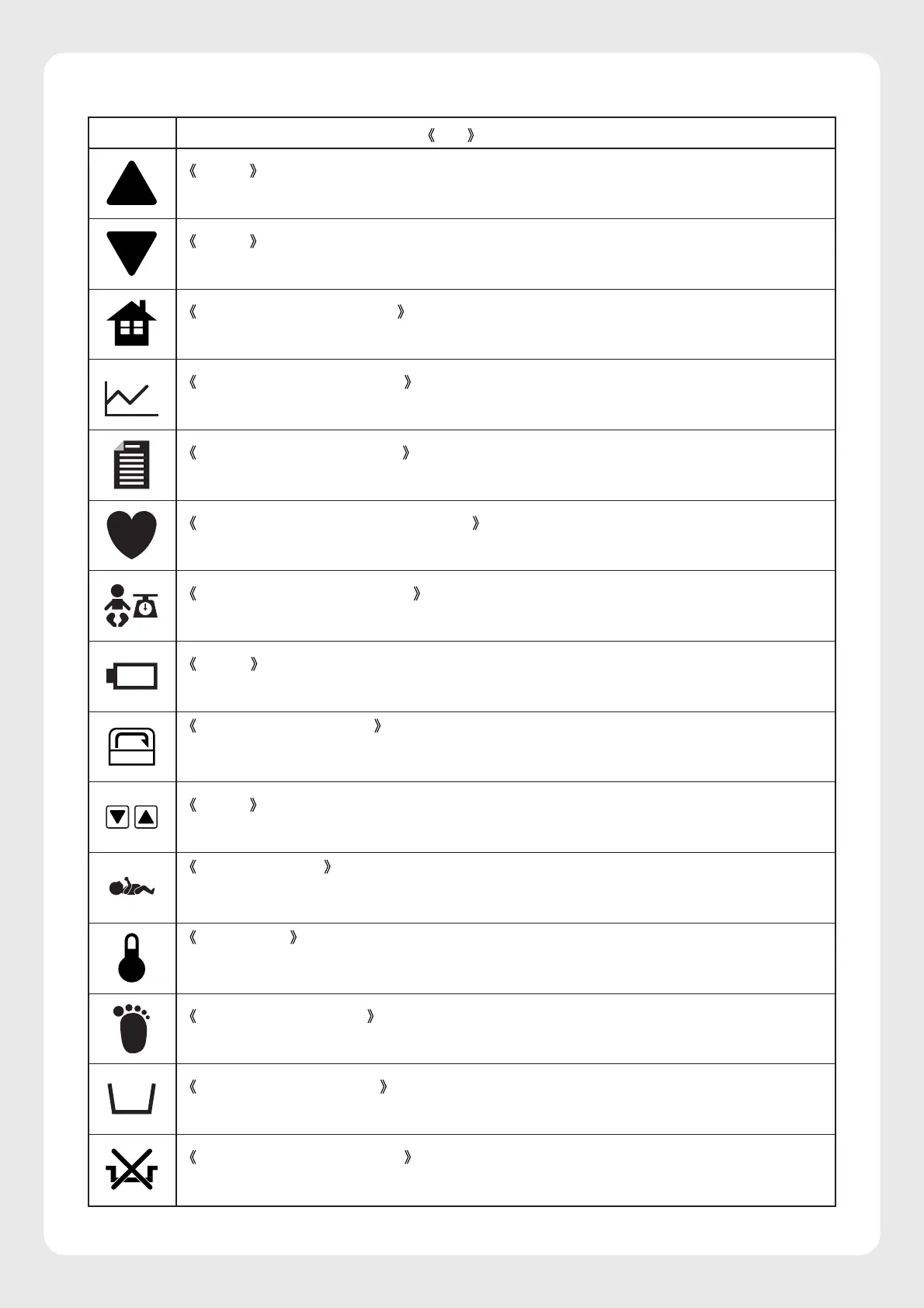
Symbol
Title and indication
Setting
Indicates that a setting is increased.
Setting
Indicates that a setting is decreased.
Main screen display switch
Indicates a switch to display the main screen.
Trend screen display switch
Indicates a switch to display the trend screen.
Menu screen display switch
Indicates a switch to display the menu screen.
Pulse oximeter screen display switch
Indicates a switch to display the pulse oximeter screen or the function related to the pulse rate.
Weight screen display switch
Indicates a switch to display the weight screen or the function related to weighing the infant.
Battery
Indicates whether the incubator is being powered by a battery or not.
Incubator air circulation
Indicates the function related to air circulation in the incubator in the incubator mode or that the
incubator is in manual control.
Setting
Indicates set values or the setting procedure.
Skin temperature
Indicates the function related to the infant’s skin temperature or that the incubator is in servo
control.
Temperature
Indicates, with this symbol alone or with other symbols, a detected temperature or a set tempera-
ture alarm.
Peripheral temperature
Indicates the function related to the infant’s peripheral temperature (skin temperature 2).
Low water level/no water
Indicates that there is little or no water in the humidity chamber.
Defective humidity chamber
Indicates that something is wrong with the humidity chamber.



 To Next Page