30 User’s Manual—SNAP™ 500 Gen 1 and Gen 2
Classification: Avery Dennison - Public
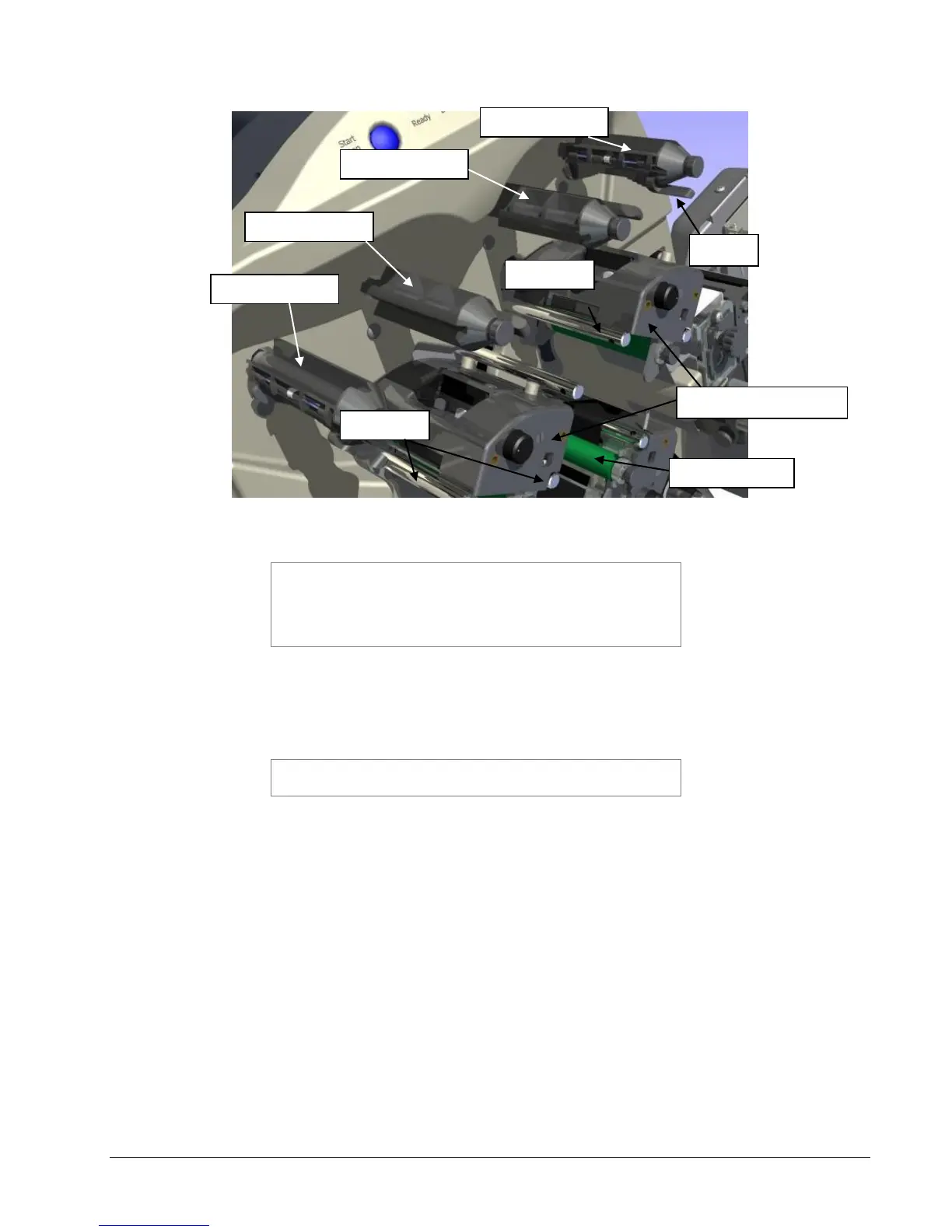
Figure 7: Upper Ink Supply and Print Stations – Unloaded (Gen 2 shown)
NOTE: The ink system is designed to rewind one roll of ink
at a time. When the rewind core is full, replace it with an
empty ink core. Do not try to add a second roll to the first
rewind core, since it will not track through the printer
correctly and will result in poor print quality.
2. Remove the plastic packaging around the roll of ink and install it on the ink
supply arbor. Ensure that the leading edge is pointing toward the Tape
Arbor.
NOTE: For best results, leave the ink roll wrapped in
plastic until you are ready to use it in the printer.
3. Open the print roller (See Figure 8).
4. Pull the ink down and to the right, beneath the turn bar, between the upper
print roller and the upper print station, toward the stacker side of the upper
ink rewind arbor.















 To Next Page