User’s Manual—SNAP™ 500 Gen 1 and Gen 2 81
Classification: Avery Dennison - Public
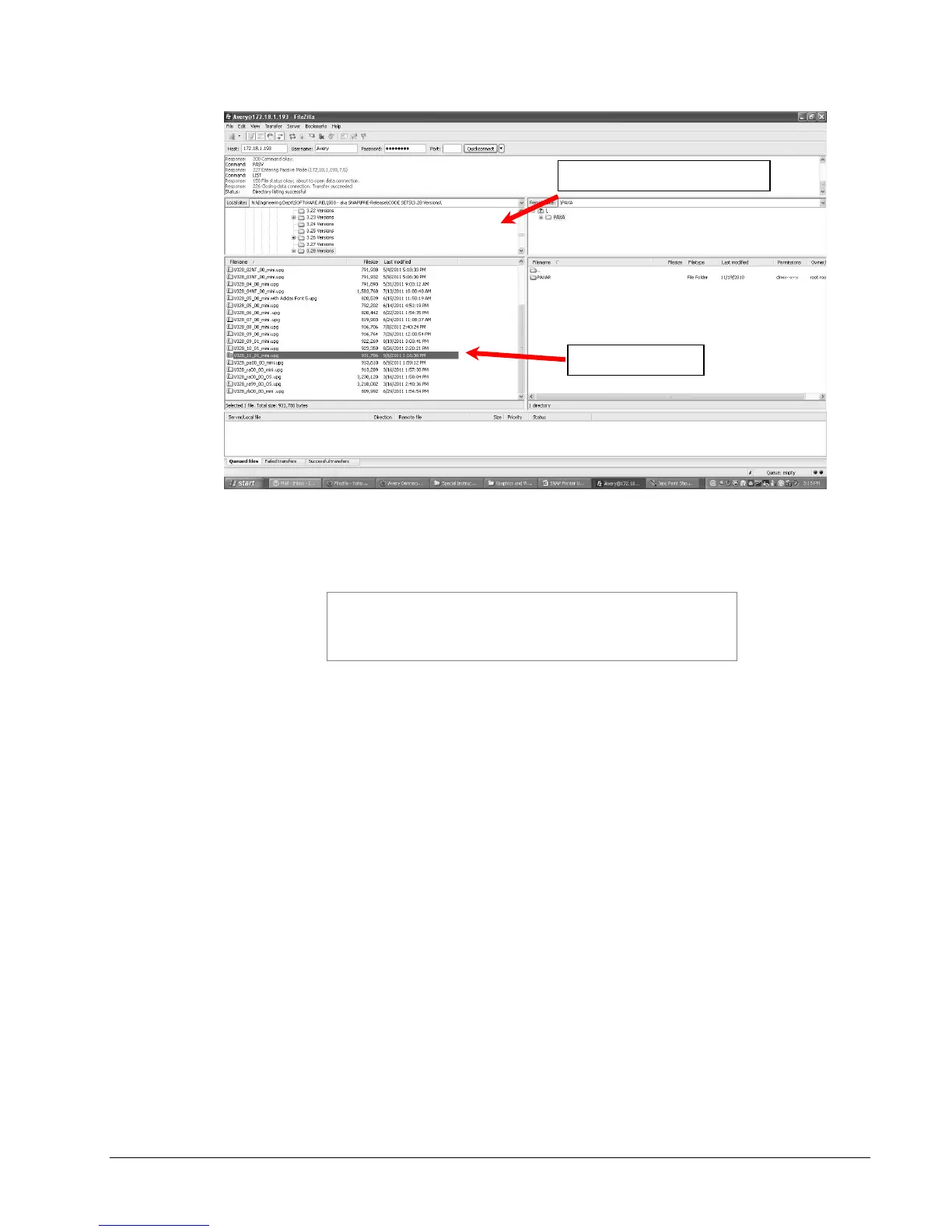
6. To transfer the file, simply drag it from the bottom left pane to the bottom right
pane, or double click the upgrade file.
There may be a folder in the root directory of the printer
called PAXA. This is a temporary folder used in
processing the upgrade file. Ignore this directory and
place the upgrade file in the root directory.















 To Next Page