7‐3
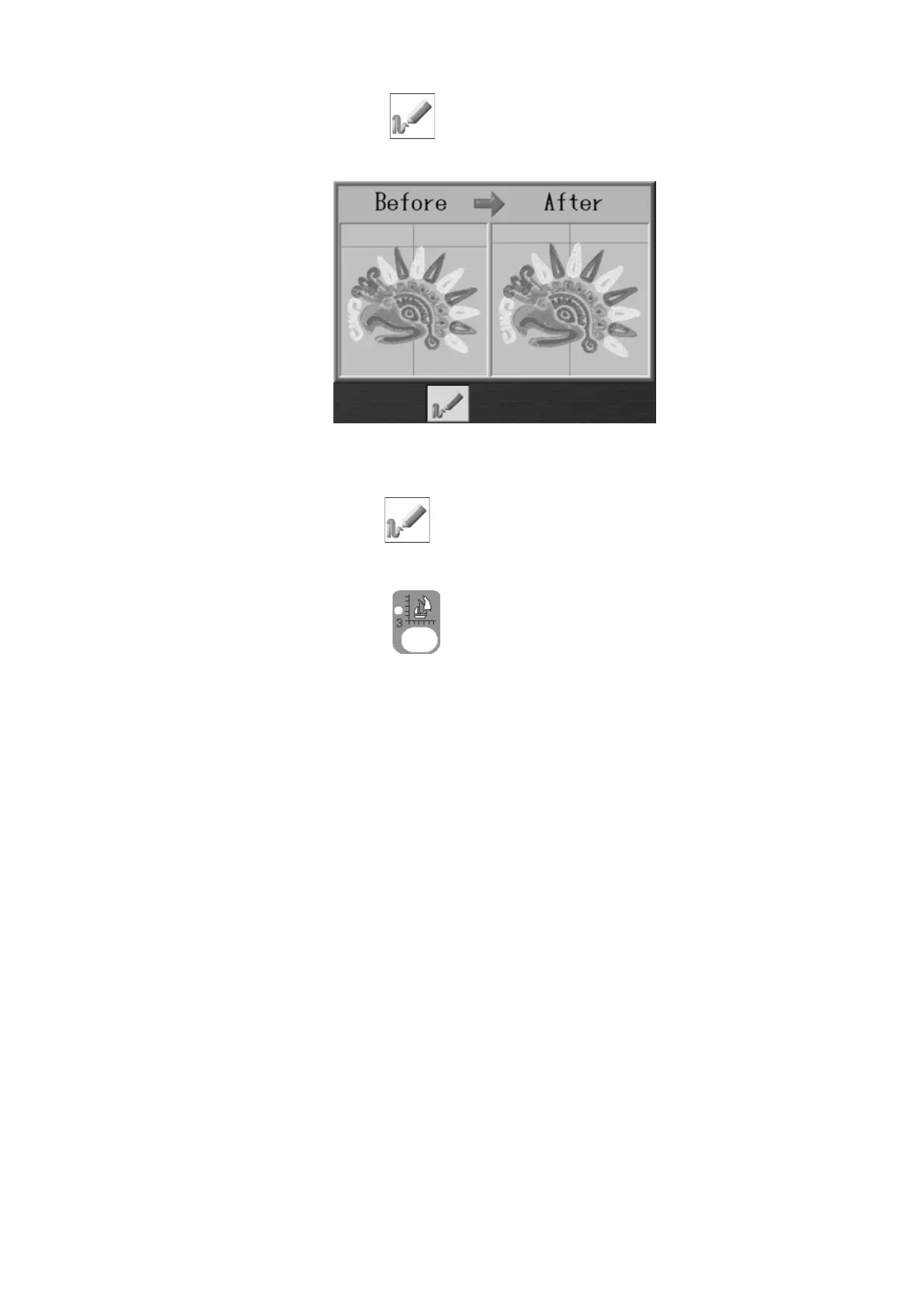
6. Press the C-key below the
icon to show the design preview of before and after
changes.
Press the C-key below the again to go back to the Program list.
Press the Design Edit Key,
again to go back to the Start screen.
7. When there are any changes made, a confirmation screen appears.
*Please refer to
Chapter 3 12. Confirmation Message
.



 To Next Page