7‐9
4. Matrix Embroidery Set Up (Design Repeats)
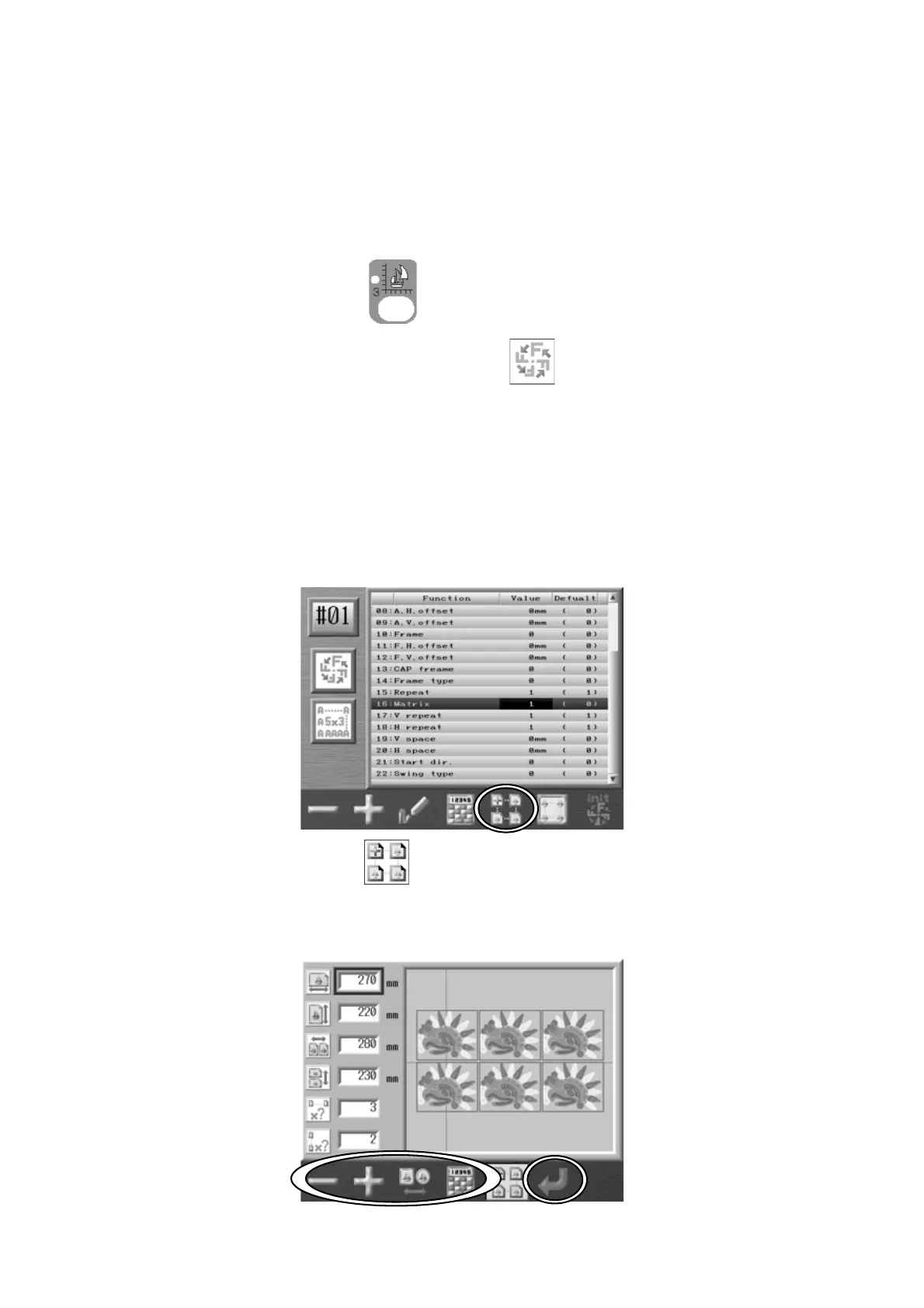
This feature automatically repeats the design in the Embroidery area. The layout is
calculated from the distance between the centers of the pattern and the quantity entered.
*This setting resets the Program setting #06: Socks and #15: Repeat.
1. Press the Design Edit Key, .
2. Select a design and press the B-key below the
icon.
3. Use the Jog keys and select item 16, Matrix.
4. Set the value to 1.
5. Press and hold the Origin key to save the change.
6. Press the E-key below the
icon and the Matrix embroidery Design Repeats Set up
screen displays.



 To Next Page