12‐5
3. Initializing Memory
Instructions to initialize the machines memory.
*Be sure to back up the data before the initialization.
1. Turn Off the power.
2. Press and hold the Origin key and Jog Up key and turn ON the machine.
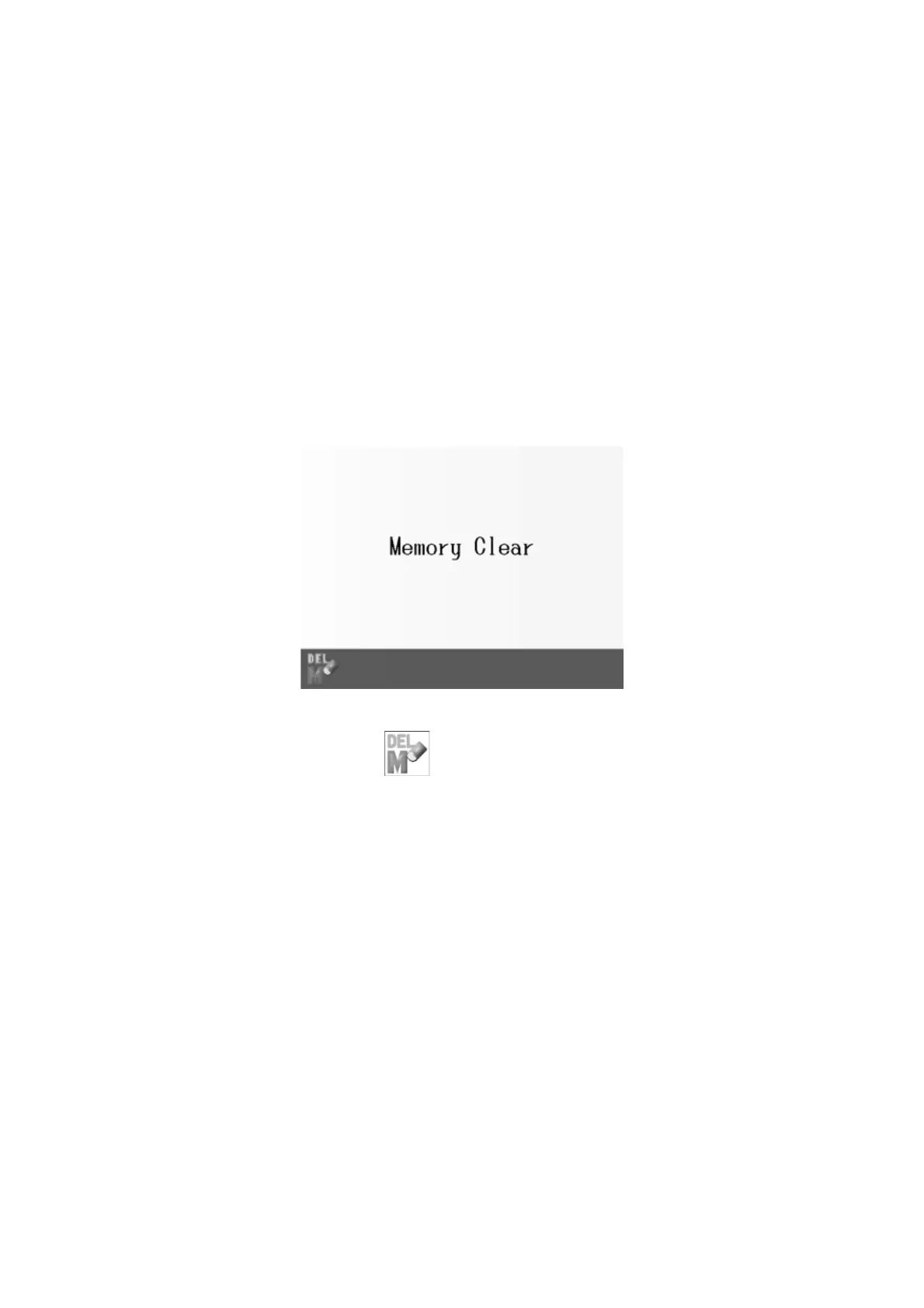
3. After a while, it becomes a screen like the figure below.
4. Press the A-key below the
icon.
5. The icon of "Yes" is displayed on the screen.
Press and hold the “Yes”-key to start the initialization.
If you want to cancel initialization, turn off the power.
6. The following message is displayed.
“Please Wait for Origin LED to blink.”
7. Turn off the power after confirming Origin LED blinked, and turn on the power again.



 To Next Page