6‐2
1. Selecting a Design
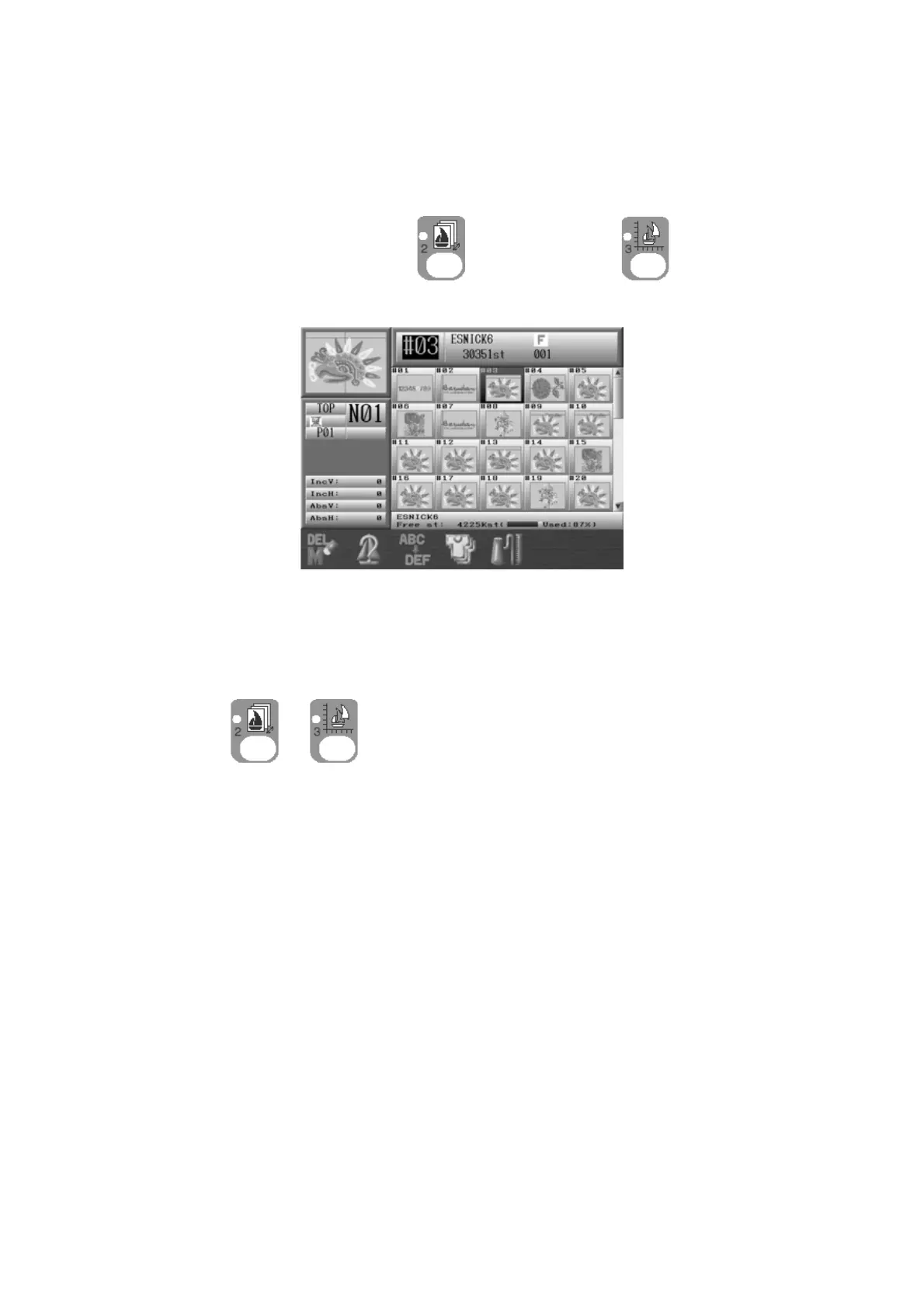
Instructions for selecting a design to embroider from Machine Design Memory
* Designs cannot be edited while in Drive mode.
1. Press the Design Memory Key
or Design Edit key .
2. Design data for all the memory locations displays.
3. Choose a design to embroider from the design data list.
Note: Pressing the Origin key will move the frame to the last sewn start position.
Press
or again to go back to the Start screen.



 To Next Page