6‐6
4. Production Counts
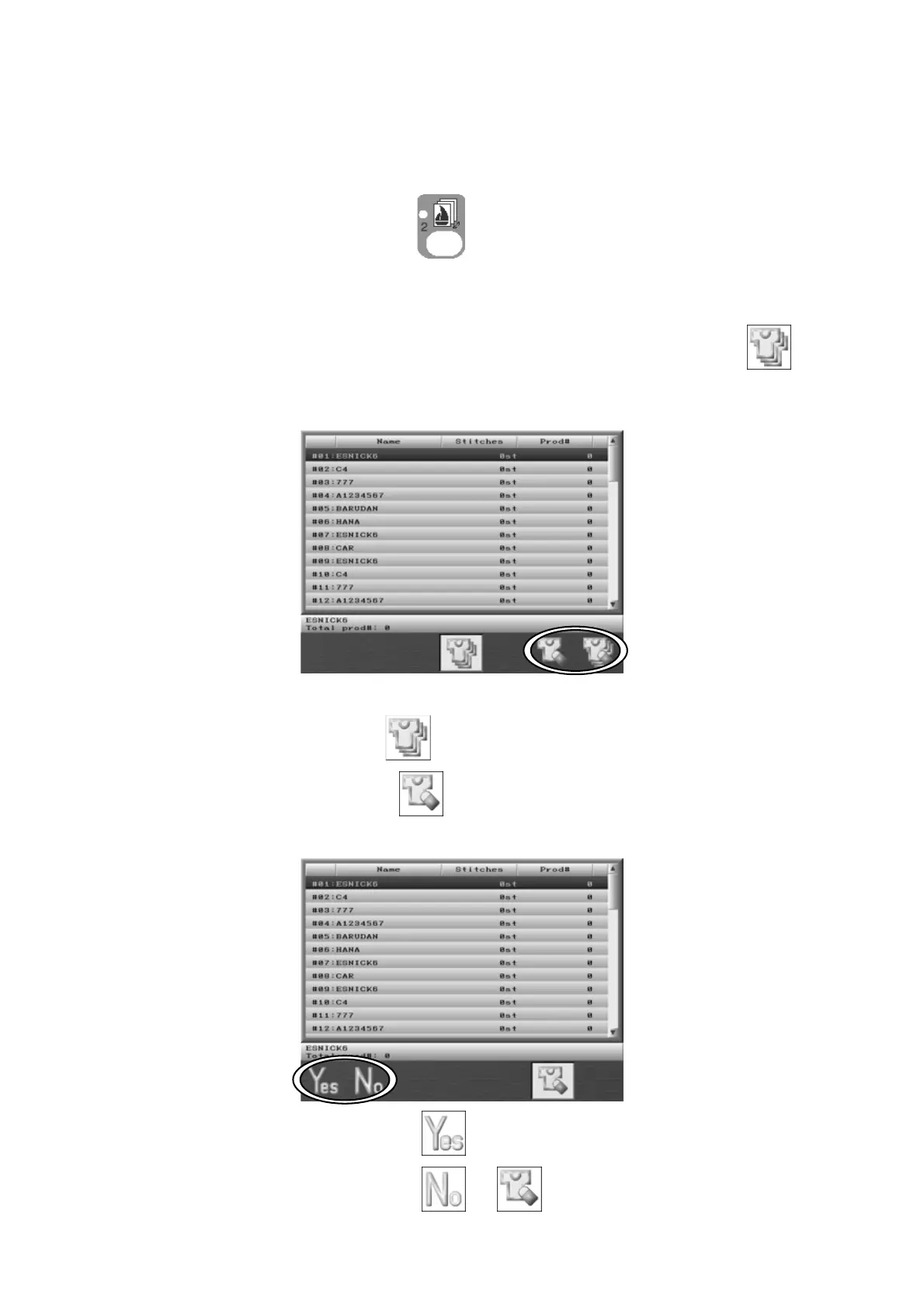
Instructions for displaying Production counts for the design selected
1. Press the Design Memory Key
.
Design data for all the memory locations displays.
2. To view the production counts of all the designs press the D-key below the
icon.
3. Design No, Design name, Stitch count, and Production quantities are shown in the list.
Press the D-key below the
icon to go back to the Memory design list.
4. Press the F-key below the icon to reset the stitch and piece counts for the
selected design. The screen below will appear to confirm if it is okay to reset.
Press the A-key below the
icon to reset.
Press the B-key below the
or icon to cancel the reset.



 To Next Page