8‐14
12. Stand-By Mode (Resume)
When the power to the machine is cut while in Drive mode, the machine can resume sewing in
the position where it had left off. This is called Stand-By.
1. Turn ON the power to the machine.
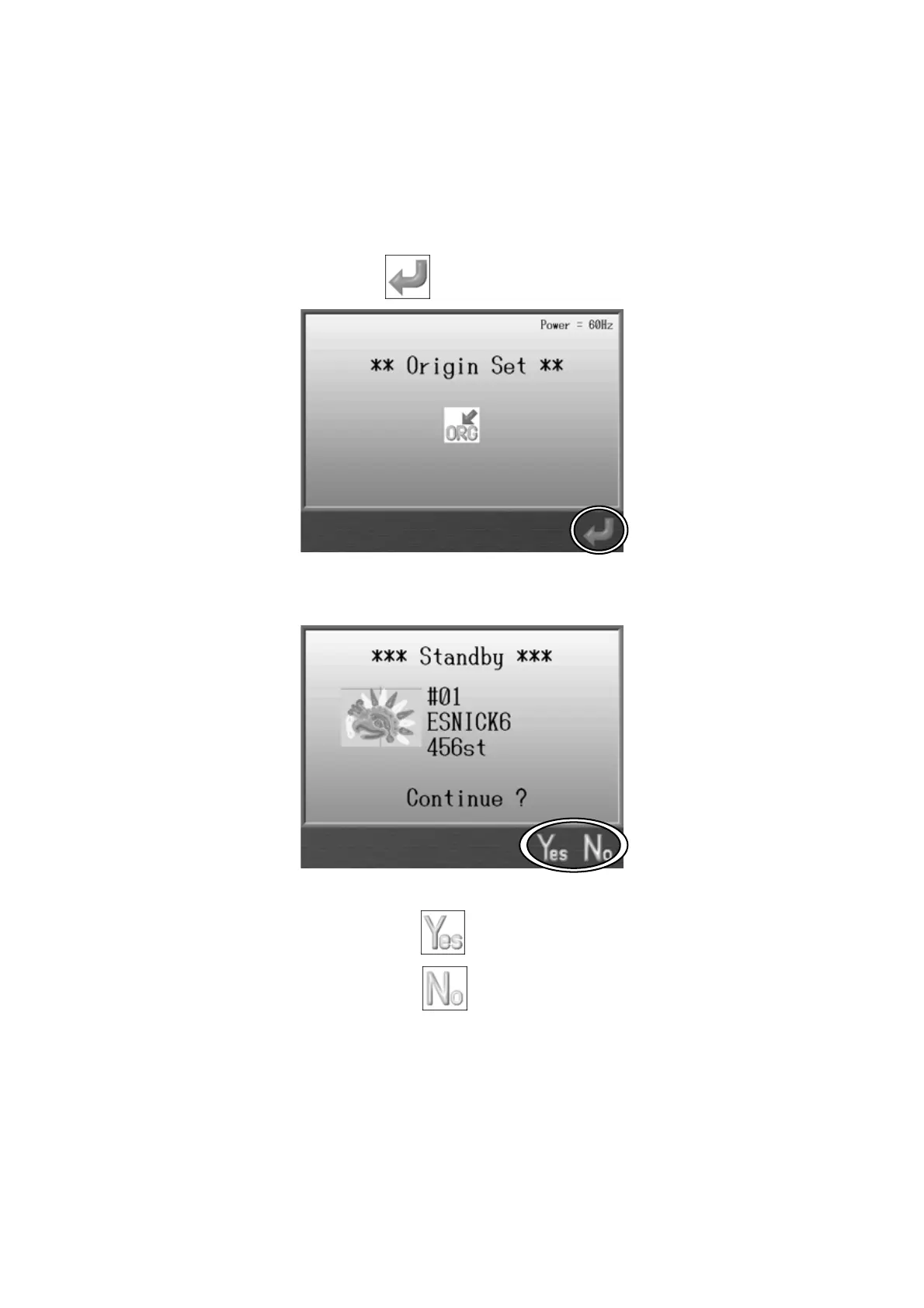
2. Press the G-key below the
icon to search the Origin.
3. The Stand-By screen appears.
Press the F-key below the icon to continue sewing.
Press the G-key below the
icon to exit Stand-By.



 To Next Page