4‐2
1. Color Change
1-1. Manual Color Change
Instructions for changing a color (needle) manually
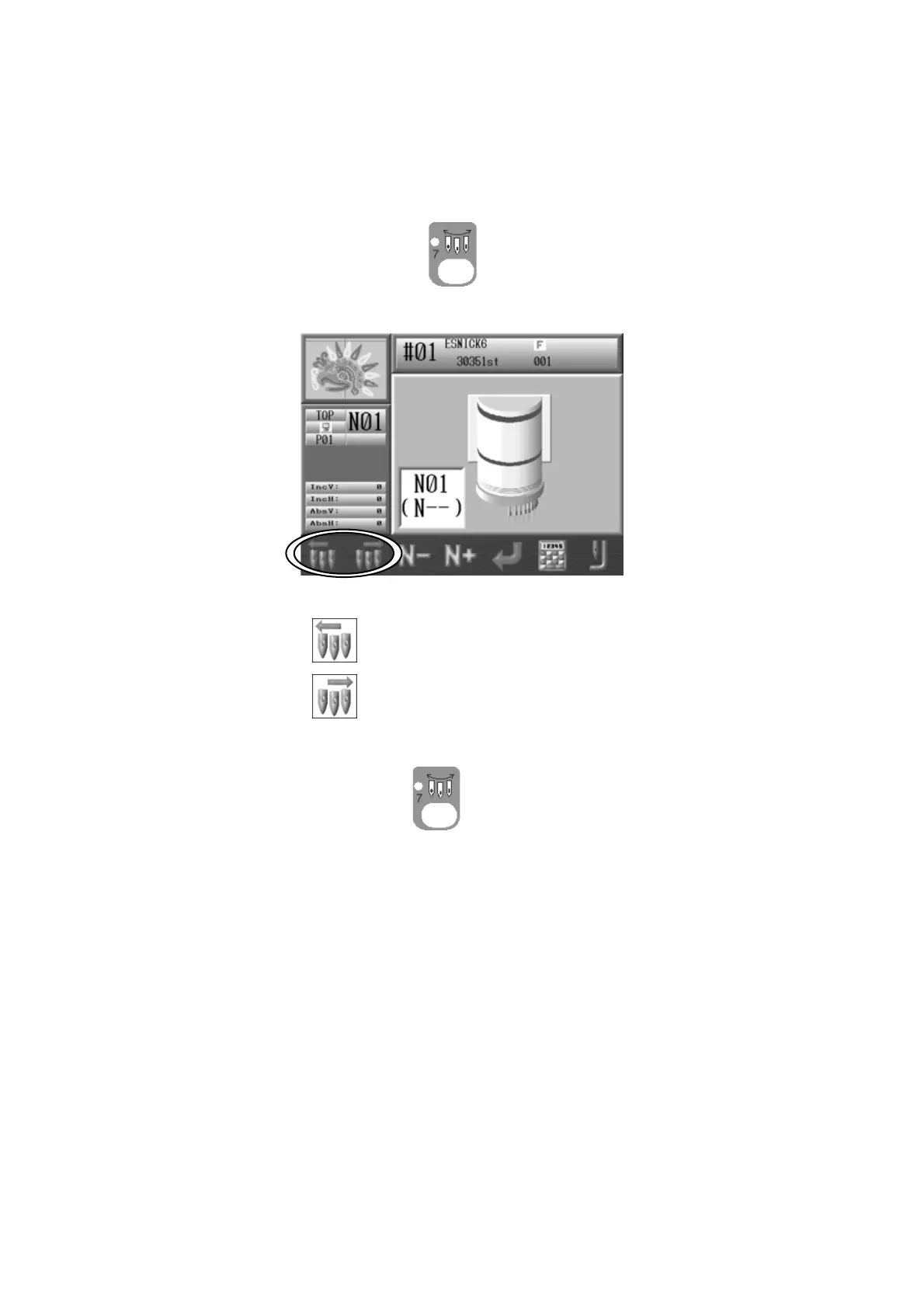
1. Press the Needle Change Key
, and the following Color Change screen will
display.
2. Change the needle number.
Press the A-key,
to go to the next smaller needle number.
Press the B-key,
to go to the next larger needle number.
Press the Needle Change Key
again to go back to the Start screen.
Note: When the machine is first powered on, the machine must be oriented to the
correct stop position to make a needle change. In this case, after following the steps
above, the D14 message will display, prompting you to press the start switch to execute
the needle change.



 To Next Page