6‐5
3. Changing Design Names
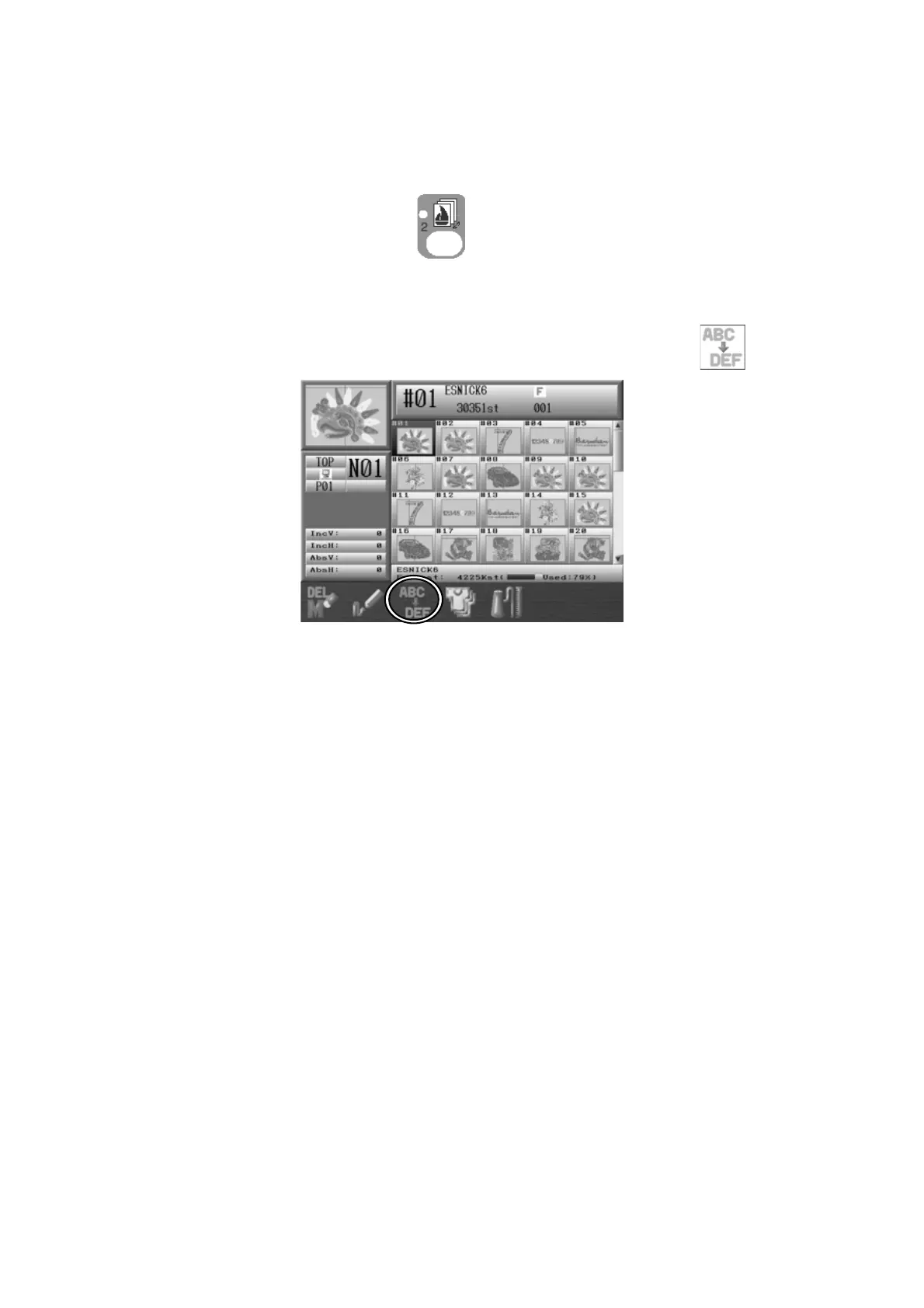
Instructions for changing design names
1. Press the Design Memory Key
.
Design data for all the memory locations displays.
2. Select the design to change the name and press the C-key below the
icon.
3. A Character Entry dialogue box will appear.
*Refer to
Chapter 3. 11. Character Entry Dialogue Box
and enter a design name.



 To Next Page