6‐8
5. Deleting Designs from Memory
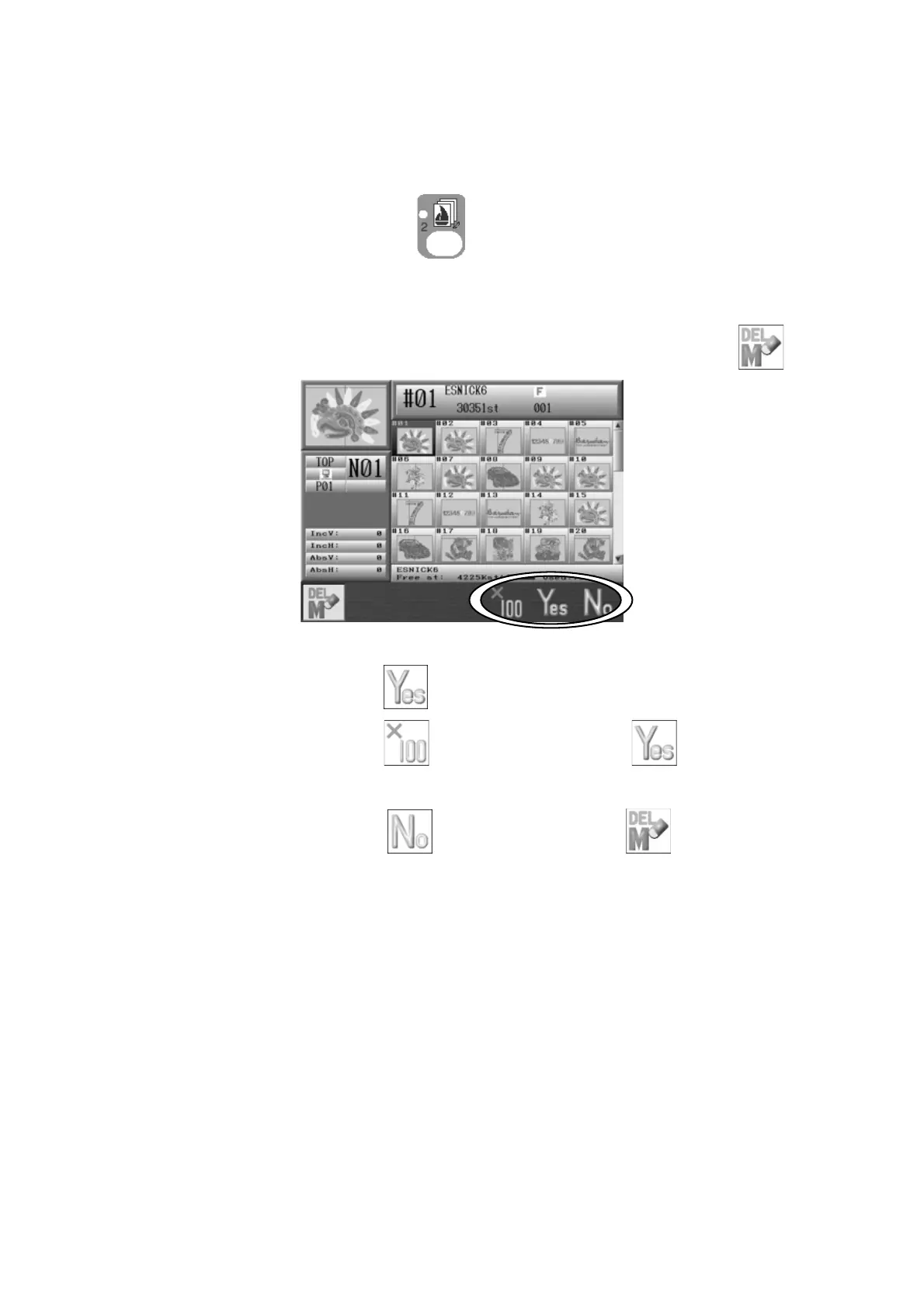
Instructions on how to delete a design from Memory
1. Press the Design Memory Key
.
Design data for all the memory locations displays.
2. Select a design to delete with the Jog keys and press the A-key below the
icon.
3. Press the F-key below the icon to delete the selected design.
Press the E-key below the
icon and F-key below the icon to delete the all
design.
Press the G-key below the icon or A-key below the
icon to cancel and go
back to the Memory design list.



 To Next Page