3‐19
11. Character Entry Dialogue Box
When changing design names or needing to type words, press .
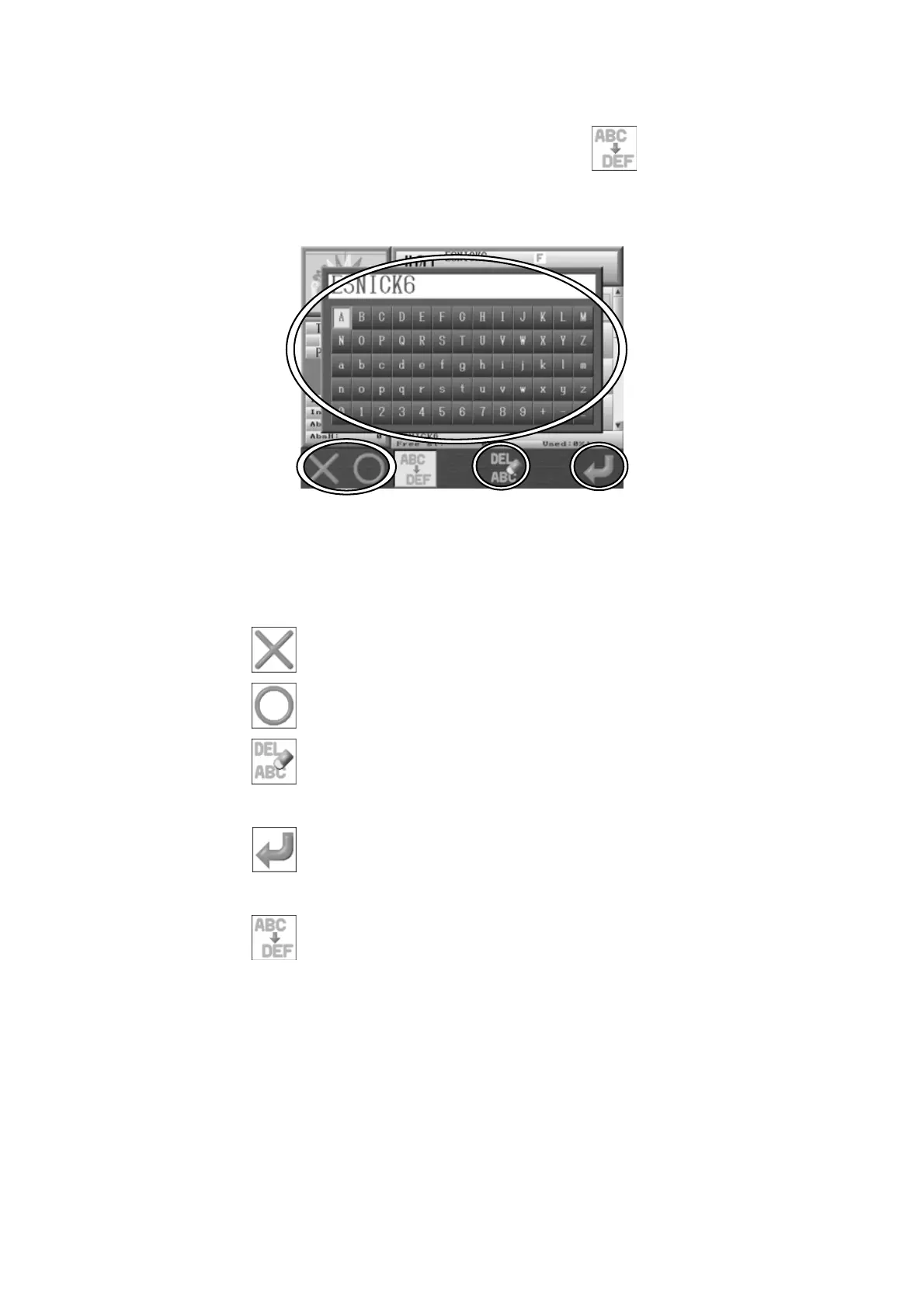
the Character Entry Dialogue Box displays.
*The screen below is for changing design names.
1. Select a character using the Jog keys.
2. Press A,
to delete the last character (backspace).
Press B,
or the Origin Key, to enter a character.
Press E,
to delete all characters.
3. Press G,
to save the name that was entered.
4. Press C,
to close the Character Entry Dialogue Box without saving the name.



 To Next Page