6‐13
7. Outline Stitching
Instructions for creating outline stitching data for designs
This feature has 2 useful purposes.
• When used with a boring needle for sewing, the outline stitch can be used to cut a hole in a
piece of stable hooped material. Afterwards, a garment can be held to the hooped material
by adhesive, and sewn thru the hole.
• The outline stitch can also be used as guideline for cutting out the embroidery with scissors
after it’s been sewn, such as sewing patches or appliqués.
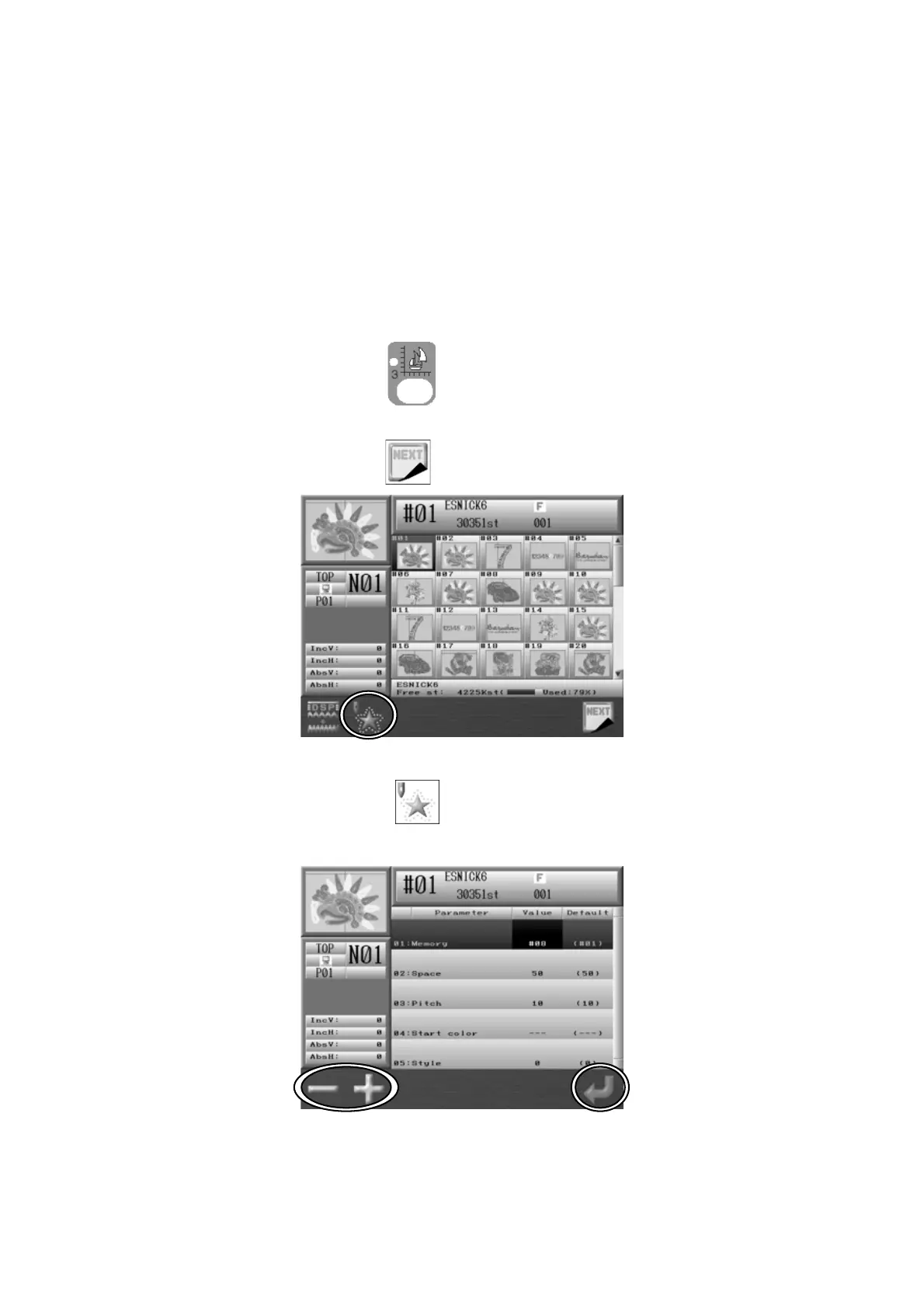
1. Press the Design Edit Key
.
2. Press the G-key below the
icon.
3. Press the B-key below the icon and the Outline Stitching setting screen will
appear.



 To Next Page