8‐11
9. Function Codes
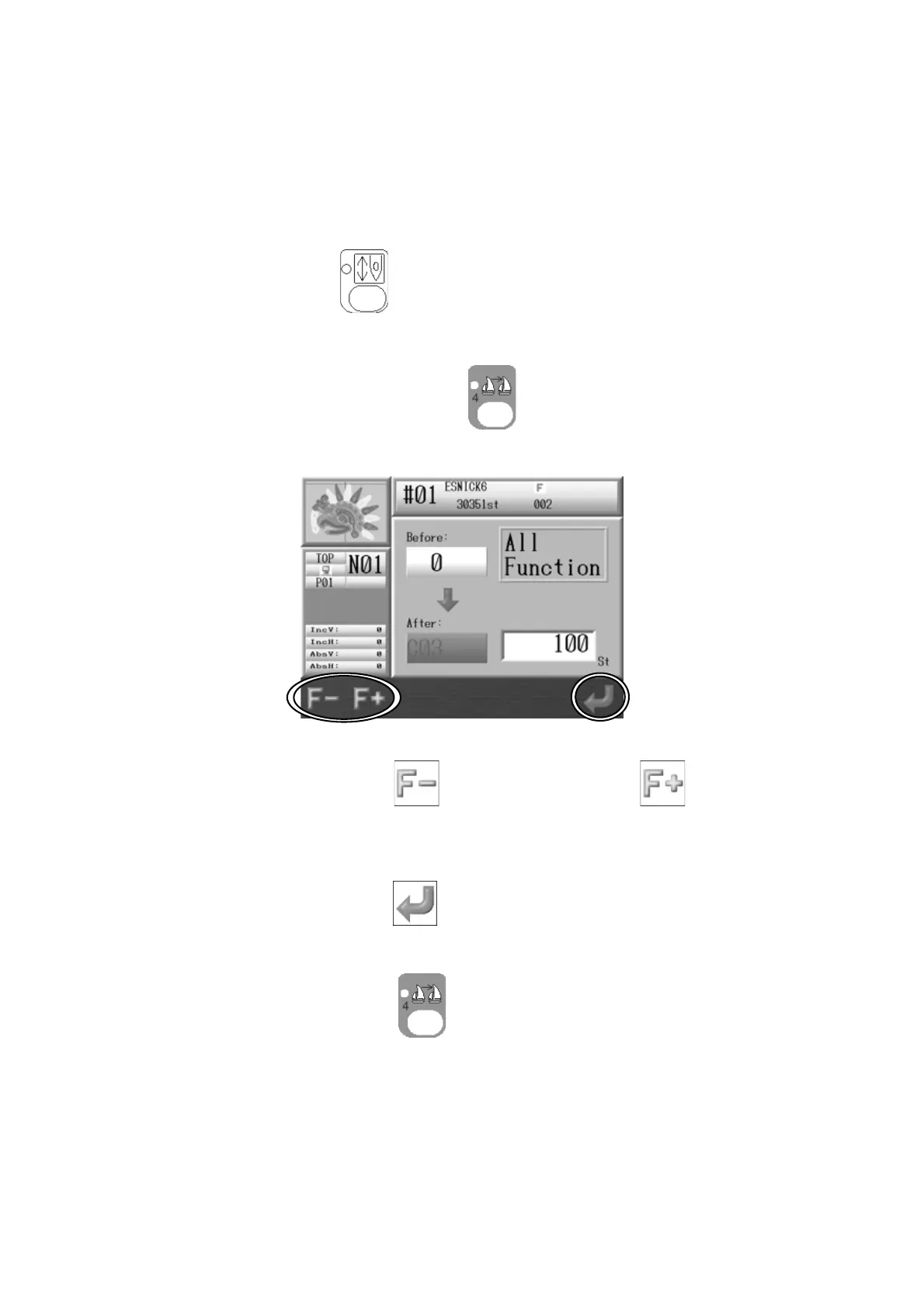
Instructions on changing all function codes while the machine is sewing
Use this feature with the High Speed Float (By Stitch Count) to change the Function code of
the desired stitch. *Refer to
Chapter 13 1. Function Codes
for the details of the Function
codes.
1. Press the Drive Key
and the Drive mode screen appears.
2. Float to the desired stitch number you want to insert or change a function code on.
3. Press and hold the Color Change key
for 2 short beeps.
4. The Function Code screen appears.
5. Press the A-key below the
icon
or B-key below the icon to change the
Function code.
6. Press the G-key below the
icon to update the Memory with the new Function
Code.
Press the Color Change key
again to finish.



 To Next Page