3‐15
8. Stand-By and Drive Mode
The XS Automat has 2 different modes, Stand-By mode and Drive mode.
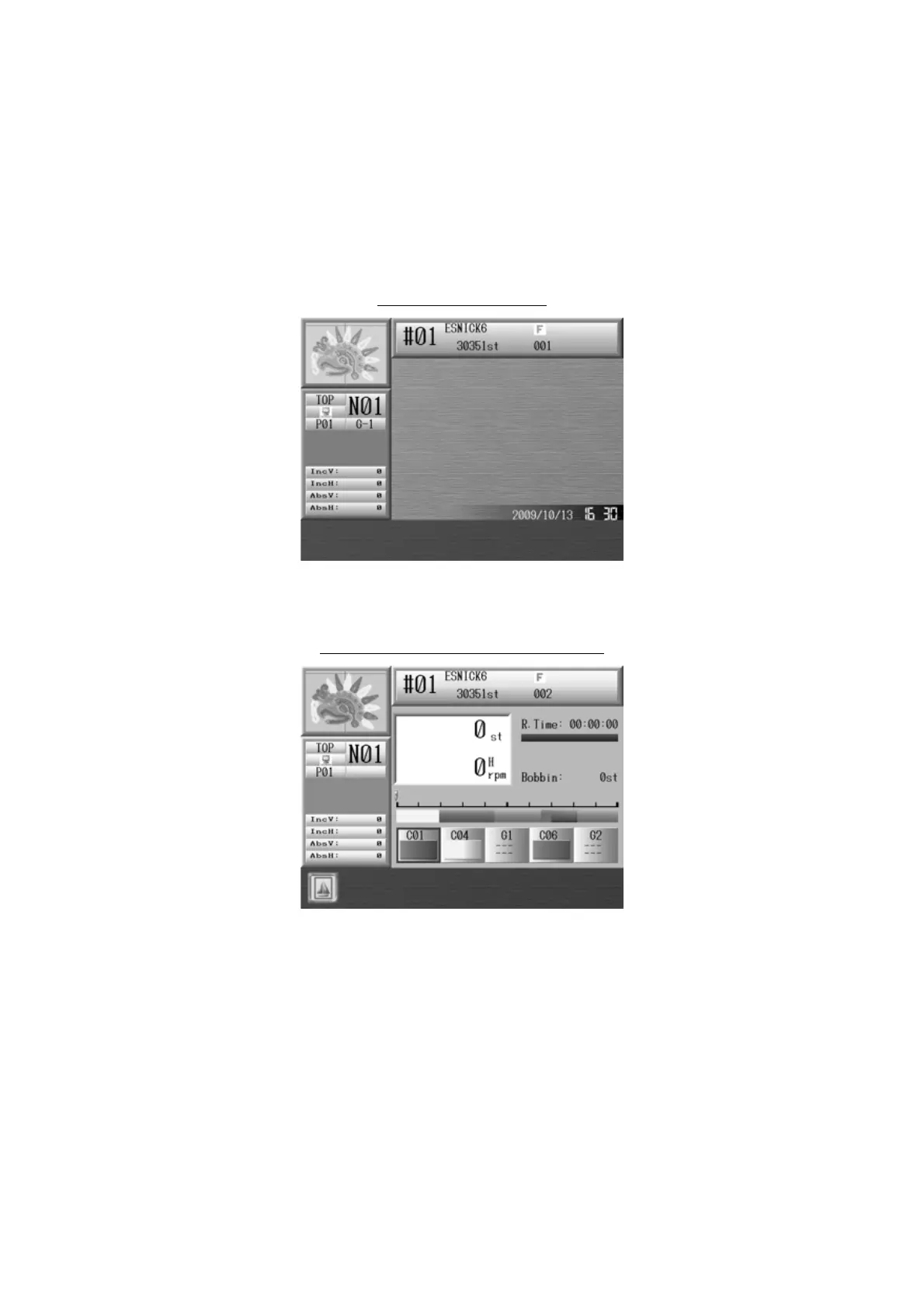
1. Stand-By Mode: The machine is turned on and idle but NOT in Drive mode.
This is the mode where sewing preparation takes place.
In this mode, design data can be selected and loaded.
Stand-By Mode screen
2. Drive mode: A design is chosen and it is ready to sew.
Typical appearance of the Drive mode



 To Next Page