3‐14
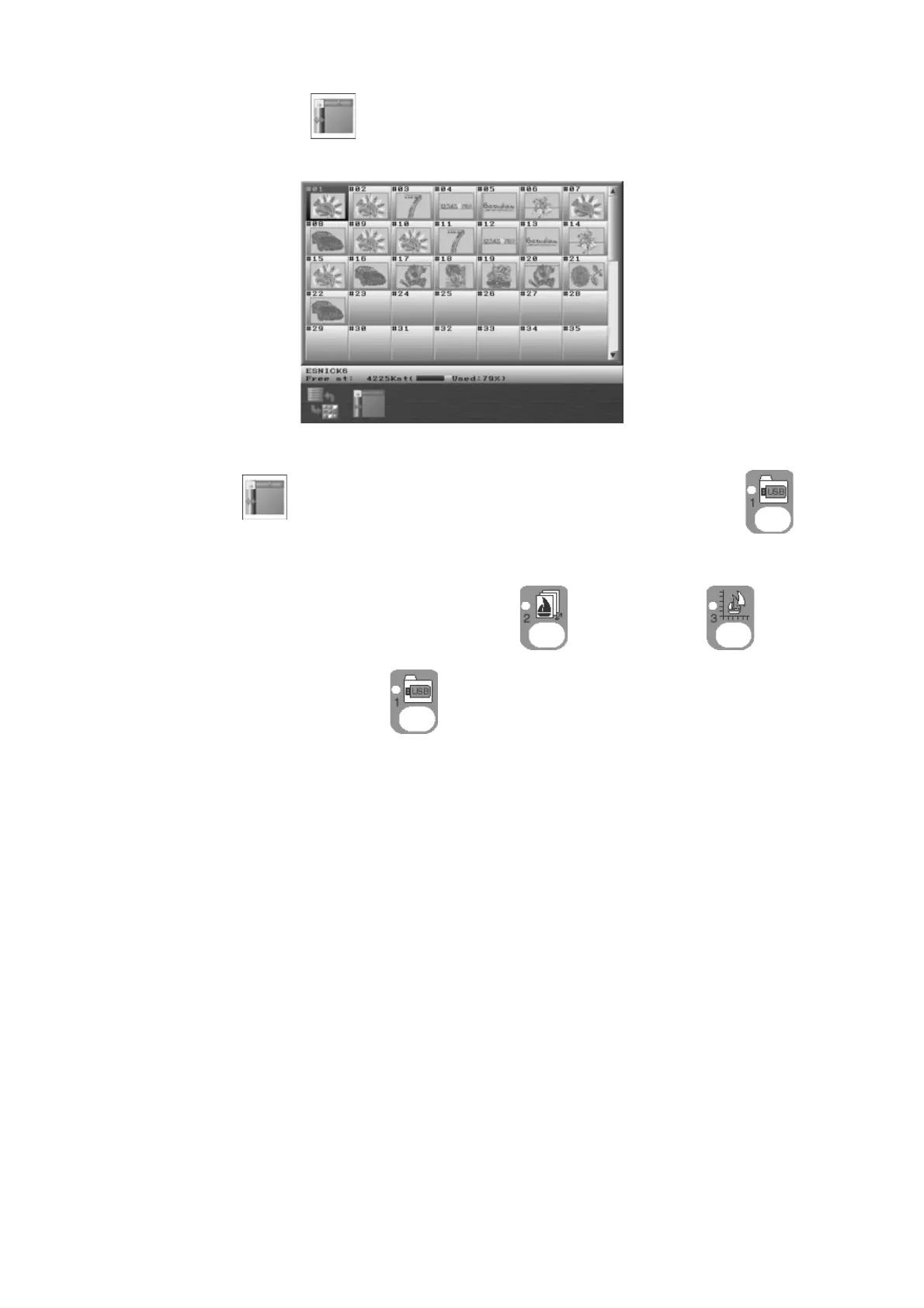
4. Press the B-key,
to show or hide the information screen.
*B-key,
will not be shown in the Design Loading/Downloading key, .
Press either one of the Design Memory key
, Design Edit key , or Design
Loading/Downloading key
to go back to the Start screen.



 To Next Page