3‐21
13. Error Messages
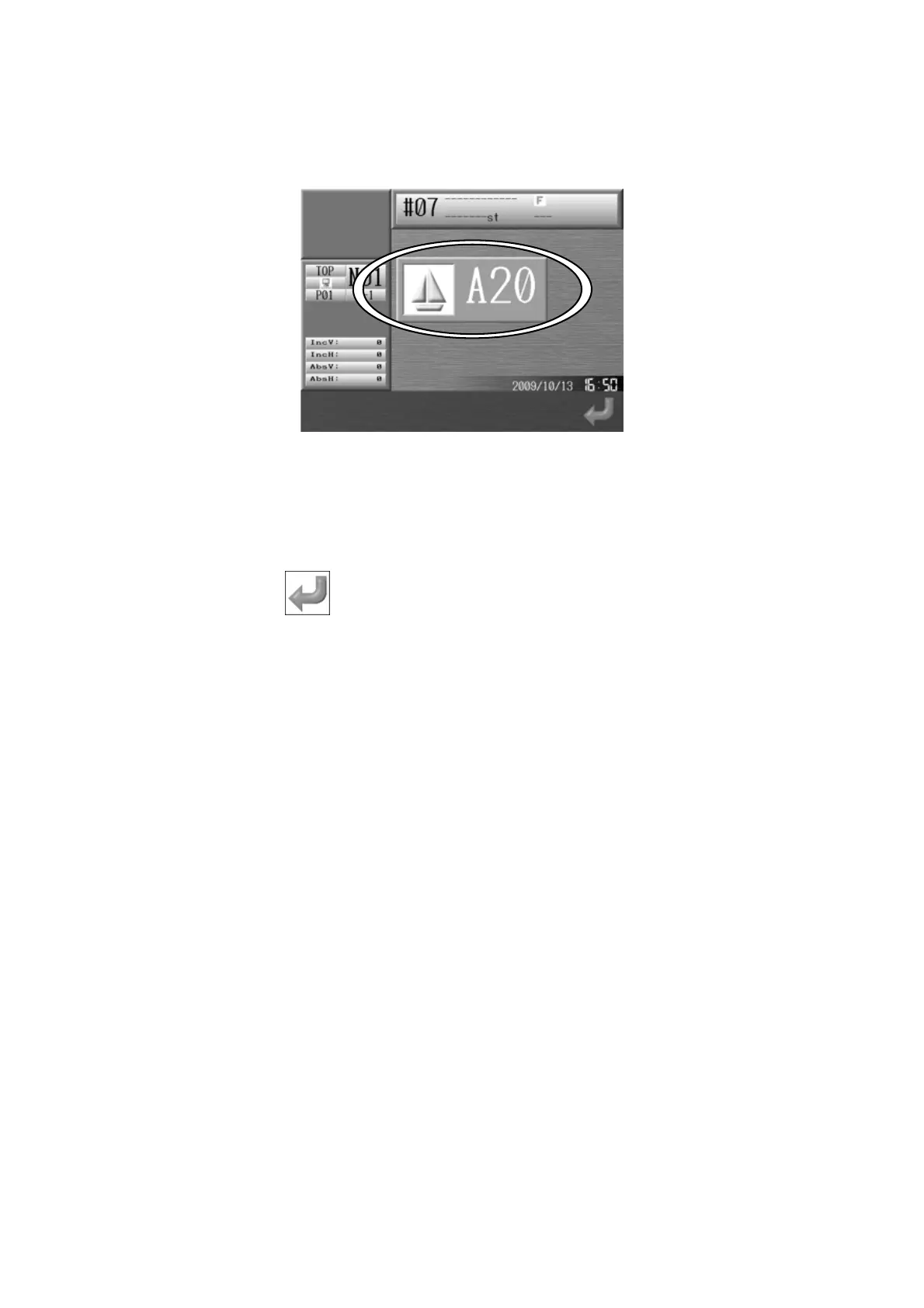
When errors occur during Machine or Automat operations, an error message will display.
In the Error message box, the Error number and Icon are shown.
*Refer to
Chapter 13. 3. Error Messages
for more details on the error numbers.
Press the G-key,
to close the error message.



 To Next Page