13‐4
3. Error Messages
Message
(Code)
Description Trouble shooting
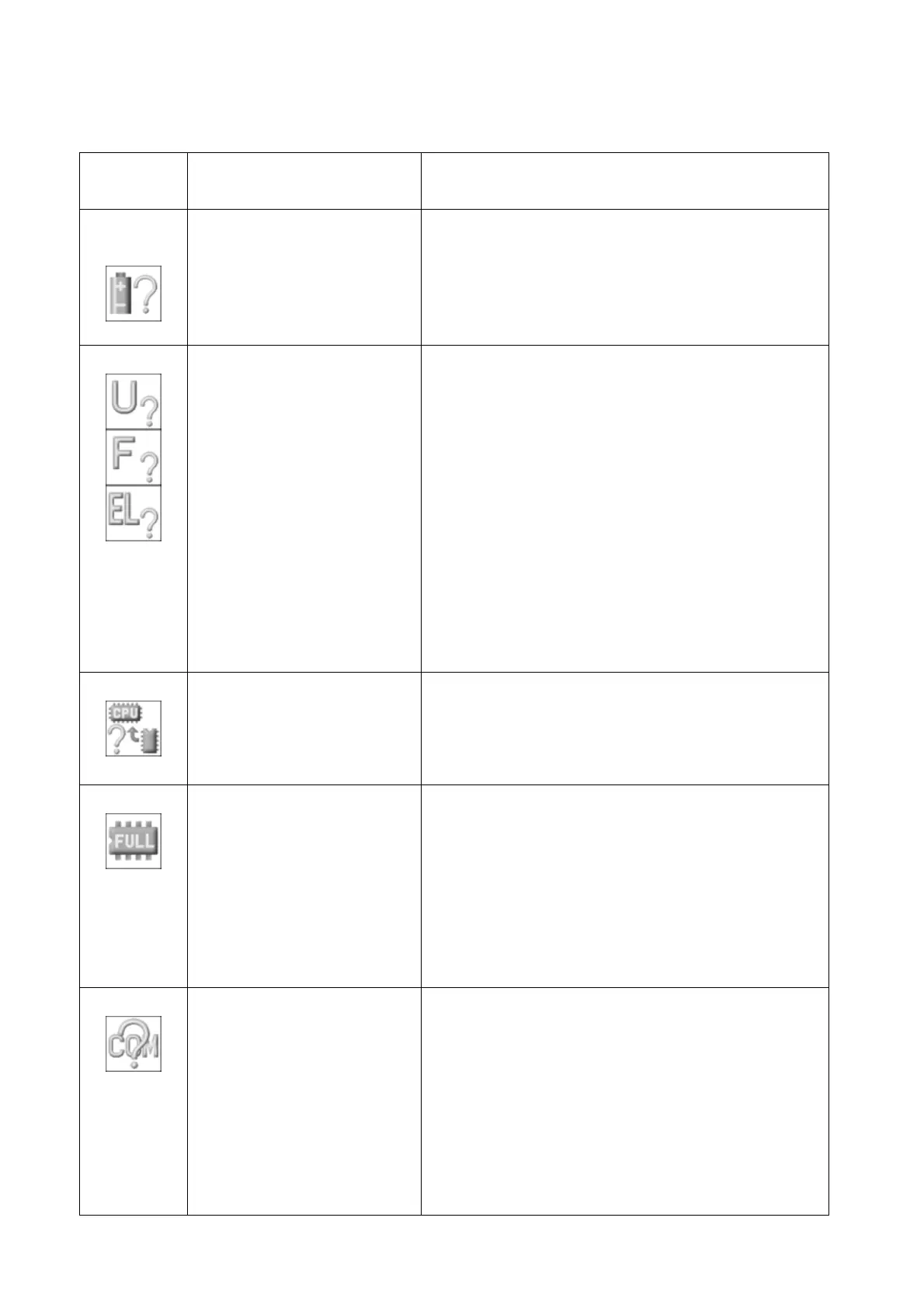
A01
No or Low Battery Voltage
Error
If machine has been powered off for a long period
time, or a replacement CPU board was installed,
battery maybe low and need recharged. Leave
machine on for 24 hours to recharge battery. If
battery doesn’t recharge, call tech support for info
on replacement.
A05
Wrong Tape Code or BAUD
Rate Error
1. When sending a design via cable from a PC to the
machine, the tape code setting on the PC must
match the setting set on the machine in “IN COM”
mode, otherwise you’ll get this error.
Barudan = U code
Tajima = EL code
ZSK = F code
Make sure the PC transfer machine setting
matches the Machine “In COM” tape setting.
2. Also check that the BAUD rate setting on the
machine matches the BAUD output from the PC
software program. They must match or you’ll get
this error. Call tech or software support to help
diagnose.
A07
IC Memory Error
EPROM writing error. Problem with CPU/Control
board. Call Tech Support.
A08
Memory is Full or Design
Memory Read Error
1. Check to see if the memory is full first. Delete
some designs if full.
2. This could also be a problem reading a design
into memory. Try renaming the problem design,
or try reading another design that’s verified
good.
3. If no designs will read into memory, may need to
reformat the internal CF memory card. Call
tech support.
A11
No PC or Peripheral Device
Connected Error
This error occurs when sending a design to the
machine from a PC with a COM/Serial cable, and
the cable is disconnected or broken. Check the cable
connections first. Next try rebooting the computer
and the machine and try again.
If the COM connection has never worked before and
you’re setting this up for the first time, then the PC
program settings or cable connections are suspect.
Call tech or software support to help diagnose.



 To Next Page