4‐9
6. Change Frame
Change frame moves the pantograph forward to allow framing or positioning of an appliqué.
This movement, called frame offset, is automatically set at the pattern height. A different frame
offset distance can be set for each pattern in the Program Parameters.
1. Press the Manual Key
to open the Manual operation screen.
2. Press the C-key below the
icon.
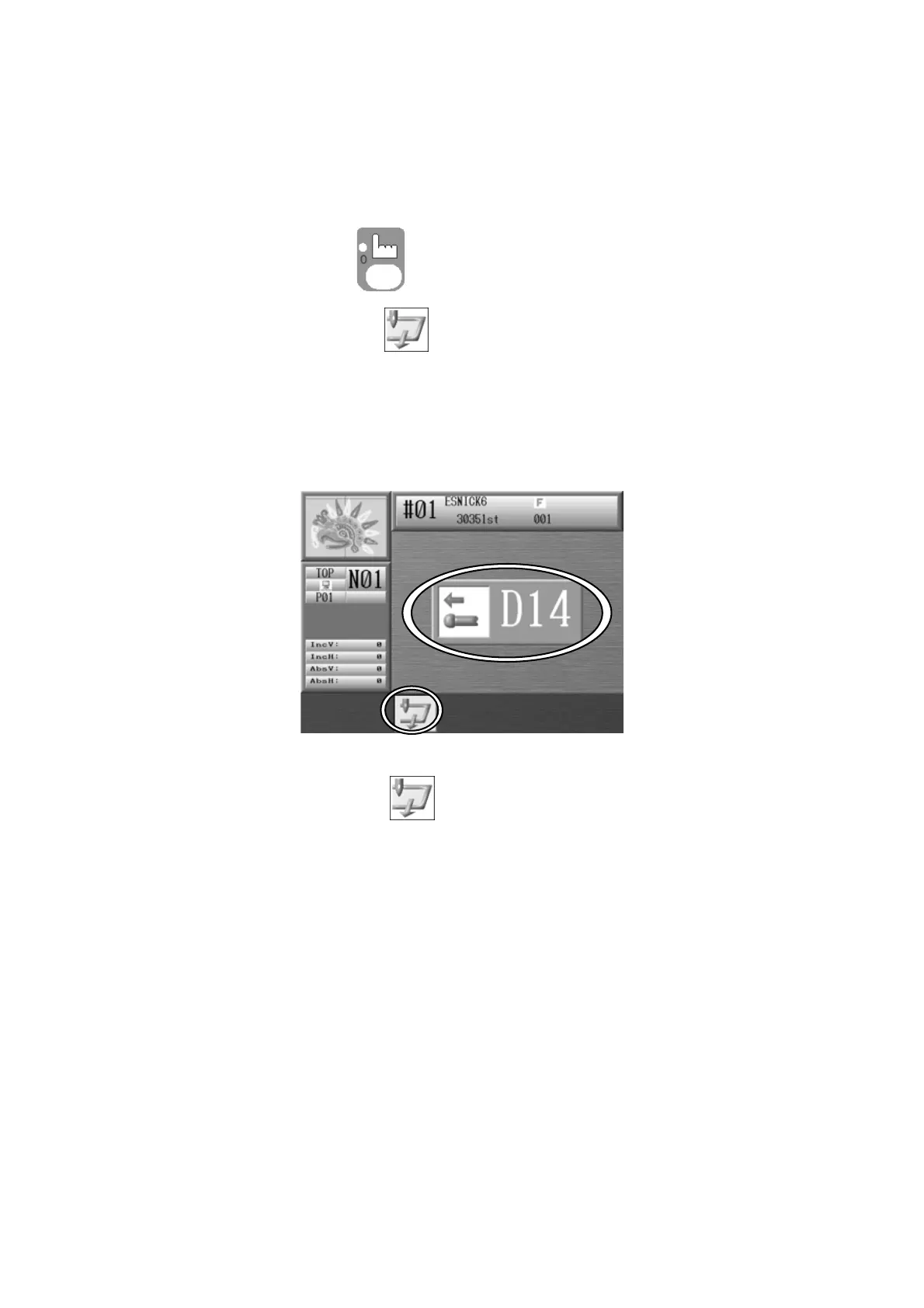
3. The following D14 message appears, indicating to use the Start switch to execute.
Push the Start Switch and the pantograph will move forward, by the height of the
pattern, unless a different value was set in the program options.
Press the C-key below the icon to cancel and go back to the Manual operation
screen.
4. Once the frame has been changed or the appliqué fabric placed, press the Start Switch
to return the pantograph to its original position.



 To Next Page