8‐8
6. High Speed Float (By Stitch Count)
Instructions on floating to a specific stitch count
*This function is only available when operating Float in Drive mode.
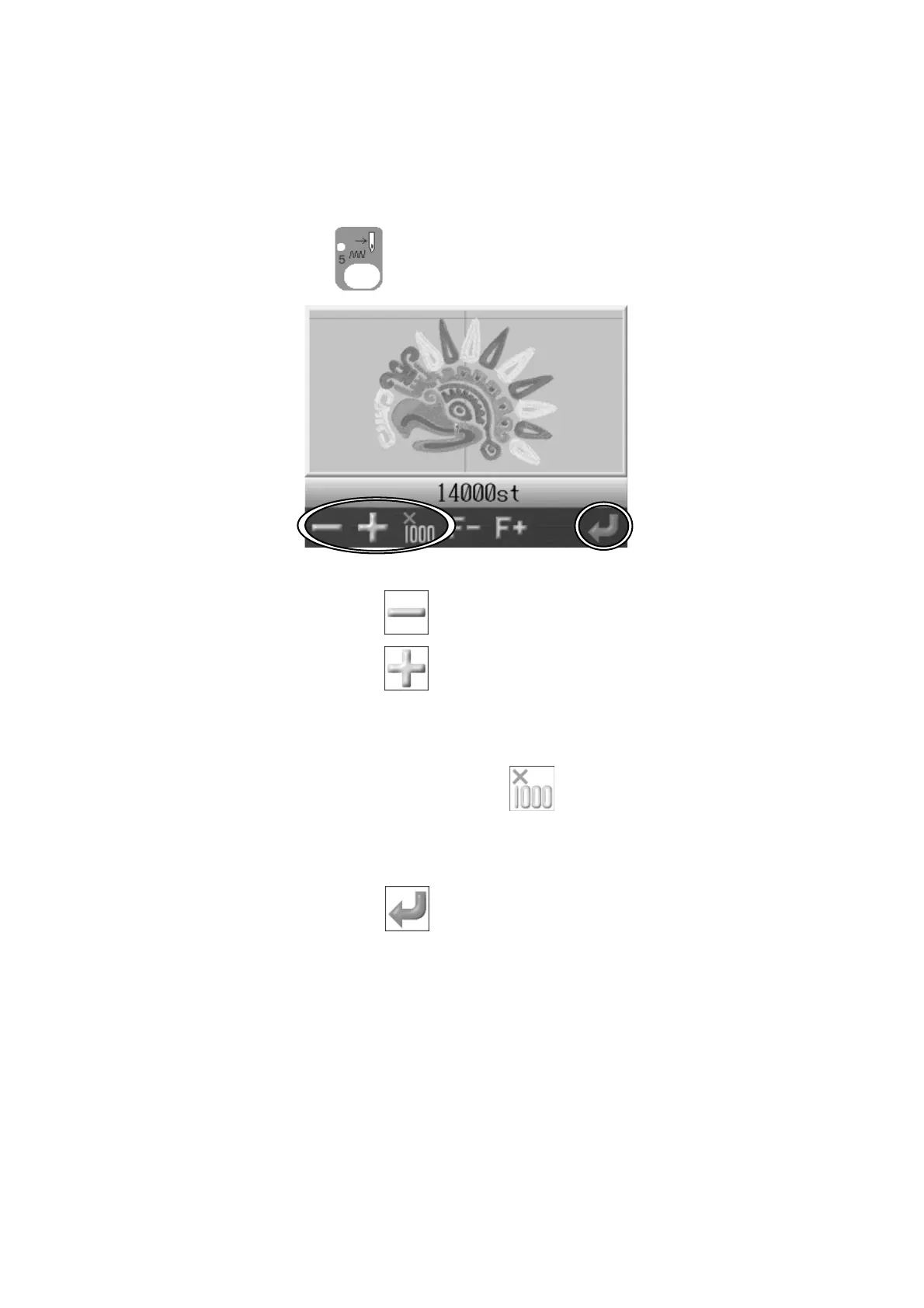
1. Press the Float key
and the Float screen appears.
2. Press the A-key below the icon for a smaller stitch number.
Press the B-key below the
icon for a larger stitch number.
*If you press and hold the (A or B) keys, the stitch number decreases/increases by 20
stitches.
*If you press and hold the C-key below the icon and then press the (A or B)-key,
the stitch number decreases/increases by 1000 stitches.
3. Press the G-key below the
icon and the Pantograph will go to the position of the
stitch number selected.



 To Next Page