9‐6
3. Break Call
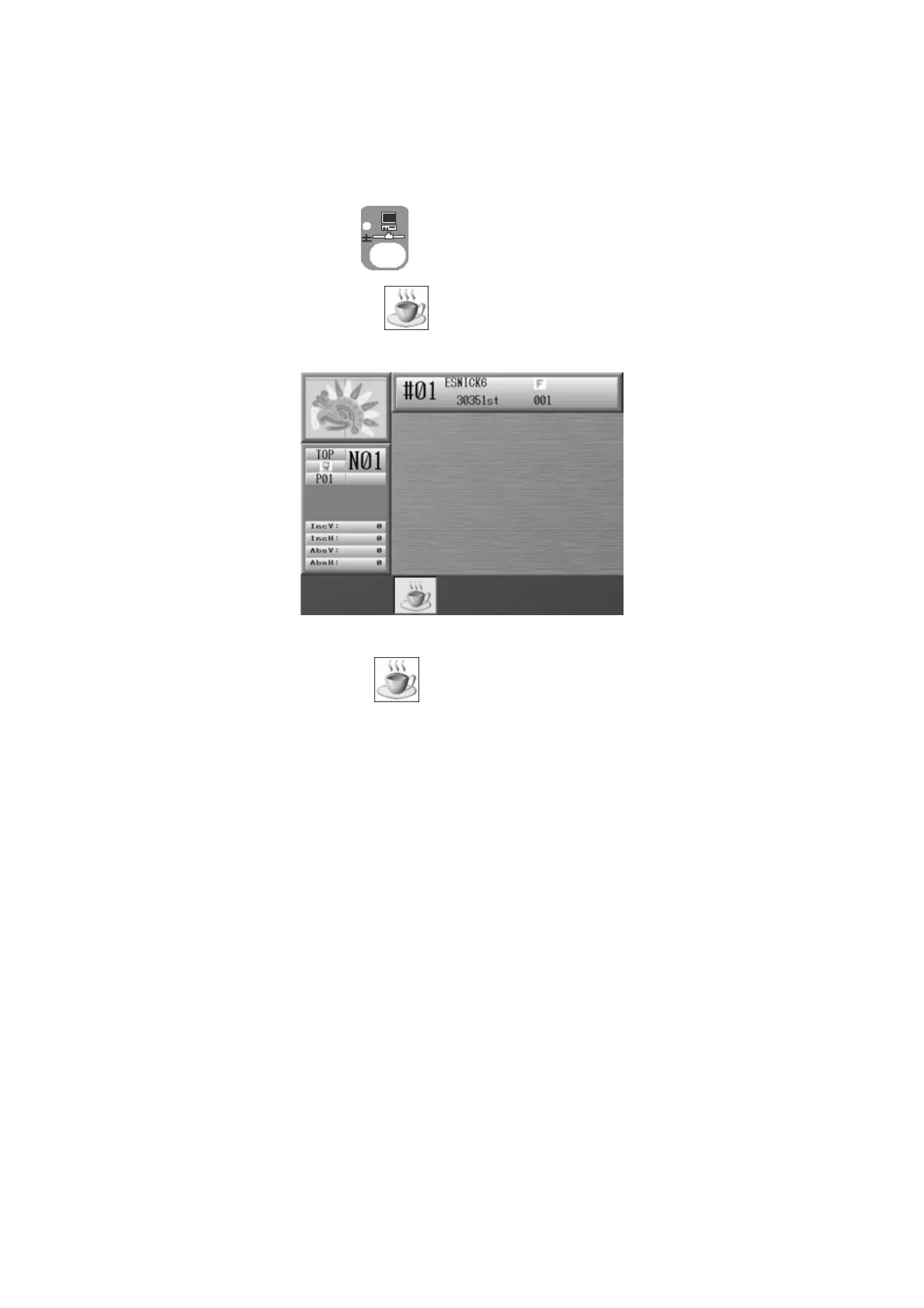
Instructions on how an operator reports that they are on break and that the machine is not
sewing. *Refer to
LEM-Server Instruction Manual
for its operation.
1. Press the Network key
to open the Network screen.
2. Press the C-key below the
icon to start Break. Break message appears.
3. Press the C-key below the icon again to quit Break.



 To Next Page