11‐22
7. Date Setting
Instructions on setting the Automat date and time
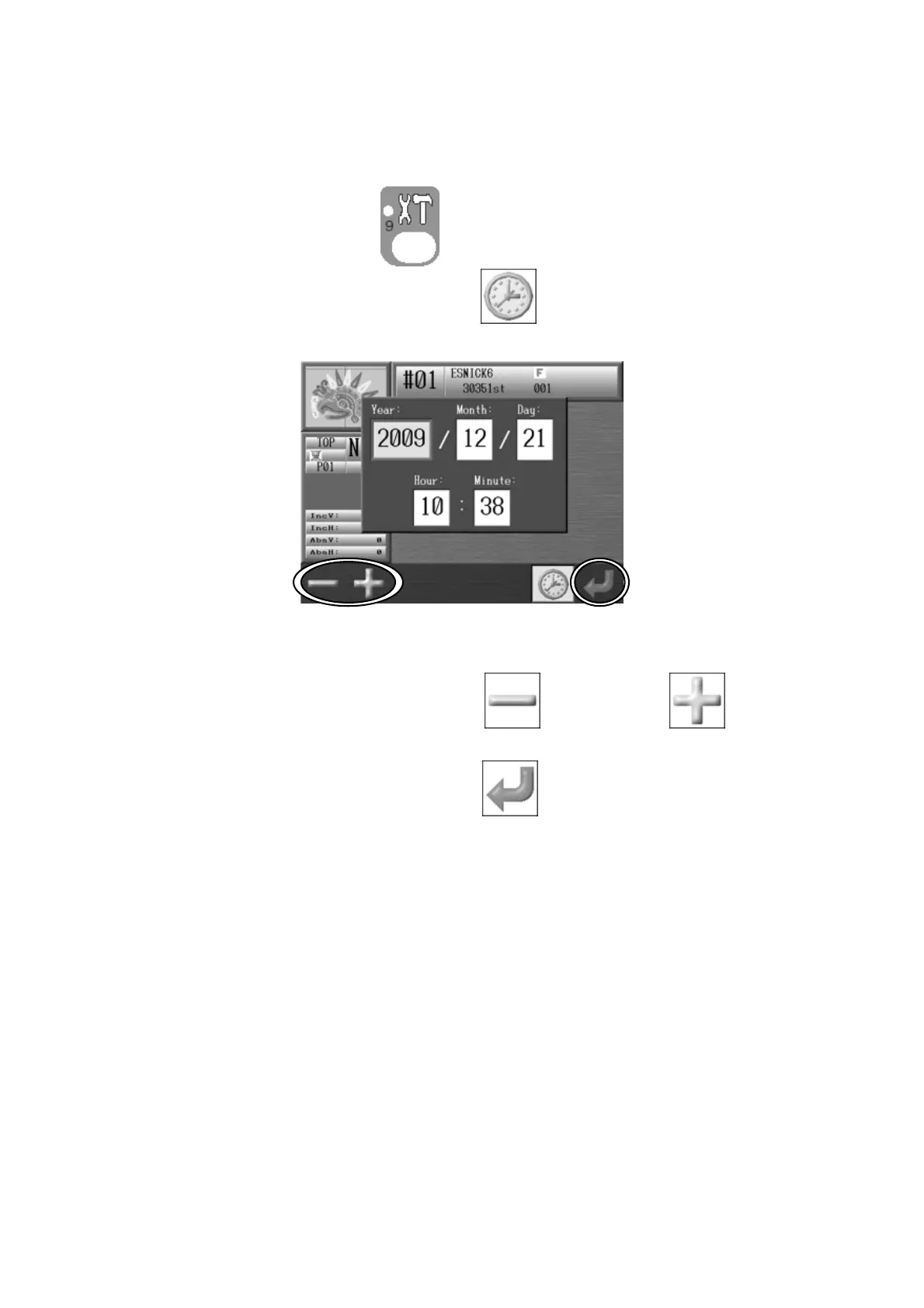
1. Press the Preference key,
. Preferences setting screen displays.
2. Press the F-key below the Main icon of . Date setting menu appears.
3. Select the item, year, month, date, hour and minute.
Press the A-key below the Main icon of
, or B-key below , to change the
value.
Press the G-key below the Main icon of to save the changes.



 To Next Page