11‐21
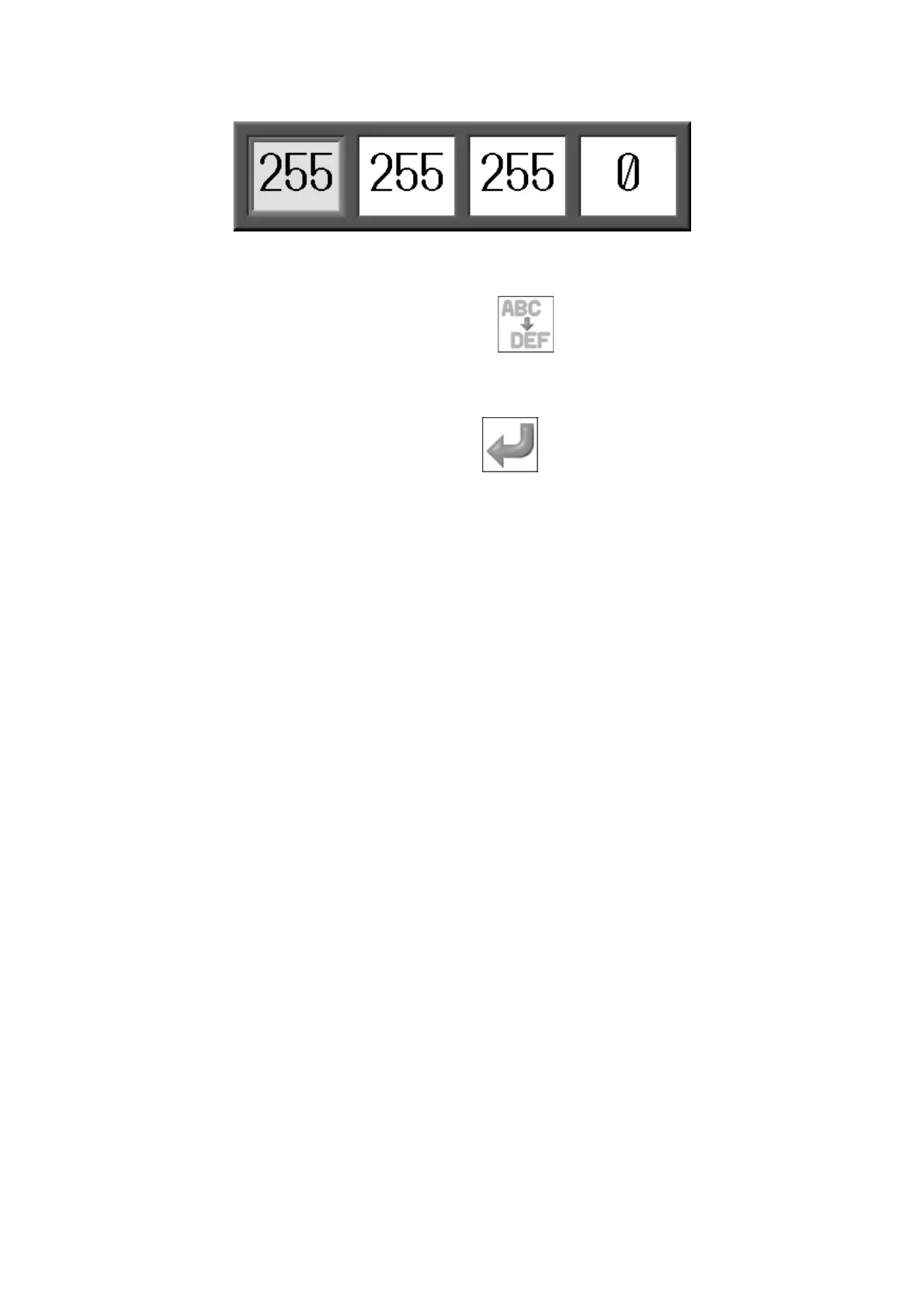
5. When changing IP Address, following dialogue appears.
-Use the left and right Jog keys to select the item to change the value.
-Use the top and bottom Jog keys to change the value.
Press the C-key below the Main icon of again to cancel the changes and go
back to the Network setting menu.
6. Press the G-key below the Main icon of
to save the new value.
Refer to
Chapter 3 10. Numeric Entry Dialogue Box
and
Chapter 3 11. Character
Entry Dialogue Box
.



 To Next Page