8‐9
7. High Speed Float (By Color Change)
Instructions on floating to a specific color change in the design data
*This function is only available when operating Float in Drive mode.
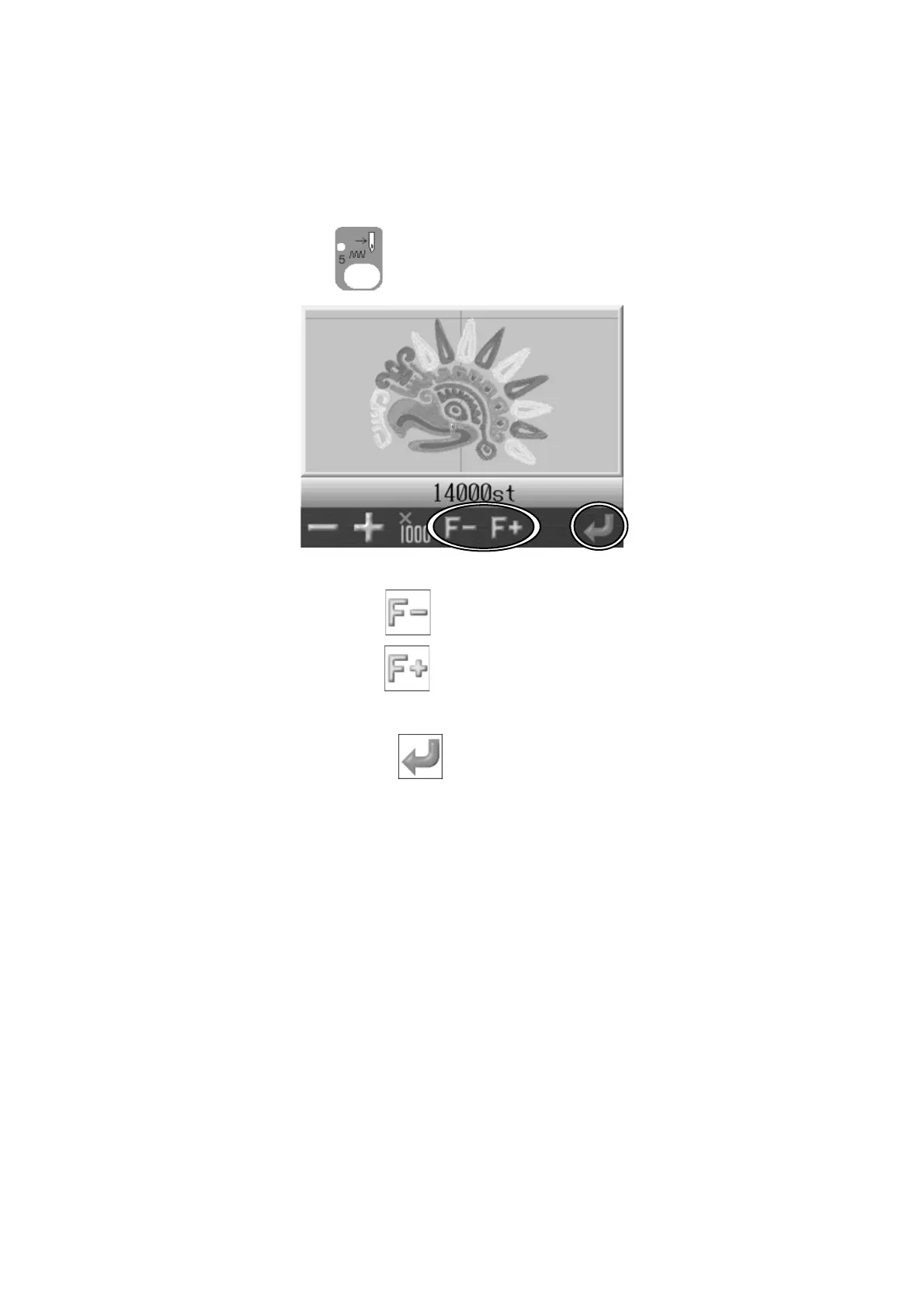
1. Press the Float key
and the Float screen appears.
2. Press the D-key below the
icon to find the previous color changes.
Press the E-key below the
icon to find the following color changes.
3. Press the G-key below the
icon to move the Pantograph to the chosen color
change position.



 To Next Page