3‐10
5. Screen Structure
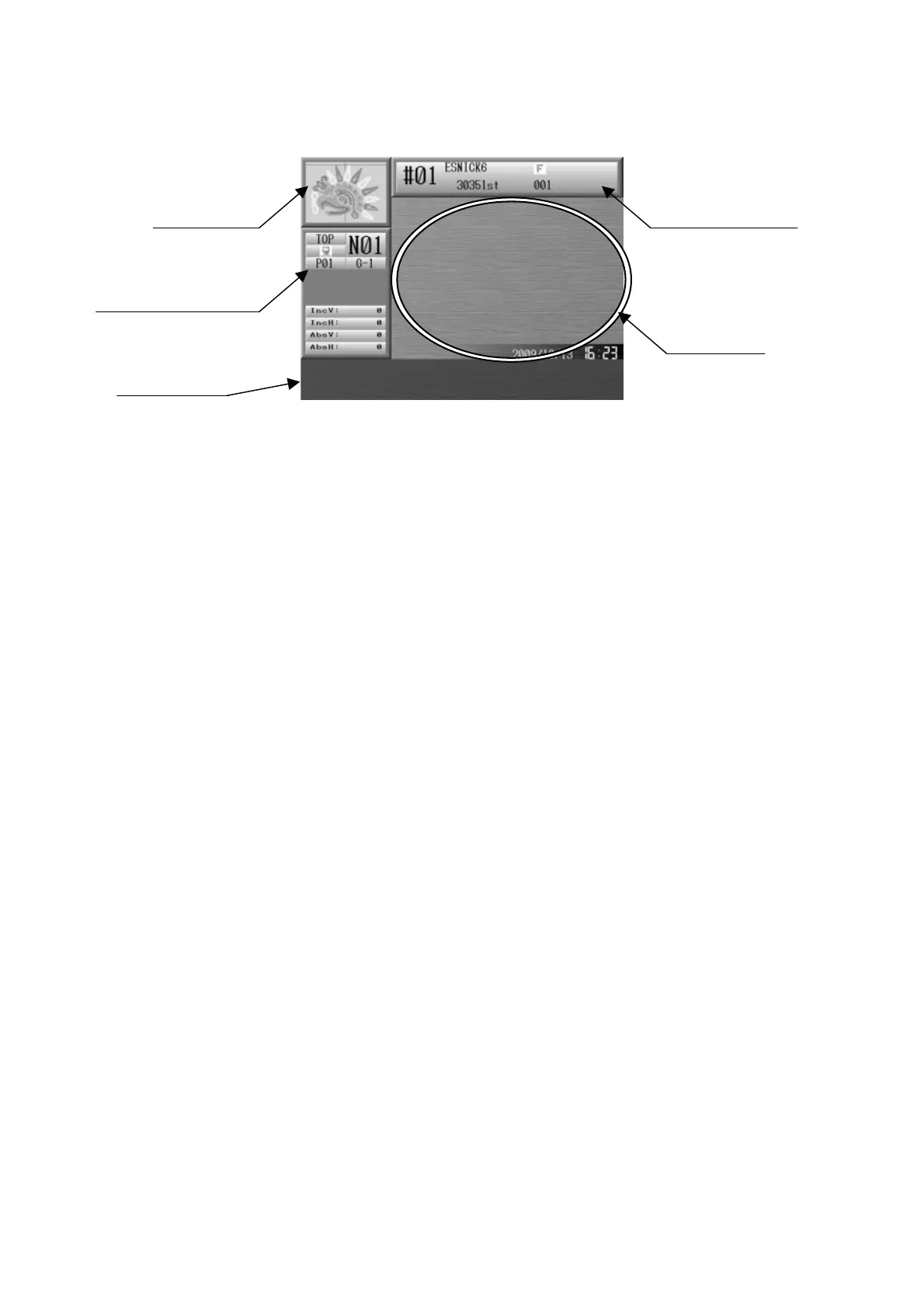
Here is the basic screen structure of the XS Automat.
Main screen.
Date and time are shown at the bottom right corner.
Start Screen is blank after first turning on the machine.
Visual display
Shows the selected design.
Design Information screen
Shows the information of the selected design.
*Refer to
6. Information Screen
for more details.
Machine Information screen
Shows the information of machine condition for the selected design.
*Refer to
6. Information Screen
for more details.
Function keys
All the Icon functions for the A to G key that apply will be shown here.
Design Information
Main Screen
isual display
Machine information
Function keys



 To Next Page