11‐23
8. Software Version
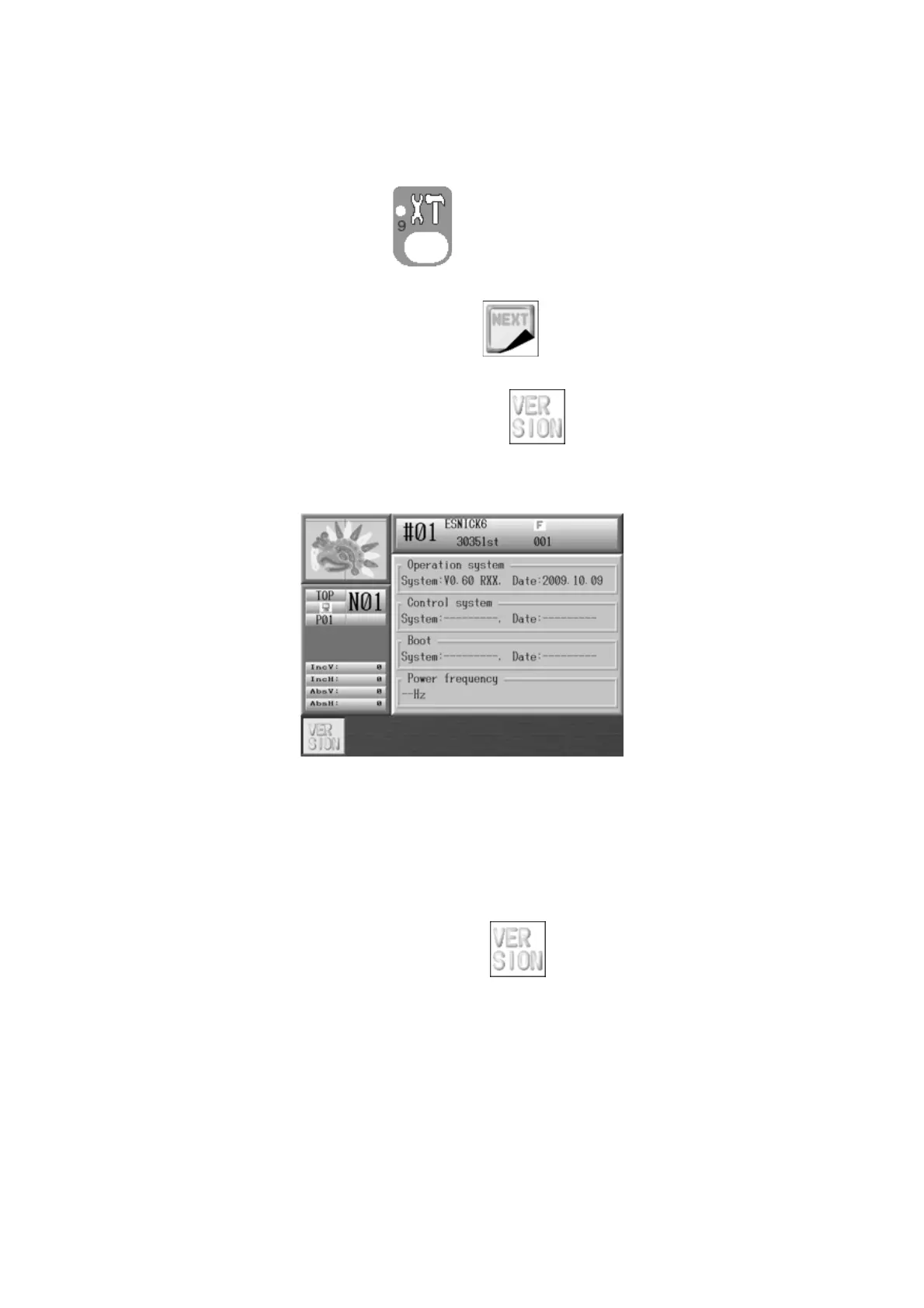
Instructions on seeing BEXS software version
1. Press the Preference key,
. Preferences setting screen below displays with
various options.
2. Press the G-key below the Main icon of .
3. Press the A-key below the Main icon of
. Following screen that shows the
system version displays.
Operation system :Shows Version within operation
Control system :Shows Version with machine drive
Boot :Shows Version with boot ROM
Power Frequency :Shows power source frequency
Press the A-key below the Main icon of
to go back to the Preference setting
screen.



 To Next Page