3‐20
12. Confirmation Message
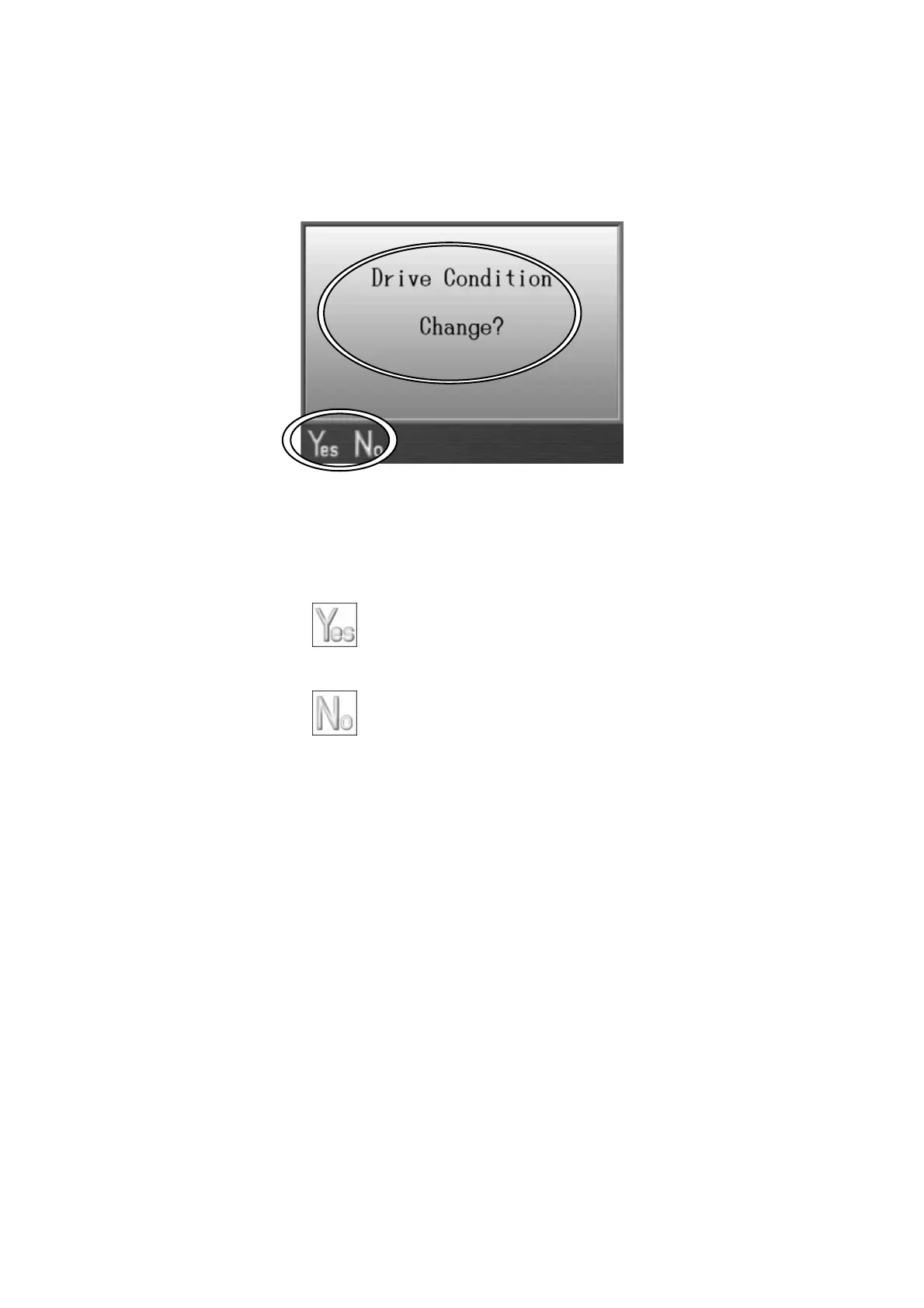
When changing each settings, or before initializing something, the following confirmation
message displays to confirm if you are really willing to proceed.
The confirmation message shows the setting you’re about to do.
* The message above is shown when changing a Machine Drive Condition.
1. Press the A-key,
to precede making changes.
2. Press the B-key, to cancel changes and go back to the Start screen.



 To Next Page