9‐4
2. Registering the Operator Code
Instructions for registering the operator code with the Automat
*Refer to the
LEM –Server Instruction manuals
for its operation.
2-1 Reporting the Operator Code
Reporting the current operator to the server.
1. Press the Network key
.
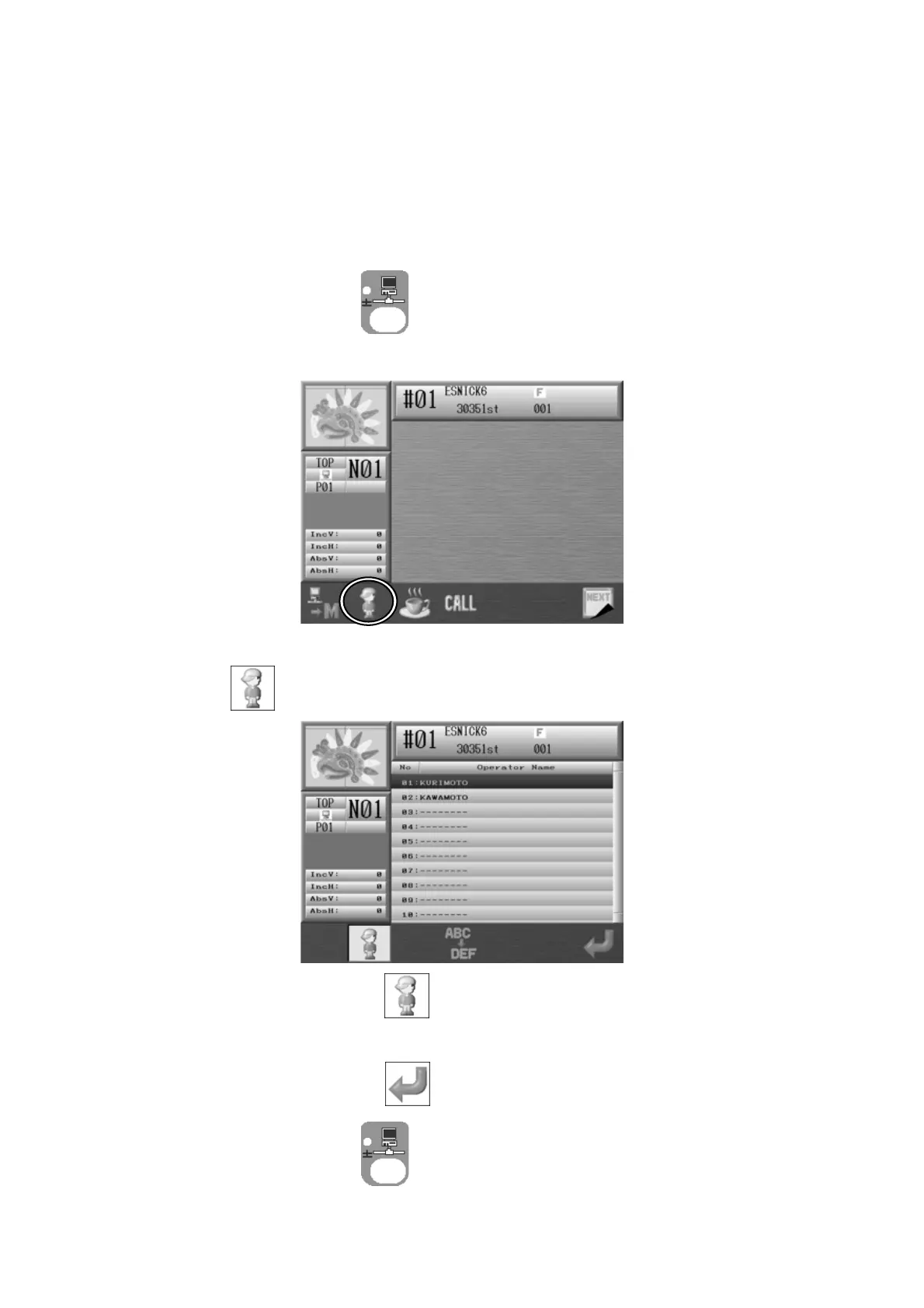
2. Network screen displays.
3. Press to view the Operator Code list.
Press the B-key below the
icon again to go back to the Network screen.
4. Choose an Operator Code.
5. Press the G-key below the icon to send the operator code to the Server.
Press the Network key
again to go back to the Start screen.



 To Next Page