9‐8
5. Time-Out
Instructions on reporting that the machine is not in production
*Refer to the
LEM-Server Instruction Manuals
for its operation.
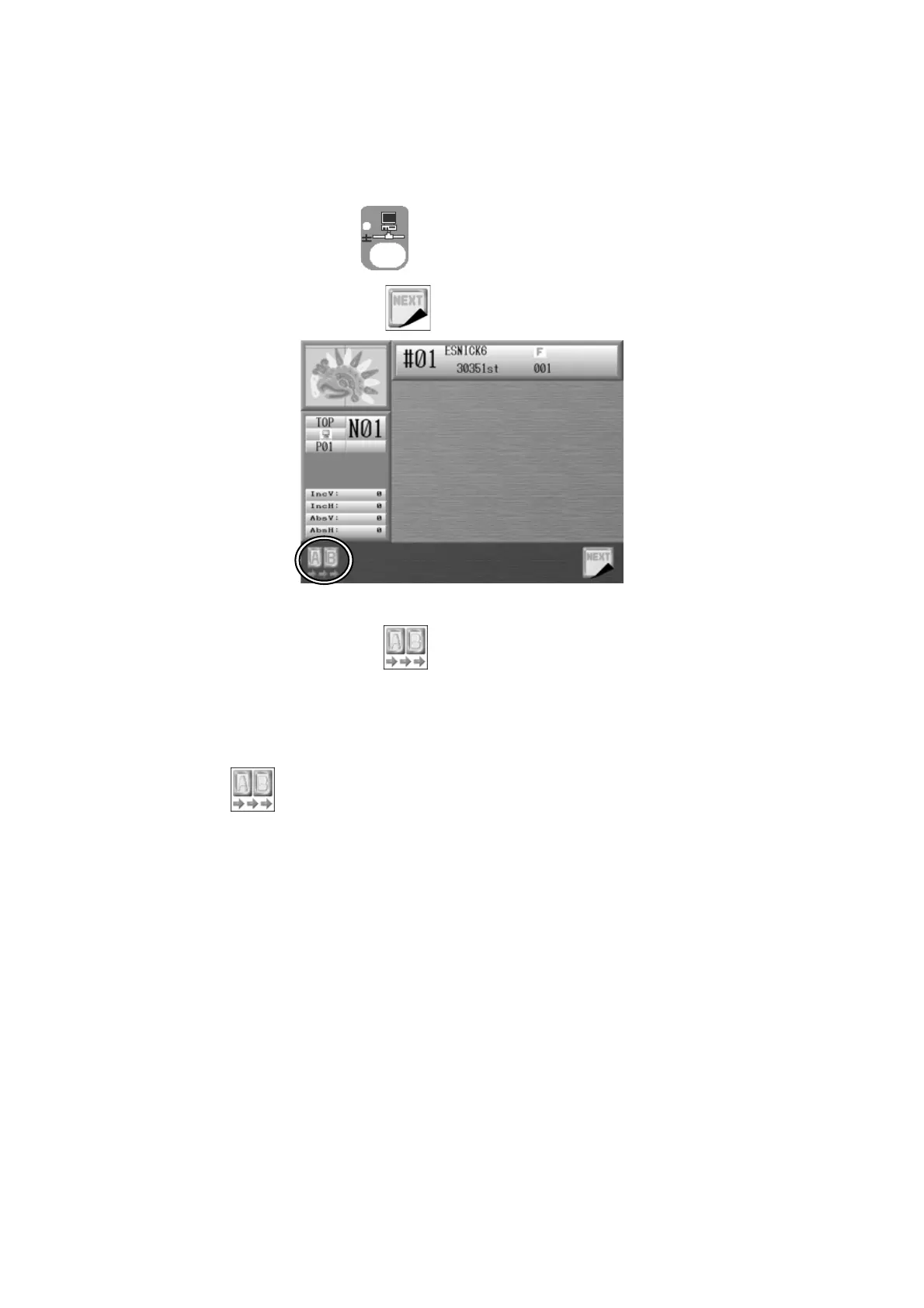
1. Press the Network key
to open the Network screen.
2. Press the G-key below the
icon.
3. Press the A-key below the icon to report the Time-Out. The screen color changes.
*While in Time Out mode, you have to press and hold the Start switch on the machine
if you want to sew something in this mode.
4. Press
again to report that the machine is ready for production.
(The screen color changes back.)



 To Next Page