4‐19
10. Holding the Needle at the Dead Bottom Center
This feature is only available for the Roll-to-Roll machines.
1. Press the Manual Key
and open the Manual operation screen.
2. Press the C-key below the
icon.
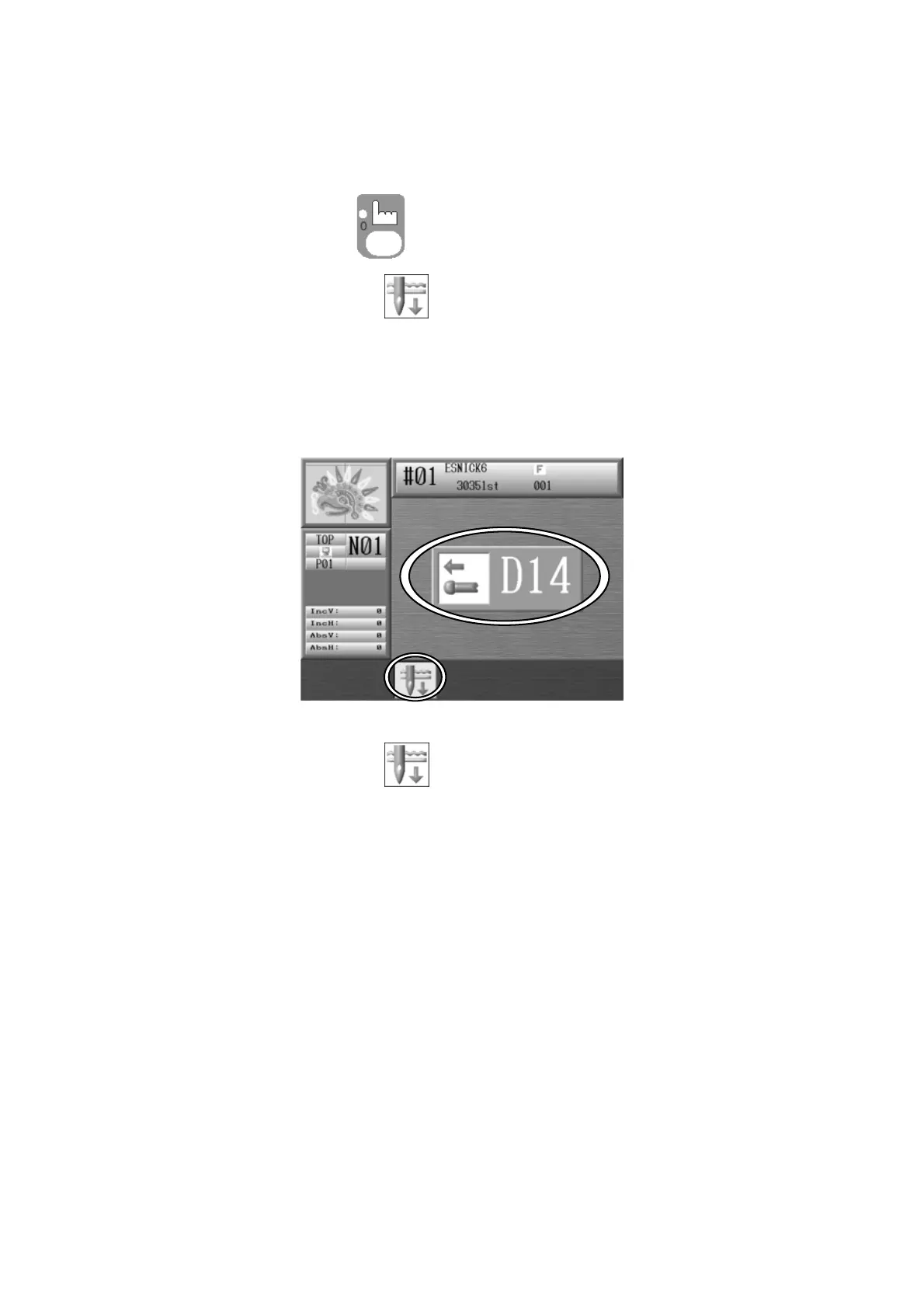
3. The following D14 Start Switch message appears. Push the Start Switch to execute the
needle down function.
Press the C-key below the icon again to cancel.
4. The machine stops as the needle penetrates the fabric.
5. Repeat operations 1 to 3 to return to the normal stop position.



 To Next Page