4‐20
11. Manual Roll-to-Roll Feature
This feature is only available for the Roll-to-Roll machines.
1. Press the Manual Key
to open the Manual operation screen.
2. Press the G-key below the
icon.
3. Press the C-key below the
icon.
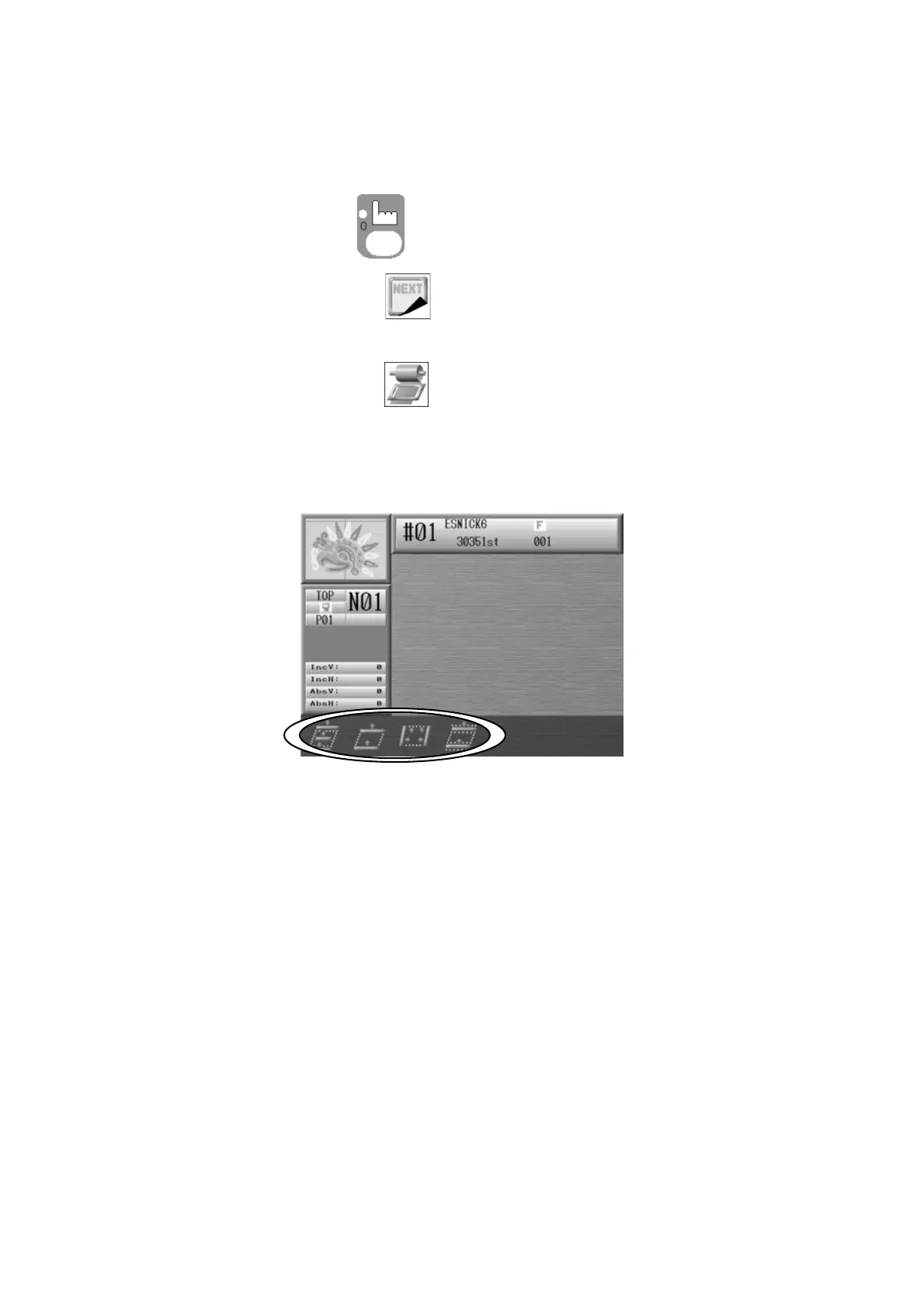
4. The icons to operate the fabric clamp display as shown below.
*Refer to the clamp operations functions on the next page before using them.



 To Next Page