6‐3
2. Design Information
Instructions for viewing design information
1. Press the Design Memory Key
.
Design data for all the memory locations displays.
2. Select a design to view and press the B-key below the
icon.
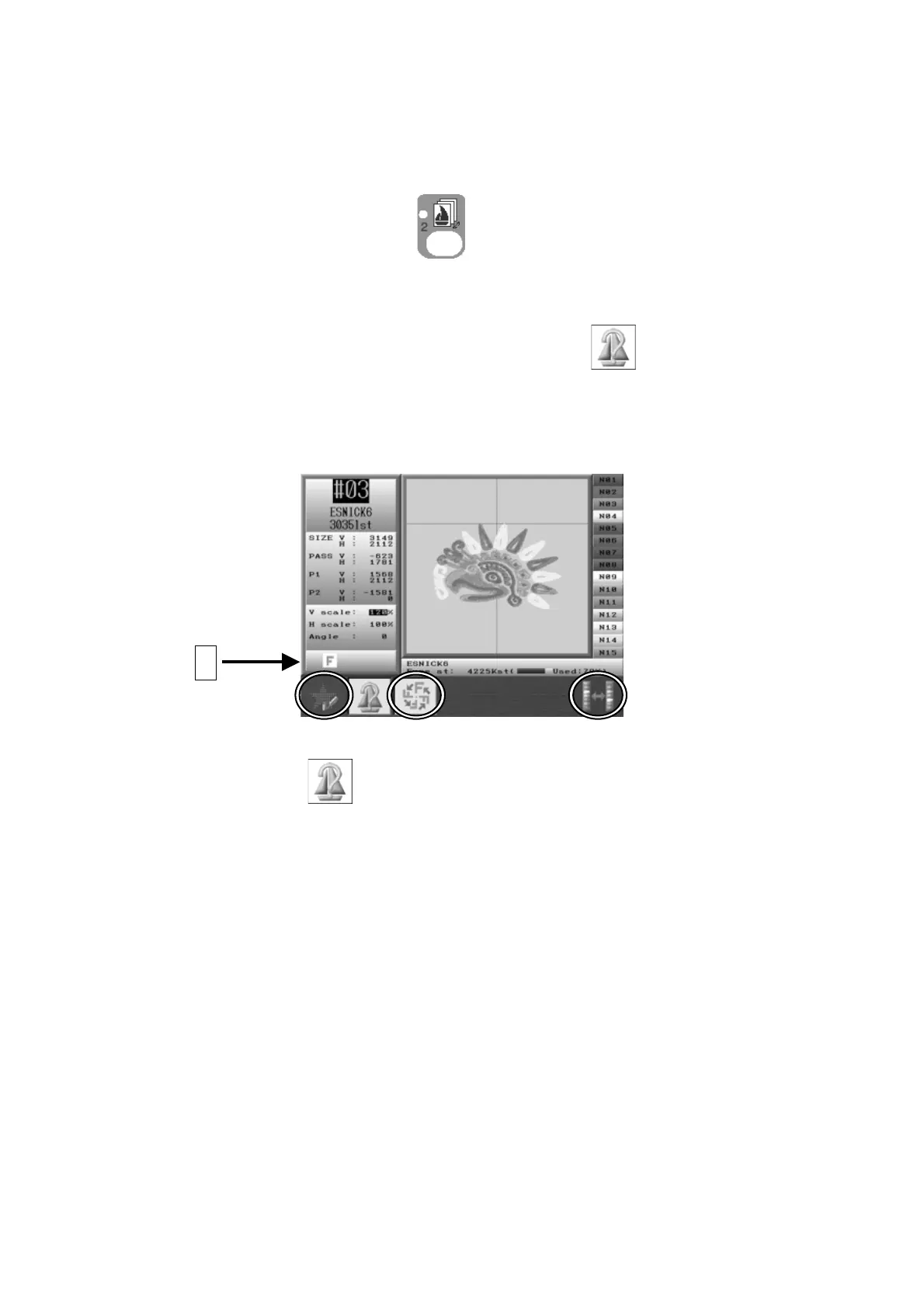
3. The design information of the selected design will appear.
*The design shown will reflect any program changes.
Press the B-key
again to go back to the Design data list.
A



 To Next Page