6‐9
6. Changing Color Codes of a Design
Instructions on how to change color codes
6-1. List display and making changes
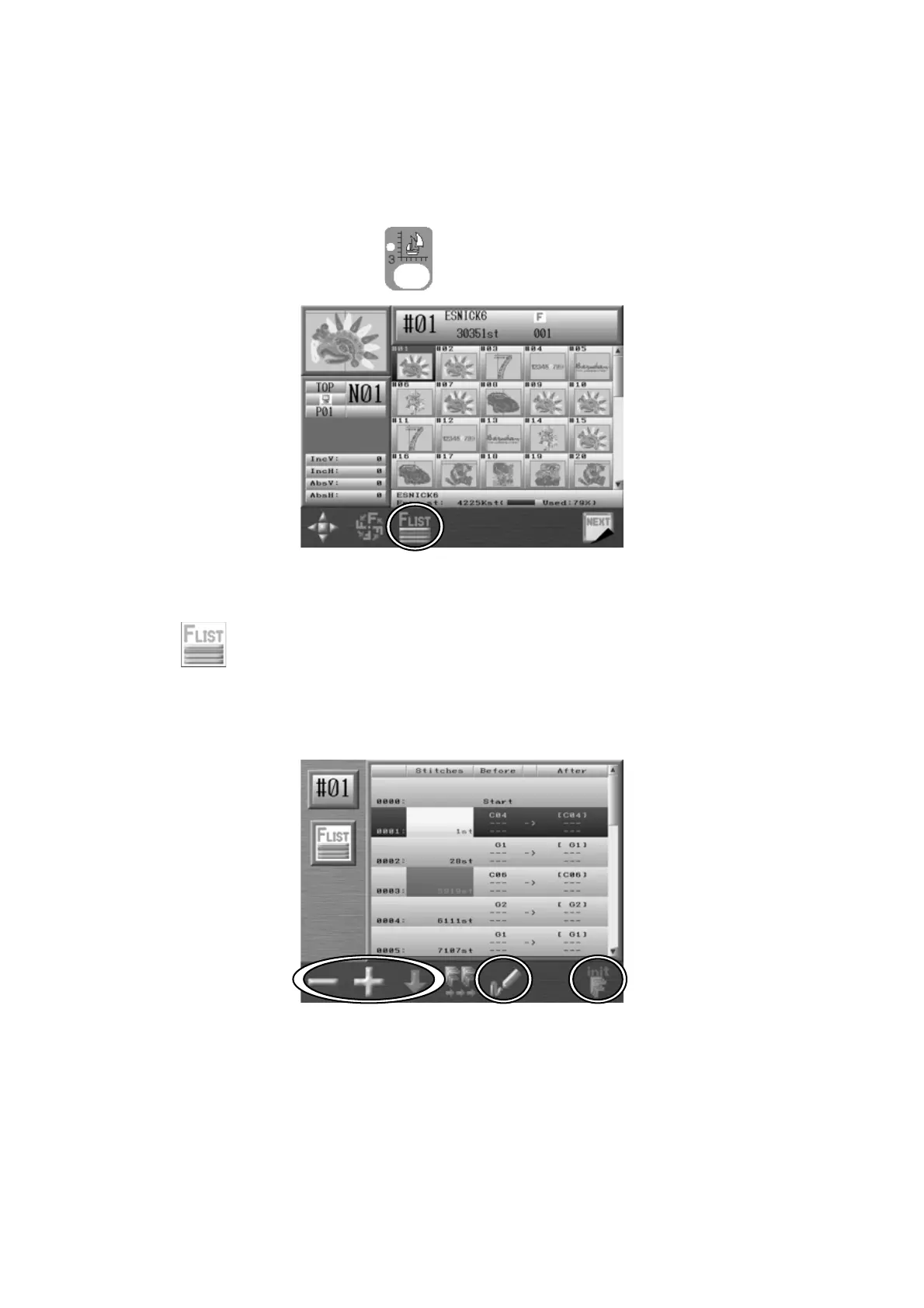
1. Press the Design Edit key .
2. Select the design that you want to see the Color codes and press the C-key below the
icon.
3. The list of the Color change function codes will appear as shown below.
The list displays the total color change functions.
4. Use the Jog keys to select a code.
Note: You can insert a code at the start of design, by selecting “0000-Start” in the list,
and pressing and holding the Origin key. Afterwards, you can program this code.



 To Next Page